150
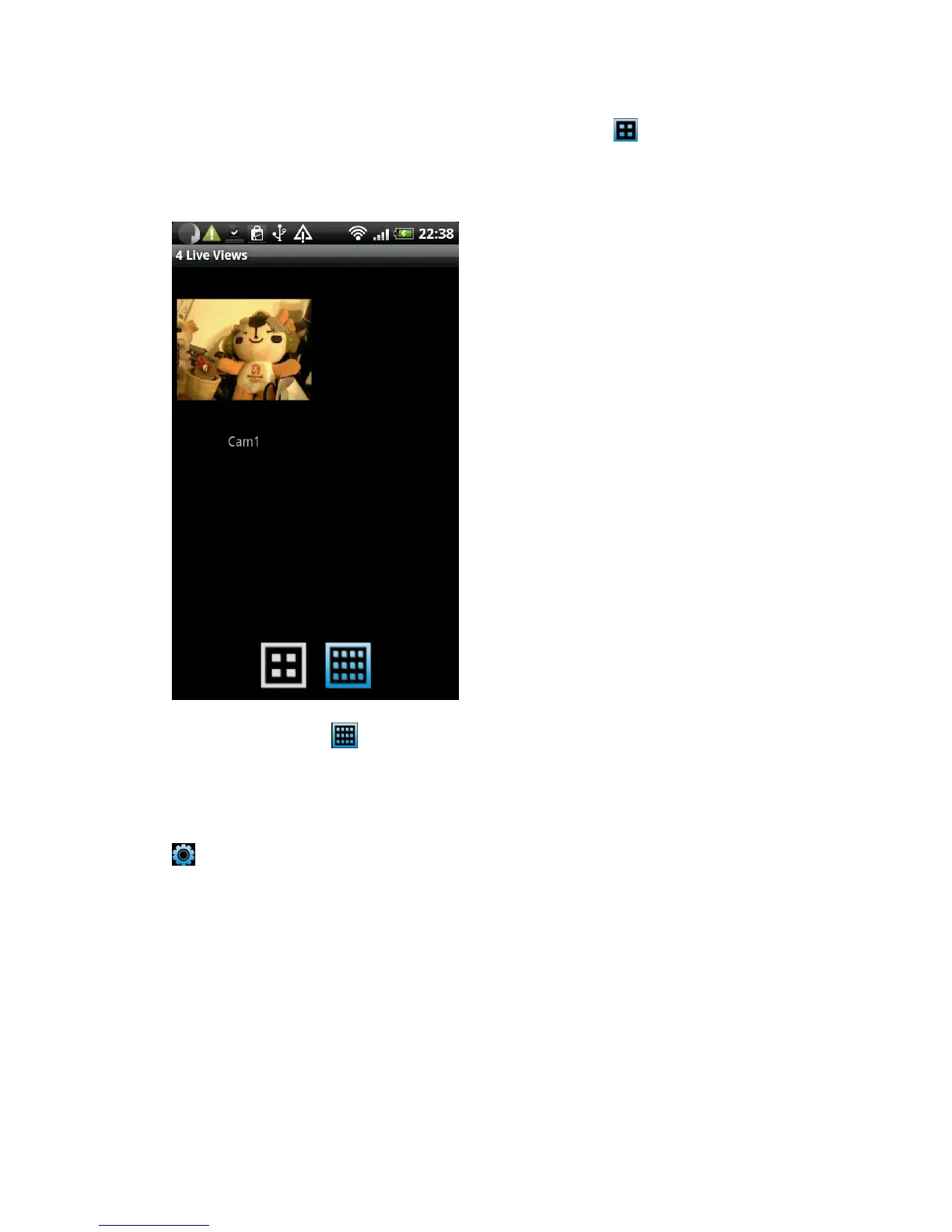
If you have more than 1 network cameras, you can click button and
you can see the image of up to 4 network cameras at the same time; Click on
the camera‟s image to enlarge it
You can also click button to see up to 12 network cameras at the
same time.
To configure the video display parameters of this network camera, click
button, and you can drag the slide bar to configure parameters:
Brightness: Configure video brightness
Saturation: Configure video saturation.
Sharpness: Configure video sharpness.
Video Quality: Configure video quality by setting a lower (left) or higher (right)
image quality. When network speed is slow, using a lower video quality will
help.
Pan & Tilt speed: configure the camera moving speed when you use pan / tilt
function



 To Next Page