159
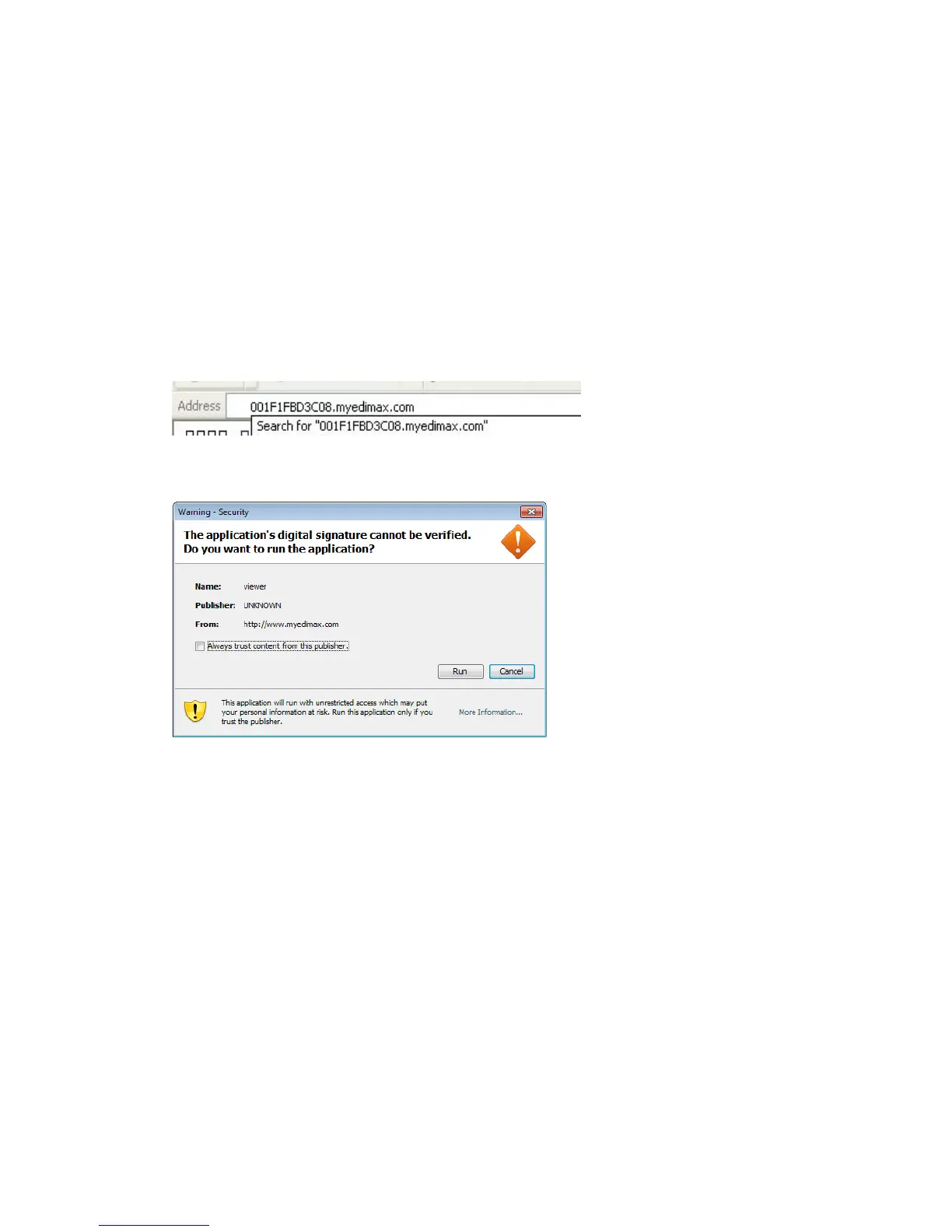
Input the following web address in your web browser‟s address bar:
“XXXXXXXXXXXX.myedimax.com”.
Where XXXXXXXXXXXX is the 12 characters of your Edimax network
camera‟s MAC address. If you don‟t know the MAC address of your Edimax IP
camera, you can log onto network camera‟s web configuration menu and click
“System” -> “System Information” ->“Status”->”LAN” to see its MAC address.
If you see this message, click „Run‟ to continue
Please wait while JAVA loads, and please input your network camera‟s
password to login. Default password is „1234‟. Click „OK‟ to continue.



 To Next Page