161
you want to see details of certain object in the image.
Configure network camera
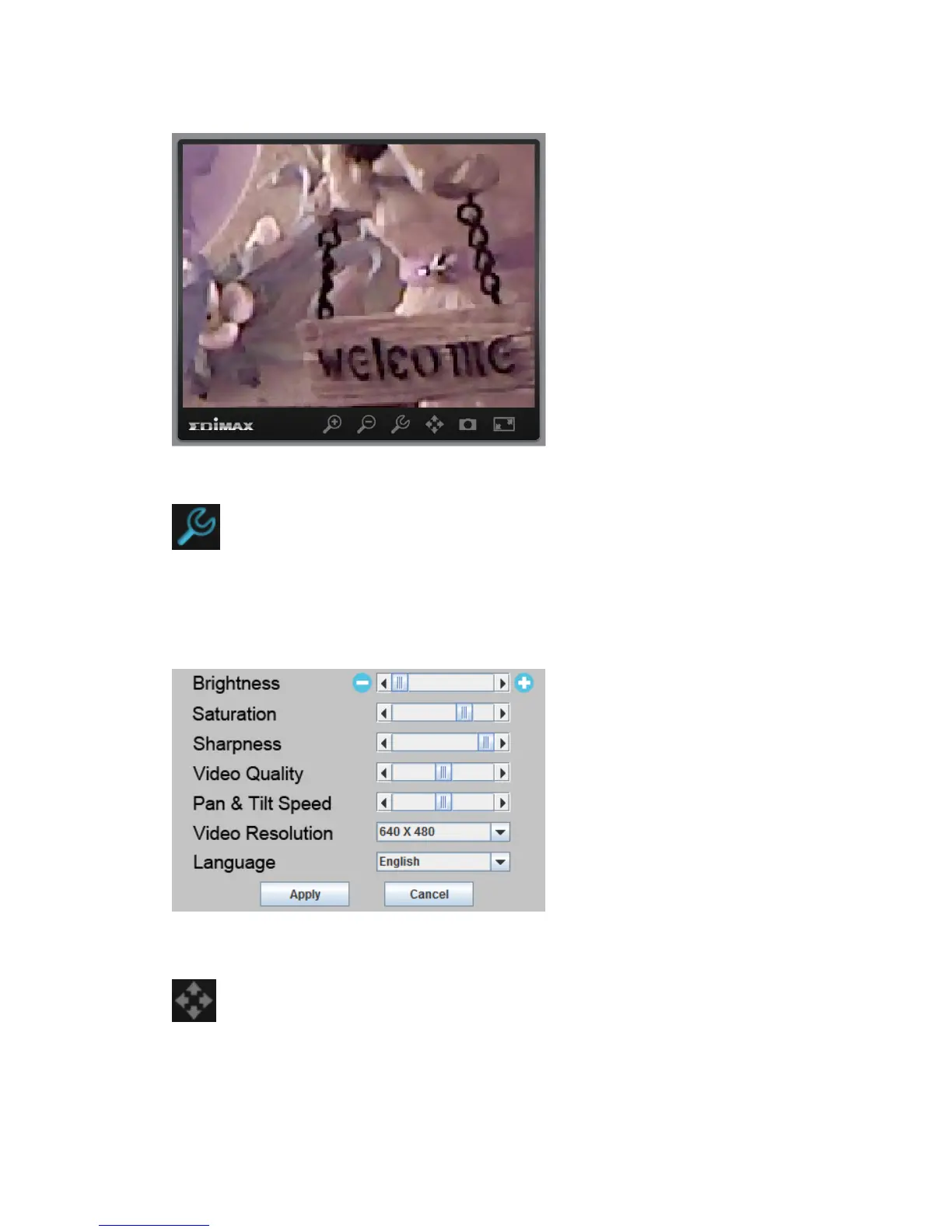
Click this button to display network camera configuration menu and you can
chage the parameters of IP camera. Click „Apply‟ to save changes or click
„Cancel‟ to discard changes.
Pan-tilt control
Click this button and a set of arrow will be shown on the image. Click the arrow
to move network camera to the direction indicated by the arrow.



 To Next Page