18
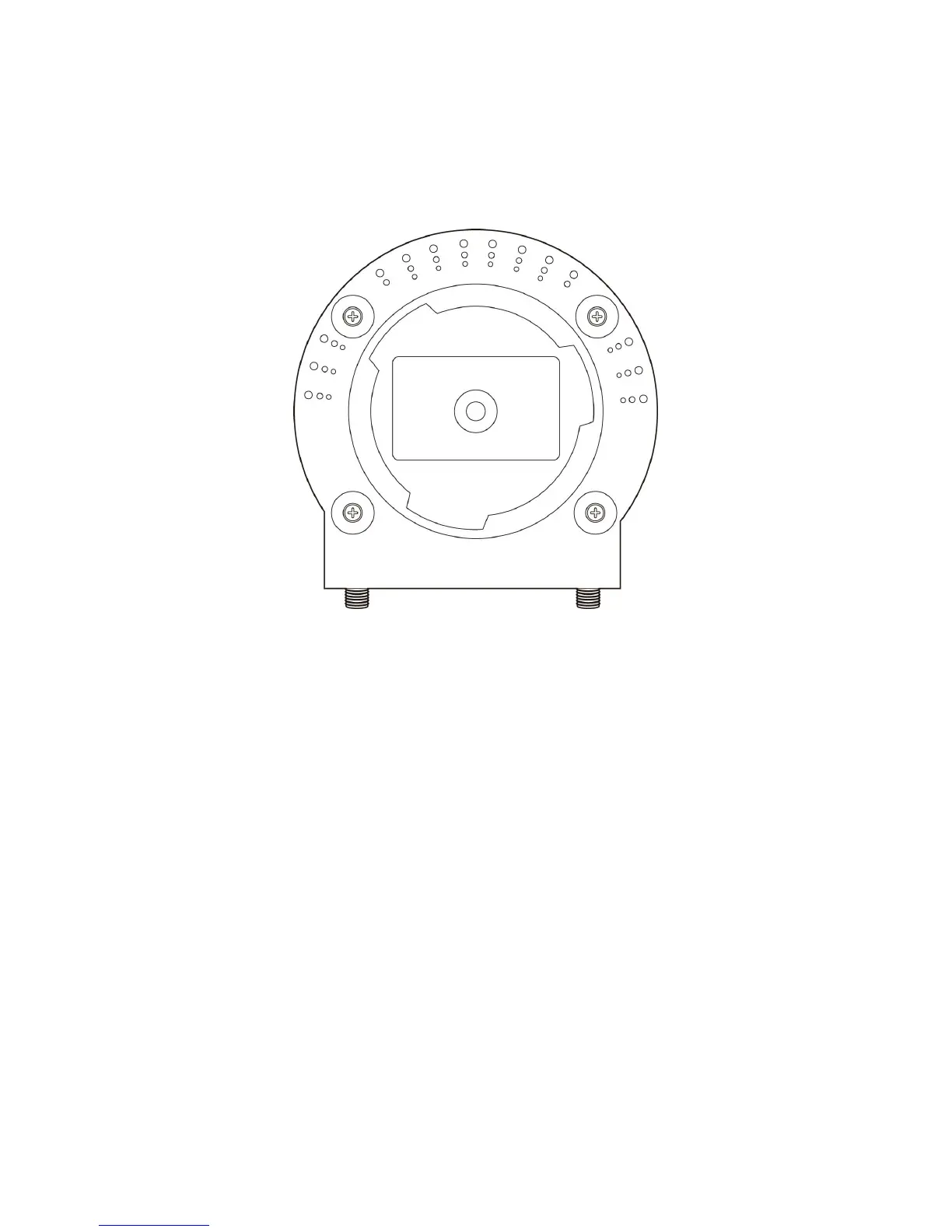
5. Place the camera at a secure place, and point the camera to the place you
wish to monitor. If you wish to hang the camera on the ceiling or wall,
please use the tripod connector (located at the bottom of the camera) to
secure the camera.
6. Launch Internet Explorer on your computer, and following the instructions
given in next section to set the network camera.



 To Next Page