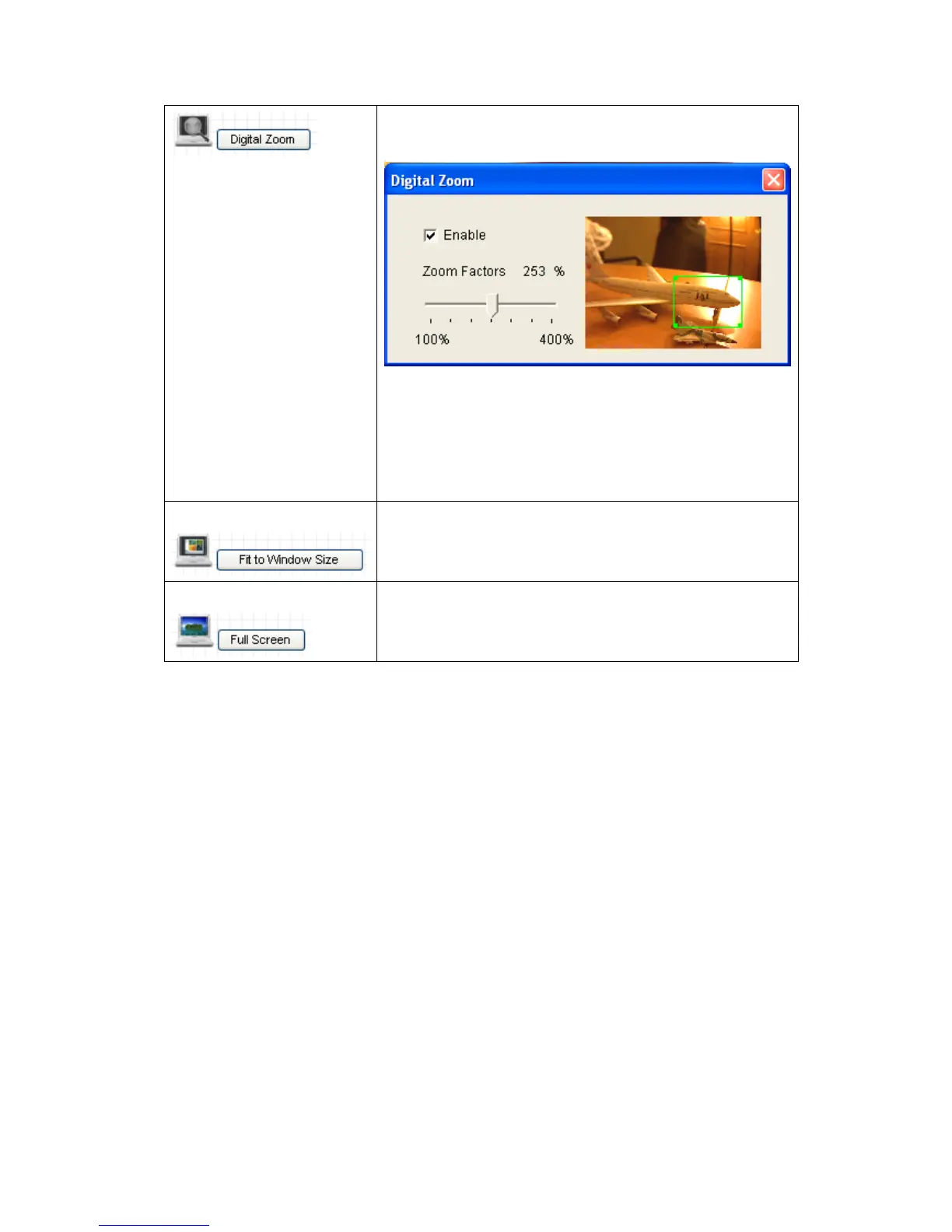
image, you can click this button to set digital zoom:
Click „Enable‟ to enable digital zoom function, then
you can drag the slide bar to adjust zoom ratio. You
can also use your mouse to drag the zoom area (the
green square) to reposition the zoom area.
Click this button to display the image in full-screen
mode (uses all available space to display the image
captured by this camera).



 To Next Page