92
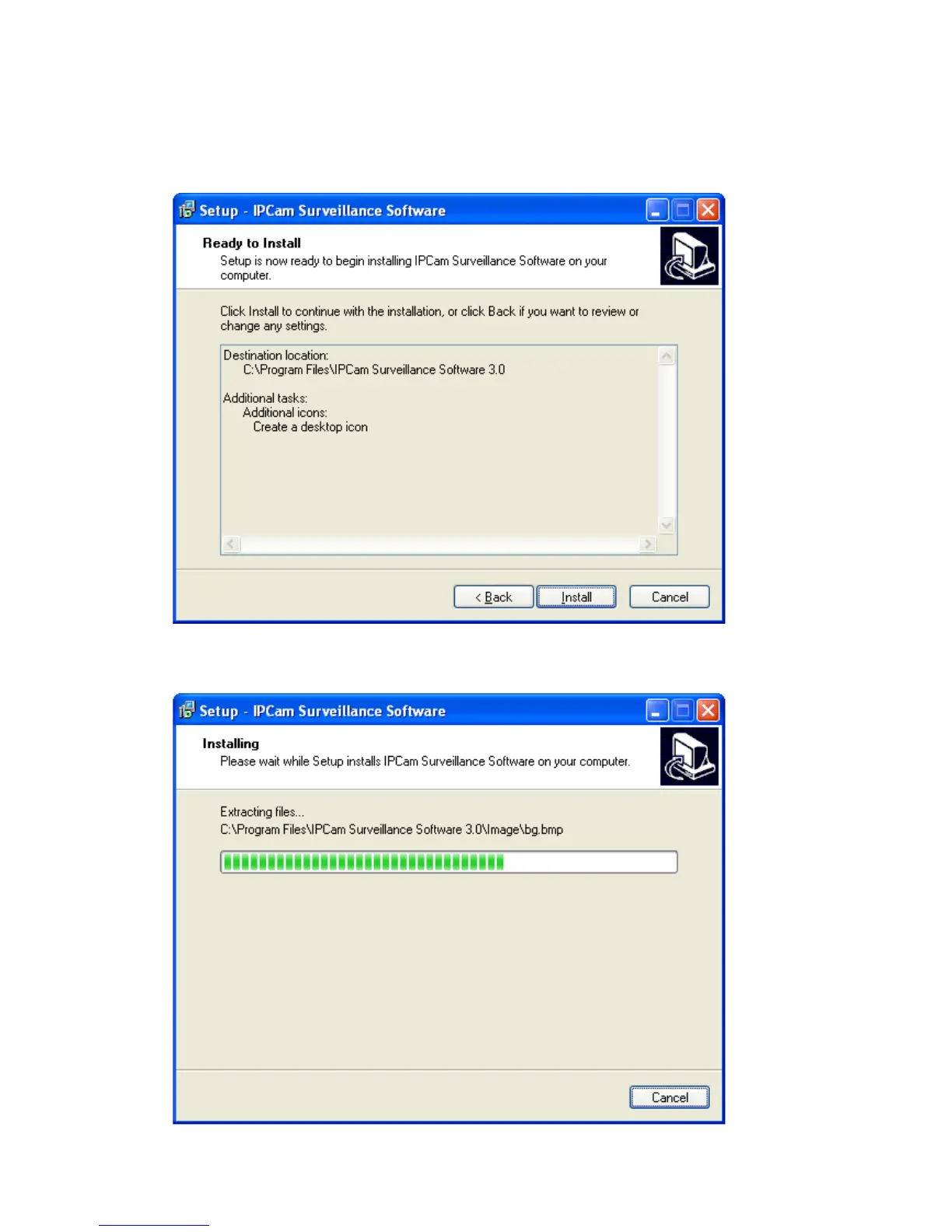
4. Here lists all options you chose in previous steps, if everything‟s correct,
click „Install‟ to start installing procedure, or click „Back‟ to go back to previous
step to modify installing settings.
5. The installing procedure will take some time, please be patient.



 To Next Page