19
Turning the power on/off
Turning the power on/off
Turning the power on
1.
Check the power cable
Make sure that the cable from the AC adaptor is firmly plugged into the V-4.
2.
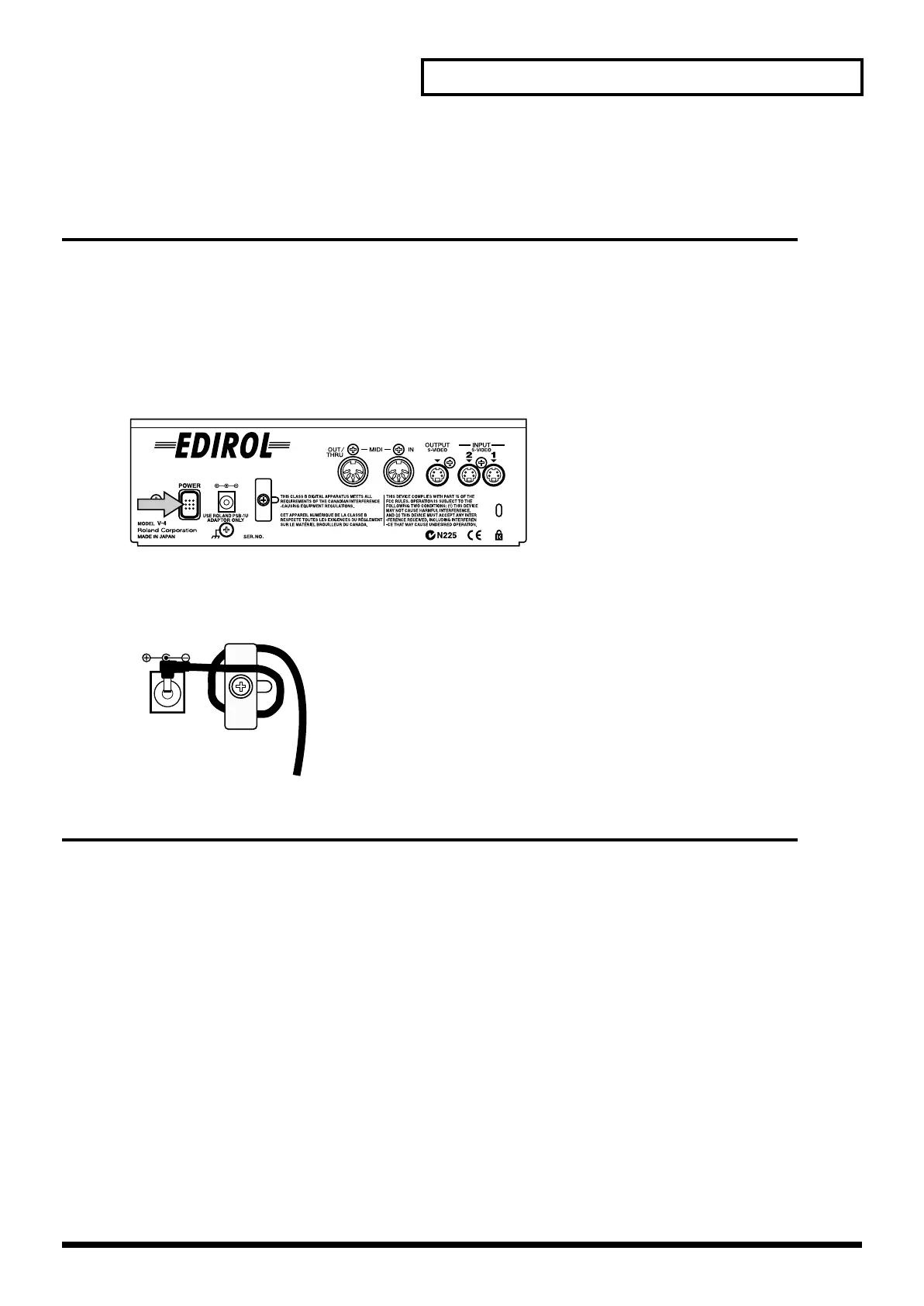
Press the POWER button.
Press the POWER button located on the rear panel of the V-4. It will take approximately five
seconds for the V-4 to initialize itself and begin operating.
*
To prevent the inadvertent disruption of power to your unit (should the plug be pulled out accidentally), and
to avoid applying undue stress to the AC adaptor jack, anchor the power cord using the cord hook, as shown
in the illustration.
Turning the power off
1.
Press the POWER button.
Press the POWER button located on the rear panel of the V-4. All of the front panel LEDs will go
dark.
V-4_e.book 19 ページ 2010年3月11日 木曜日 午後1時51分



 To Next Page