28
Compositing two images
6.
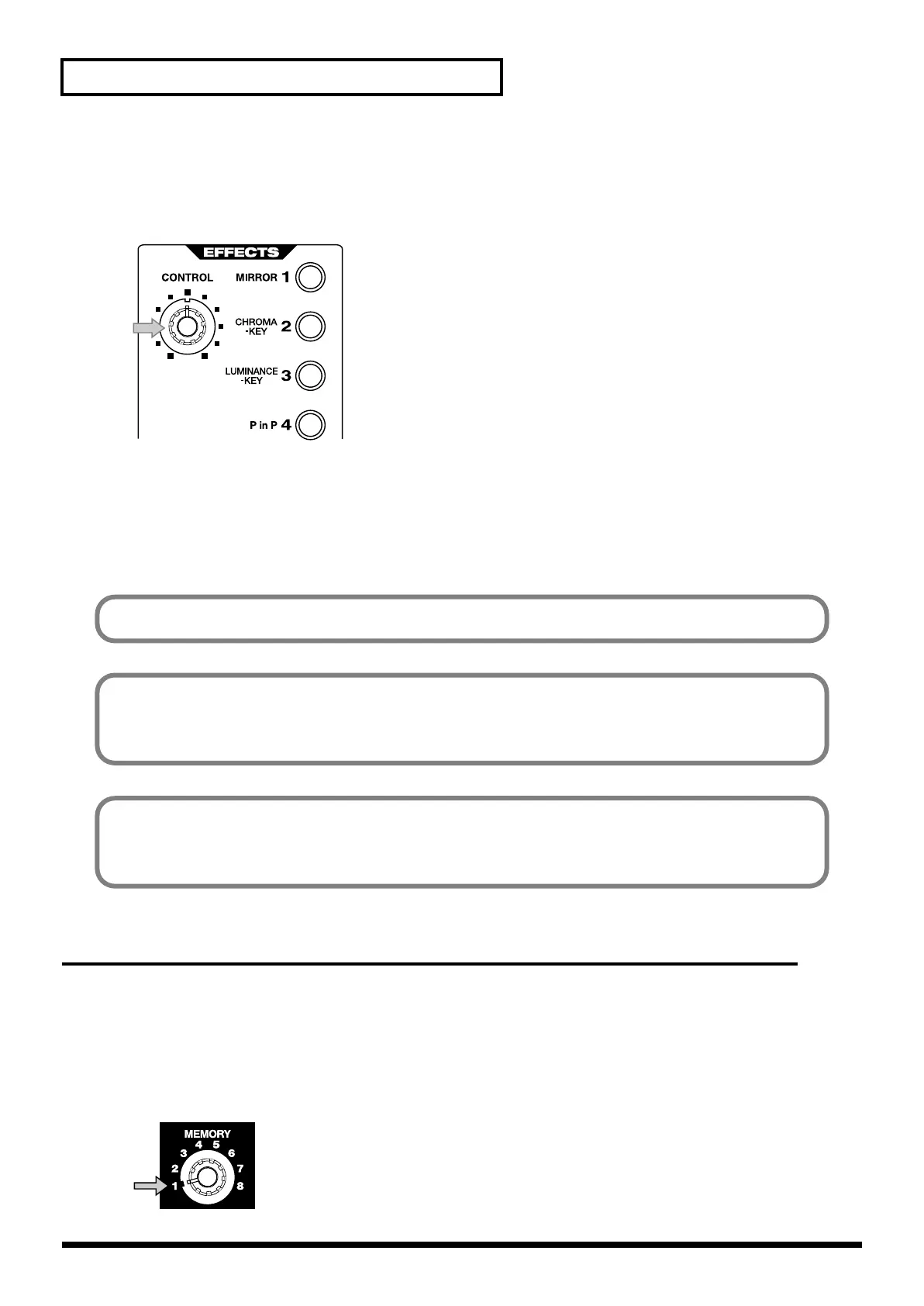
Turn the control dial.
Parameter of Chroma Key (level of extraction) gradually changes. If Chroma Key button is not
blinking, you cannot change the parameter with the control dial.
7.
Move the video fader
Moving the video fader will control the appearance and disappearance of the background image.
8.
Turn the effect off
Press the button again to turn the effect off.
Using Luminance Key to composite images
You can composite two images by extracting the light or dark part from one the image and
replacing it with the other image. Such a composition effect is called Luminance Key. Here’s how
you can composite image from channel B and overlay it on the channel A image.
1.
Set the memory dial (MEMORY) to 1.
Turn the dial all the way to the left to select the 1 position.
Some effects cannot be used simultaneously.
You cannot composite images if you image has no consistent color that can be extracted with
Chroma Key. It is also difficult to extract correctly if the blue/green contrast of color is not
sufficient and consistent.
The default Chroma Key status of V-4 is set to extract the blue part of the image. It is possible to
change this setting to extract a different color. It is also possible to adjust setting of the extraction
level and blur level of edges. For details, refer to p. 75 or later.
V-4_e.book 28 ページ 2010年3月11日 木曜日 午後1時51分



 To Next Page