70
Using the V-4 in Presentation mode
2.
Switch the background image.
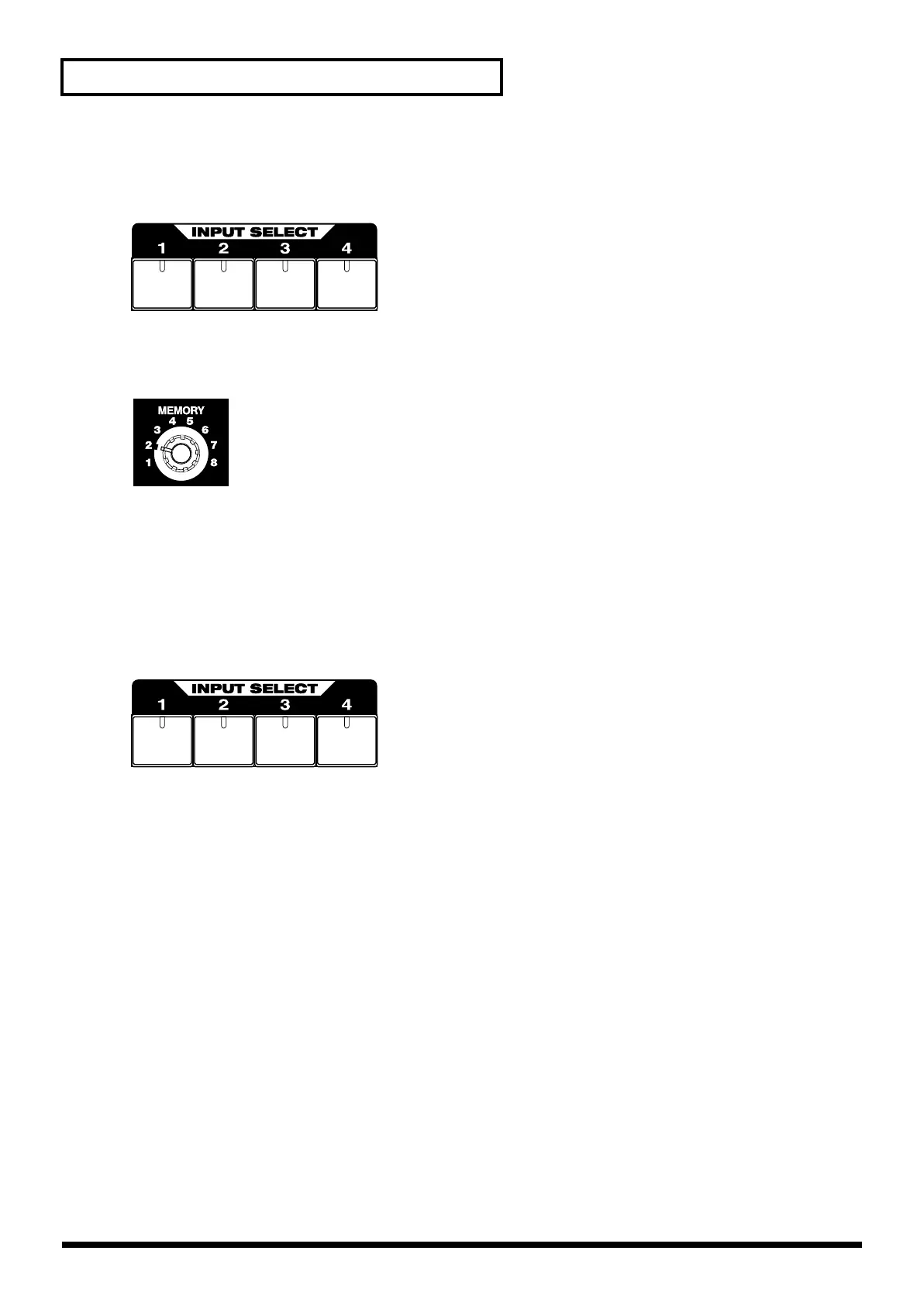
Successively press the channel A input select buttons 1 through 4 to switch the image.
3.
Apply the Picture In Picture function.
Set the memory dial to number 2. Picture In Picture will be applied.
4.
Apply other effects to composite two images.
Turn the memory dial to other positions to try out other types of effects. Numbers 2 - 5 change the
location of the secondary screen of the Picture In Picture function. Numbers 6-8 apply other effects
(luminance key/chroma key).
5.
Switch the secondary image.
Press the channel B input selector buttons to switch the secondary image.
V-4_e.book 70 ページ 2010年3月11日 木曜日 午後1時51分



 To Next Page