Optimuss OS User’s Manual
3. Connecting your Hi-Fi audio to the receiver
● Connect RCA audio cable to the appropriate RCA input terminal of your external audio system
and connect the other end to the RCA audio port on your Optimuss OS.
● If you have digital audio equipment, you can connect it to Receiver using S/PDIF.
- Plug in the appropriate cable to the S/PDIF port on your Optimuss OS, and then connect
the other end to your digital audio equipment.
4. Connecting your dish antenna to the receiver
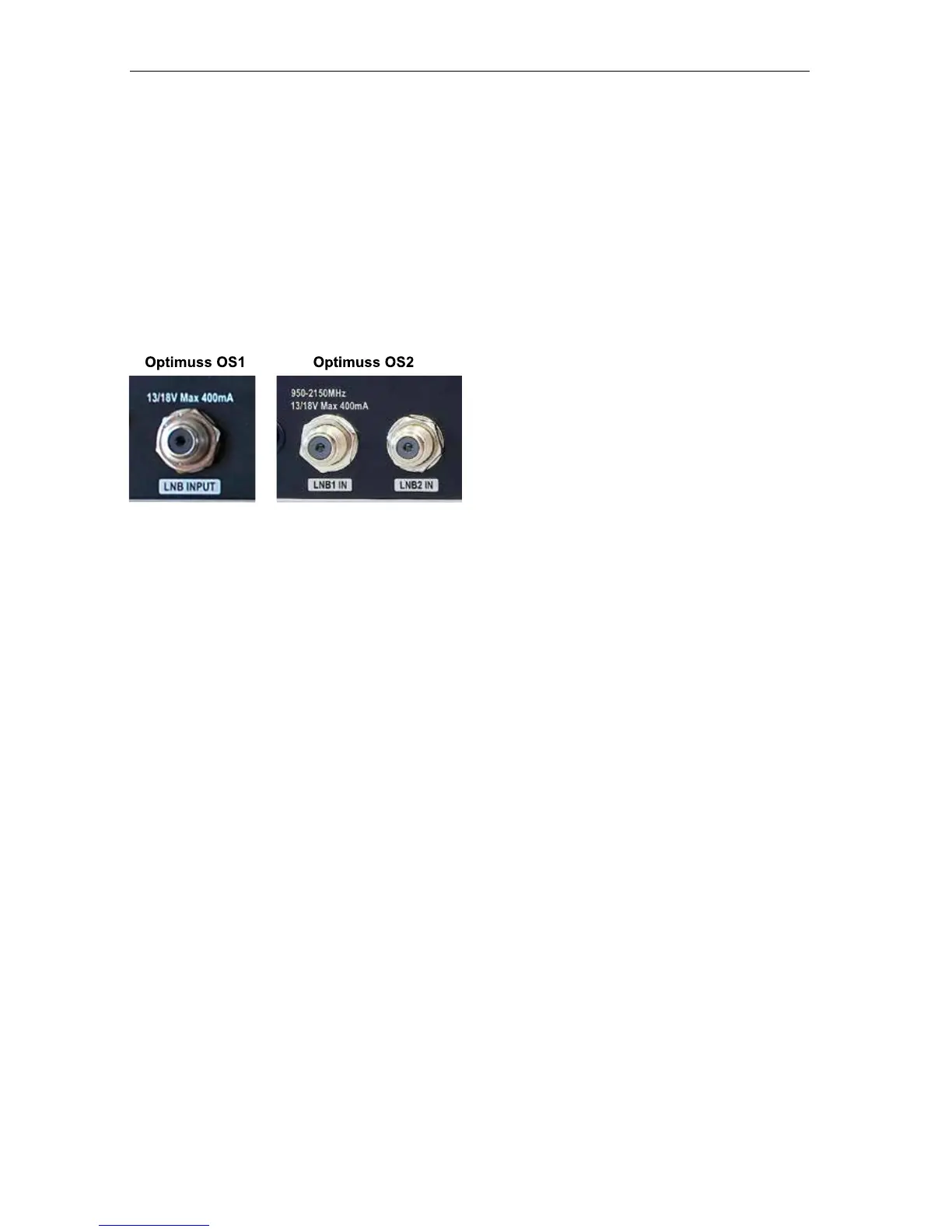
● This receiver has two tuners inside and there are two LNB inputs.
● Please connect the appropriate satellite input to the LNB1 IN and/or LNB2 IN. The connection should
be matched in the Antenna Connection menu later.
● Please ensure that there is a connection to both the LNB1 IN and LNB2 IN connectors on your
receiver, so that both tuners work properly.
- 17 -















 To Next Page