Optimuss OS User’s Manual
all the setting and to exit from the panel.
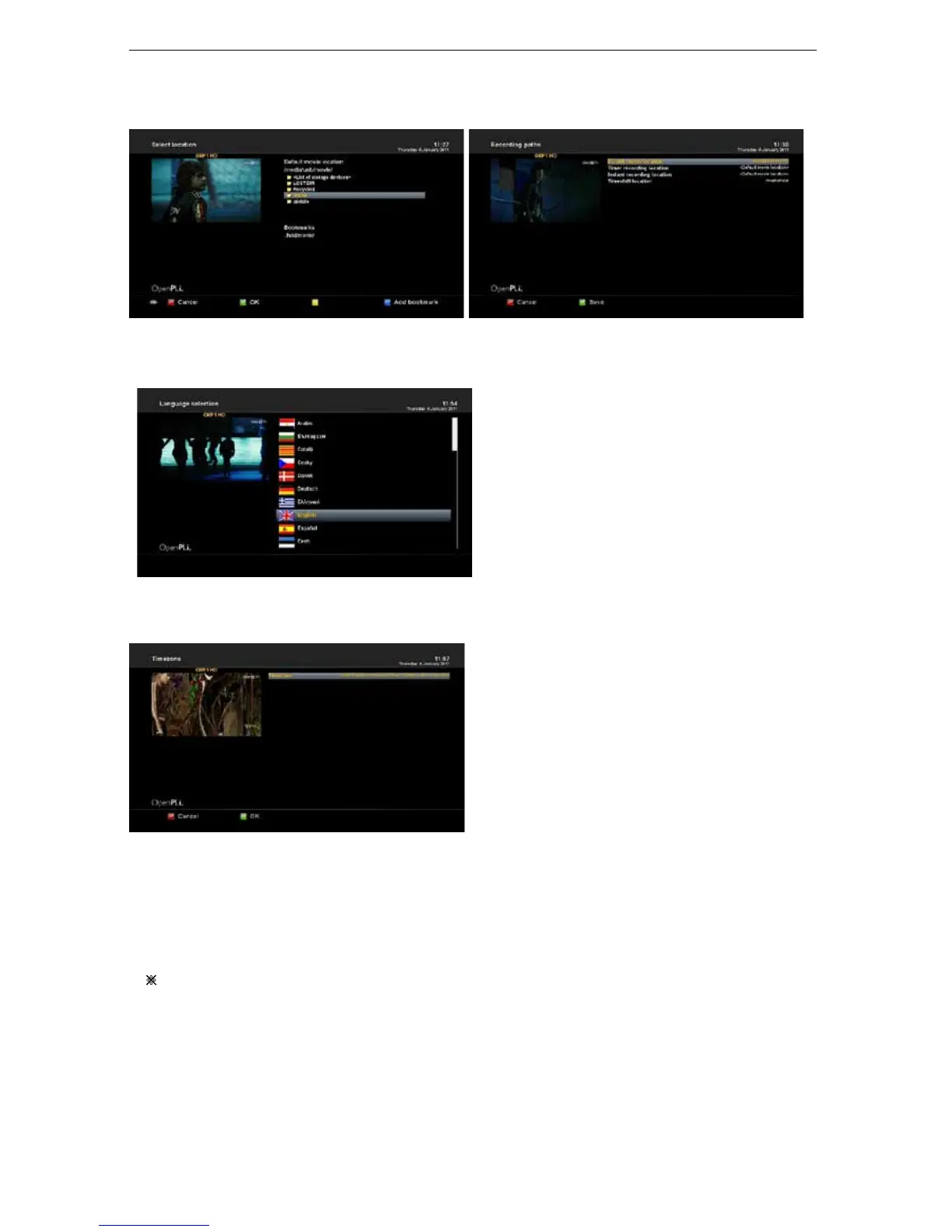
2-2-14. Language Selection
Select your desired and language with the
Navigation buttons up and down. Press the OK
button to activate.
The Exit button will quit this menu.
2-2-15. Timezone
You can set your time zone in this menu.
Using Left/ Right key, you can find a time zone
that you want to use for your Optimuss OS. After
selecting a time zone, press Green to confirm and
save the changed setting.
2-2-16. CrossEPG
These are useful for members who keep a single EPG data source on a network share with multiple
boxes.
※
How to CrossEPG download?
- 53 -















 To Next Page