Optimuss OS User’s Manual
6. Network
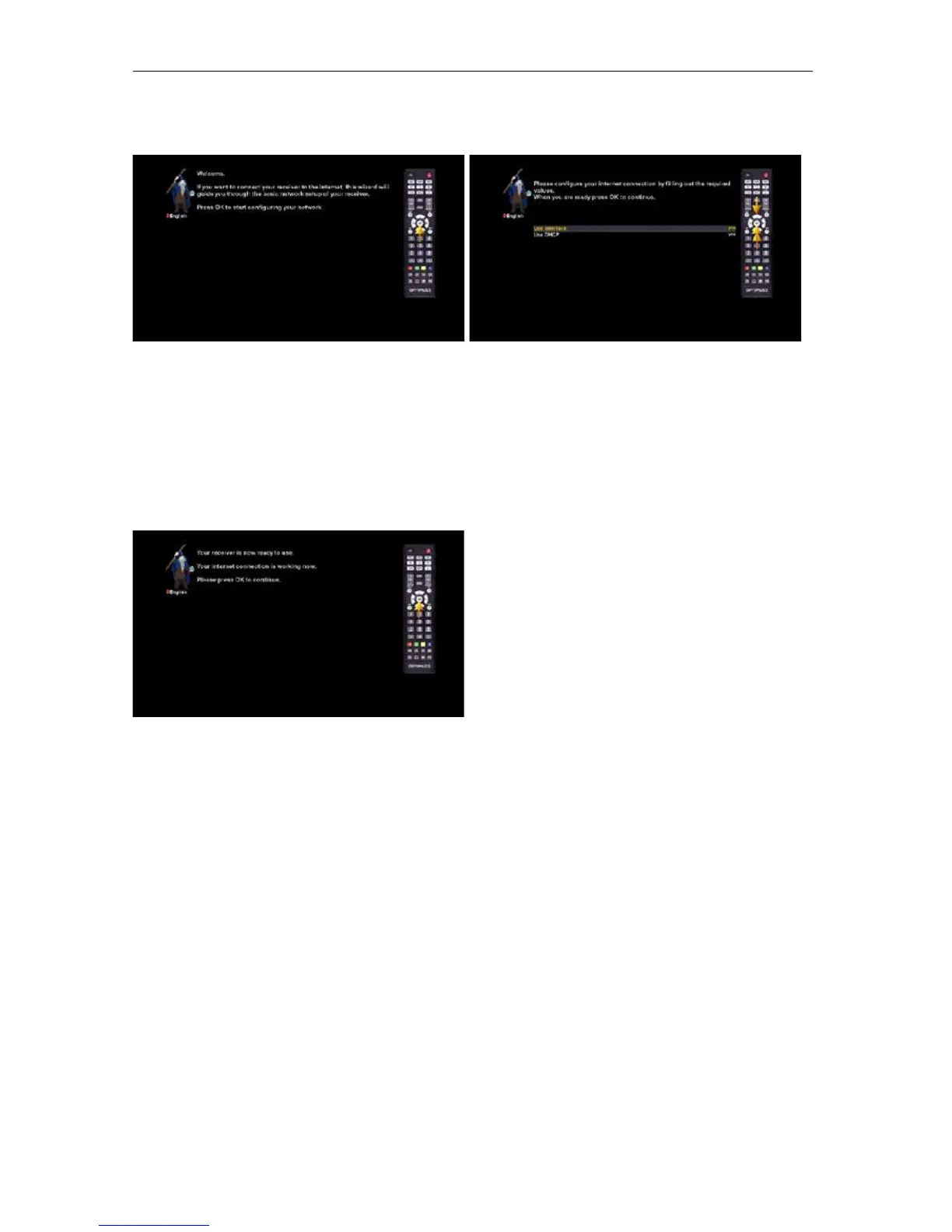
The network wizard will assist you with the network setup of your Optimuss OS.
Press the OK button on your remote control to get to start the configuration.
Usually the standard setting (Use DHCP) should work if you have connected your Optimuss OS to a
internet router. The DHCP-Server needed for this setting is most of the time activated by default on a
router.
Press the OK button on your remote control to get to activate the network device.
You will see this screen once the activation
process was successful. Otherwise you will get the
chance to try it once again from the start.
- 21 -















 To Next Page