Optimuss OS User’s Manual
4.2. Internet Update
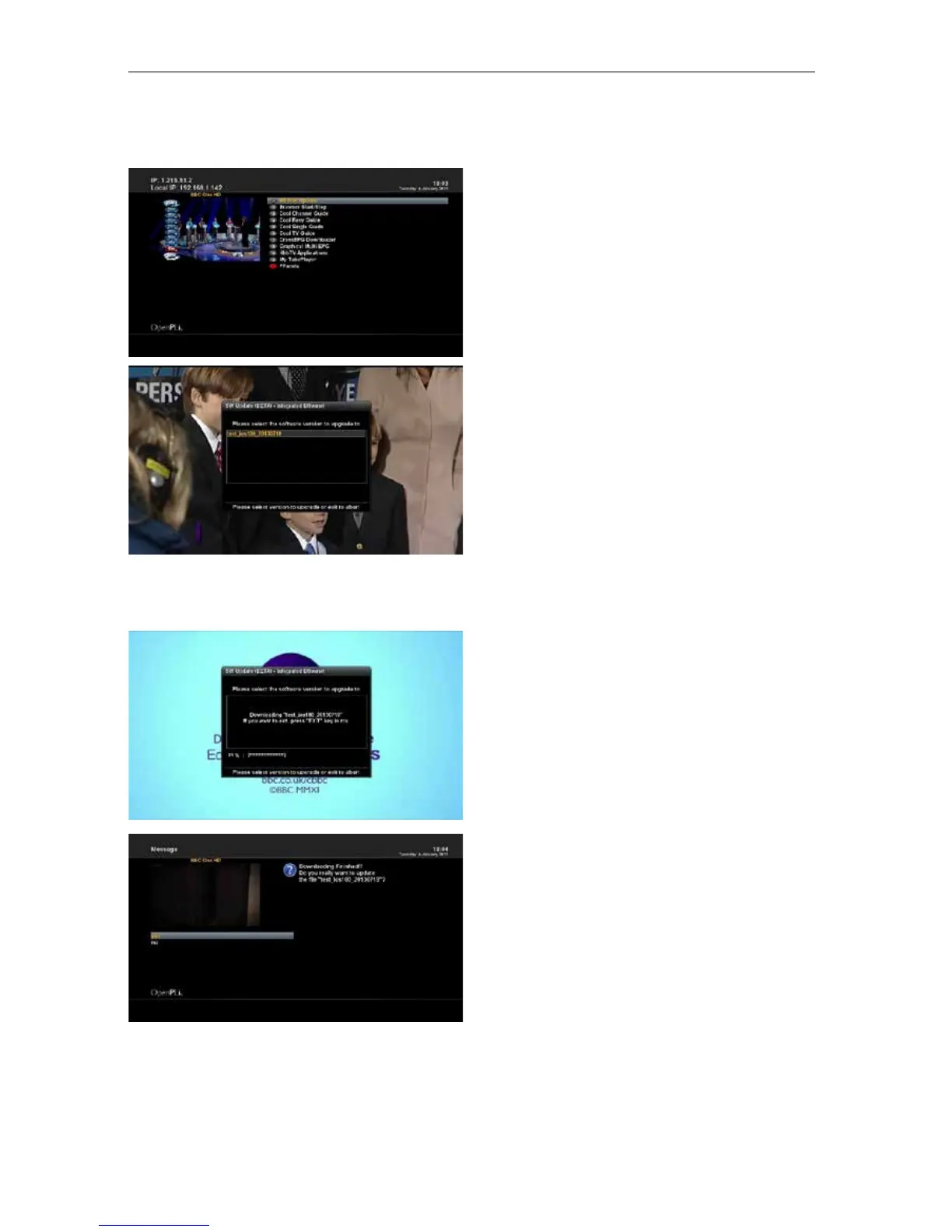
4.3.1 Press RCU’s “Blue” Button on the Live Mode.
4.3.2. Navigate to the option “4D S/W Update“ and
press the OK button.
4.3.3 If you press OK on the update file, it will
download the file on the \tmp folder.
4.3.4 Press “Yes” on the update start.
4.3.5 After completion of update, STB will reboot
automatically.
- 62 -















 To Next Page