Optimuss OS User’s Manual
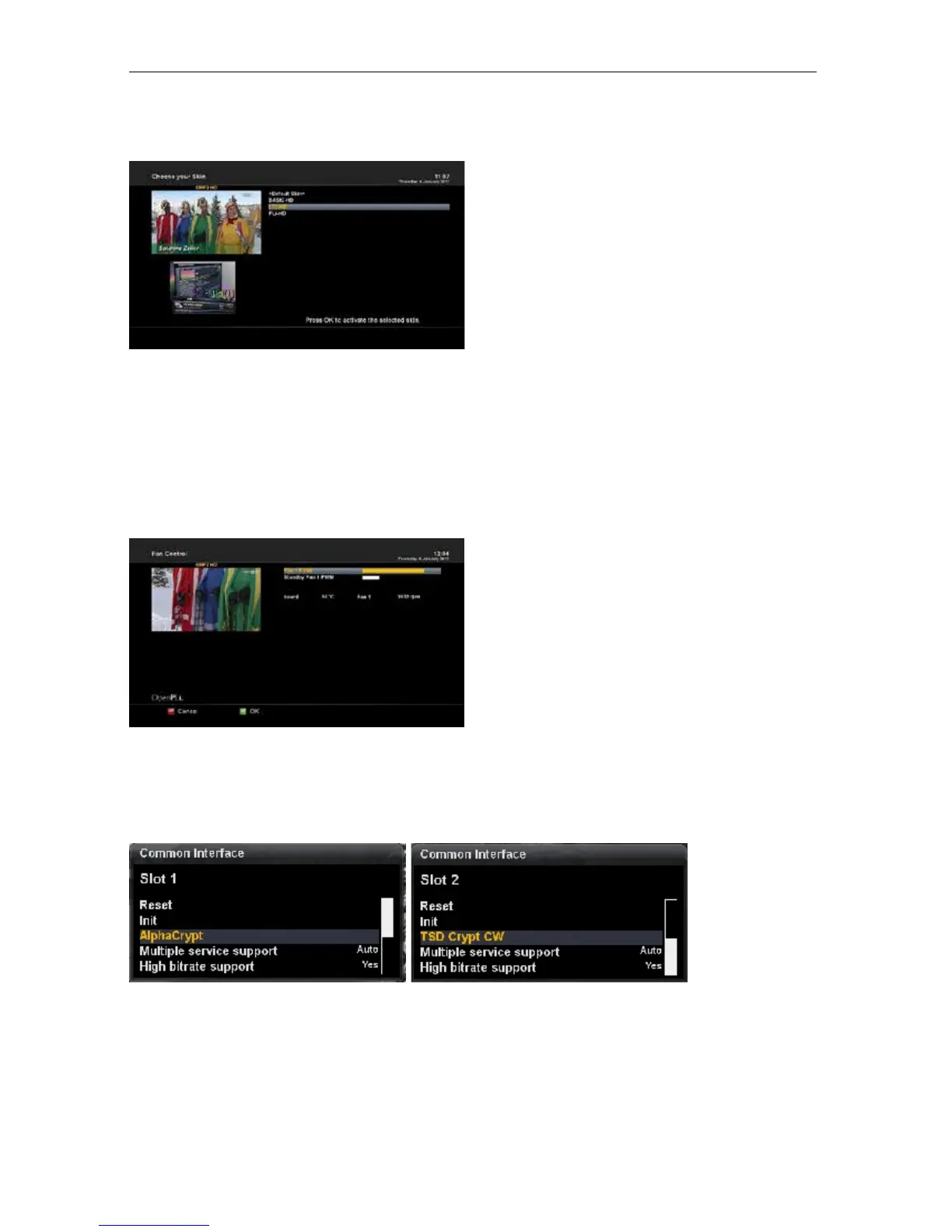
2-2-18. Skin Setup
Optimuss OS is a Linux based set top box and
there are a lot of Skins available for Linux set top
box. Using this menu, you can use a different Skin
other than the default one.
- Navigate to your desired skin and press the OK
button.
- To fully activate the skin the system needs to be
restarted. Use the Up/Down button to select your
desired option and press the OK button.
NOTE : It takes some minutes since the change of Skin requires a complete system shutdown. Please
wait patiently until the system reboots with a newly selected Skin.
2-2-19. Fan control
The speed controlled fan cools the Optimuss OS
no more than when required and therefore the
speed level will additionally be adjusted.
2-3. Common Interface (in available model only)
To be able to watch CAS channels, you need to have a proper CAM and a Smartcard. If you have
CAM modules, keep them inserted in your Optimuss OS, it will reduce the trouble of changing CAM.
- 56 -















 To Next Page