Optimuss OS User’s Manual
: This option allows you to the SNR as a percentage
• Show EIT now/next in infobar
: Allows the EIT now/next event data to be displayed in infobar.
• Behavior of “0” key in PiP-mode
: Choose what you want the button “0” to do when PIP is active.
• Alternative services tuner priority
: Choose the order in which the tuner types will be used (for watching and recording).
• Preferred tuner
: Choose with tuner will be used first. If set to “auto” the system will give priority to the tuner having
the lowest number of channels/satellites..
• Disable background scanning
: When tuned to a service the system will normally scan the transponder for any changes and save
them. Only set to “no” if you’re absolutely sure what you’re doing.
• Maintain old EPG data for
: Allows epg data of a passed event to be displayed. Handy when you want to know something
about an event that is about to finish or has just finished.
• Show background in Radio Mode
: Show background when tuned to a radio channel.
• Create more detailed crash log
: Allows more detailed to be in the crash log.
• Inclube EIT in http streams
: Allows EIT data to be included in http streams.
• Inclube AIT in http streams
: Allows AIT data to be included in http streams.
• Include ECM in http streams
: This allows the ECM data to be included in the stream. This enables a client Optimuss OS to
decode it.
2-2-4. Record
In this menu you will find various record options.
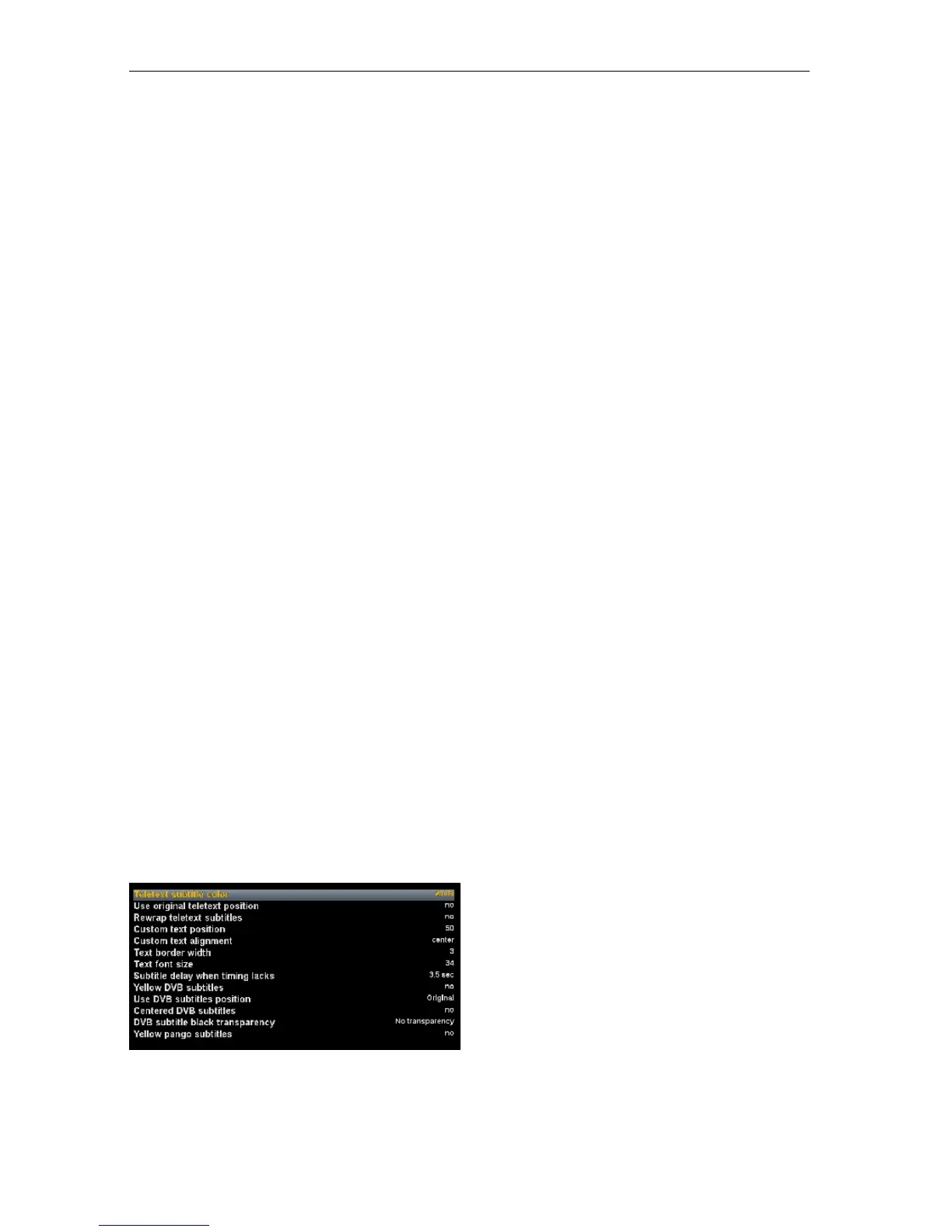
2-2-5. Subtitle Settings
• Teletext subtitle color
: Allows you set the colour of the teletext Subtitle.
(white / yellow / original)
• Use original teletext position
: Allows you to use the original position of the
teletext subtitle.
• Rewrap teletext subtitles
- 45 -















 To Next Page