Optimuss OS User’s Manual
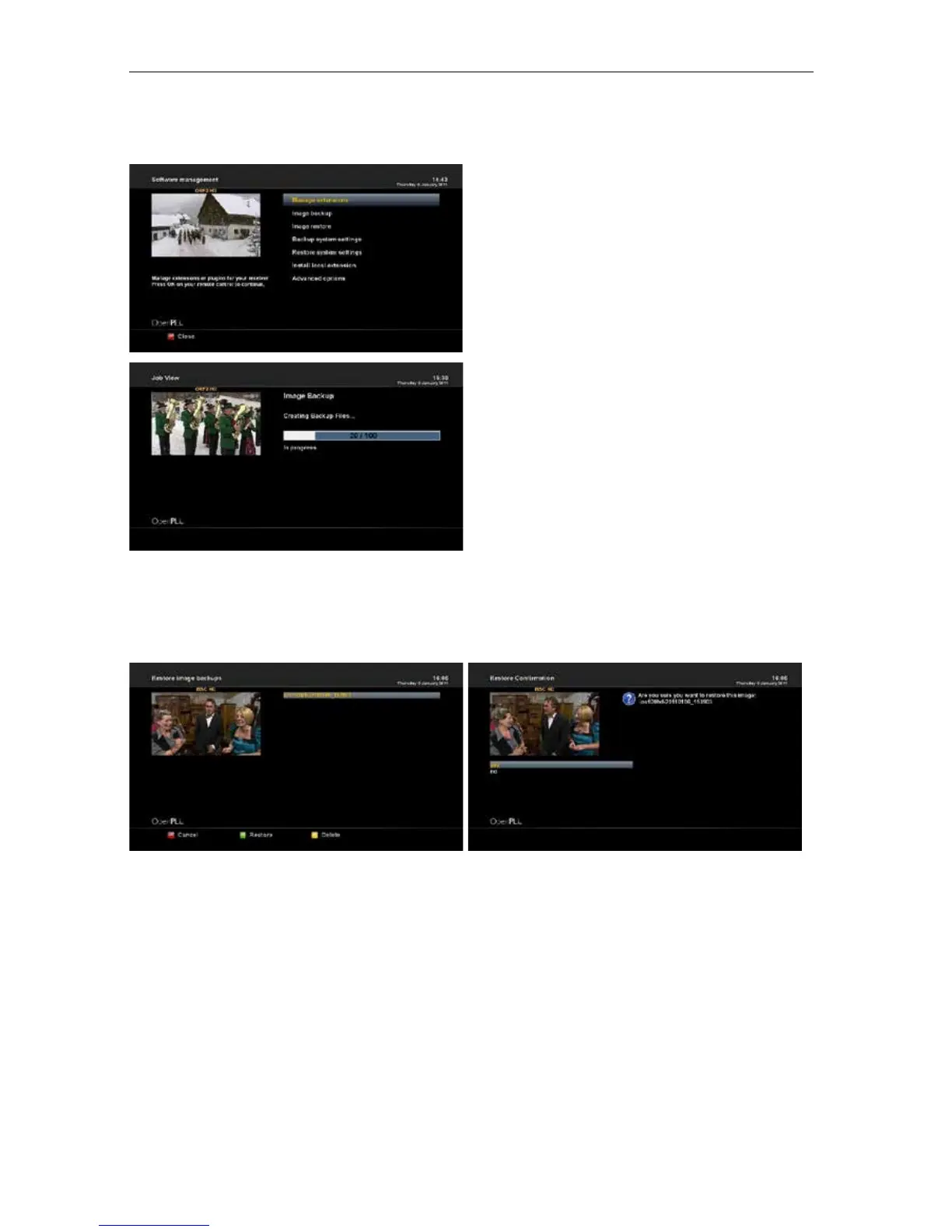
2-6. Software management
2-6-1. Manage extensions
: Manage extensions or plugins for your receiver.
2-6-2. Image backup
: Backup your receiver Image.
A. Press OK button to make a image backup
and you will prompted with a confirmation box.
B. Press "Yes" and the backup process will start.
C. This will take a few minutes to process and
once done you will see the finished screen.
2-6-3. Image restore
: Restore your receiver Image.
A. Press OK button on your remote control to continue.
B. Press Green button on your remote control to restore.
2-6-4. Backup system settings
: Backup your receiver settings.
Press INFO button on your remote control for additional information.
2-6-5. Restore system settings
: Restore your receiver settings.
2-6-6. Install local extension
: Scan for local extensions and install them.
- 59 -















 To Next Page