Optimuss OS User’s Manual
12-1. Multi-EPG
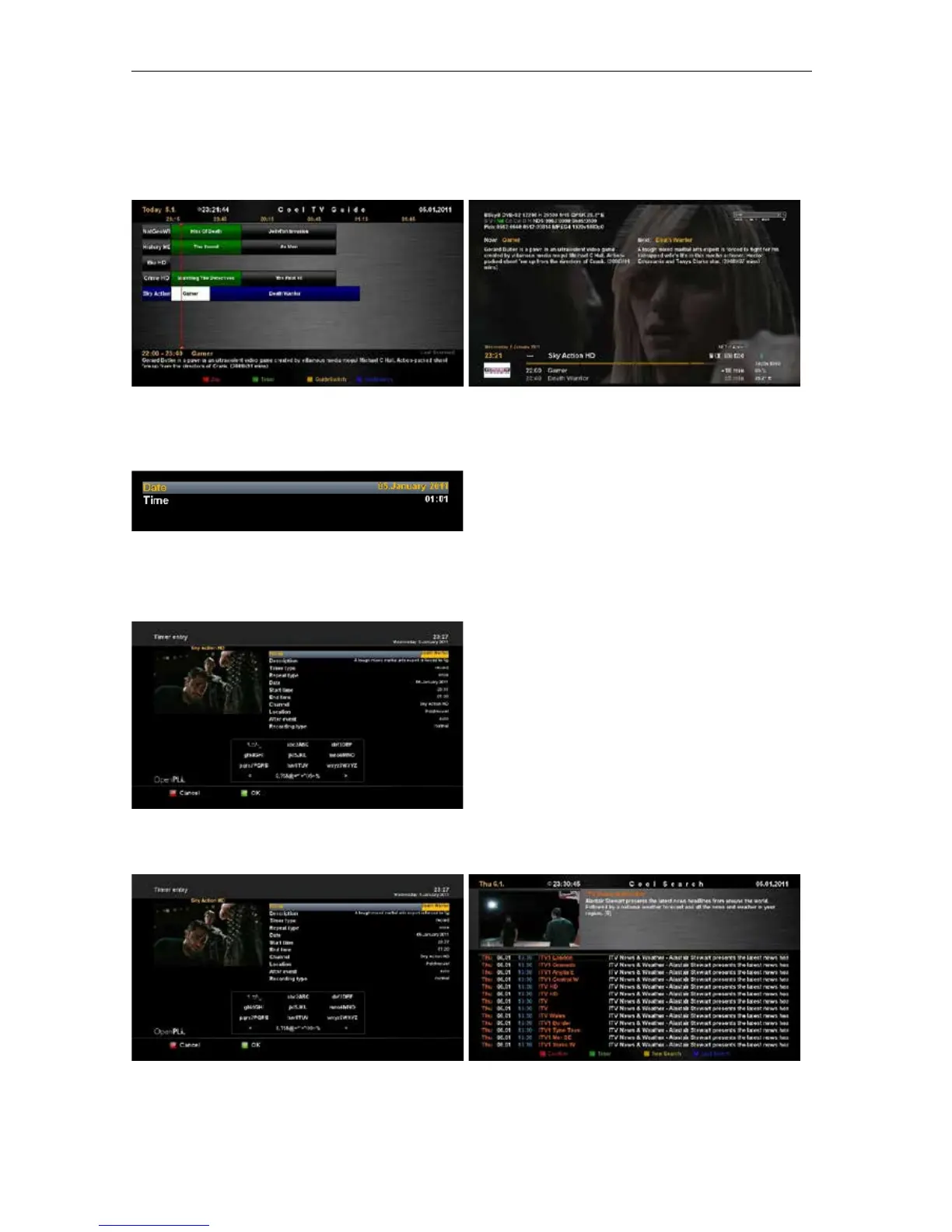
EPG Table displays the program information of each channel based on the date and time. You can look
up the programs and make reservations.
• Press the EPG or INFO button to display EPG table.
Time/Date Input
Press the TELETEXT button in the Multi-EPG
view.
A window will appear where you can enter a time
and date.
After you have entered the desired time and date press the OK button to activate you selection.
Add Timer
By pressing the Green button you have the option
to automatically add the selected show with it’s
start and end time as a timer.
Press the GREEN button to save the timer.
EPG Search
By pressing the Blue button you have the option to search for programs in the epg.
- 31 -















 To Next Page