© Edwards Limited 2007. All rights reserved. Page 15
Edwards and the Edwards logo are trademarks of Edwards Limited.
Parallel Interface Operation
D374-20-880 Issue E
4.4 Setpoints and Configuration Parameters
The parallel interface has a store of sensor setpoints and configuration parameters. This store is preset for your
application. Whenever you switch on the dry pumping system, the information in this store is sent to the dry pumping
system and overwrites the setpoints already in the system.
To put new information in the store, you must download the new information from a PC, through the Single
Equipment Monitor or Fabworks software (refer to the dry pumping system instruction manual).
Note: If the iTIM is connected to a pumping system, setpoint information stored for another pump type will not
be downloaded to the dry pumping system.
4.5 Take and Release Control
When the parallel interface is used to control the operation of the dry pumping system, it will try to take control.
The parallel interface can only take control if no other pumping system module (e.g. a Pump Display Module) already
has control.
Once the parallel interface has control, no other module can operate the dry pumping system until it releases control.
The parallel interface only releases control when it is used to switch off the dry pumping system.
Note also that:
z If the parallel interface detects an alarm condition, it will release control. This then allows another module
to switch on and off the dry pumping system, to clear the alarm.
z The modules connected to a dry pumping system communicate with the system; a time-out occurs if a
connected module stops communicating with the dry pumping system for 90 seconds. If a time-out occurs on
a module that has control (e.g. if a Pump Display Module that has control is disconnected from the dry
pumping system), control is automatically released from the module that has timed out. This allows other
modules to take control and switch off the dry pumping system, if required.
z If the parallel interface card has control of the dry pumping system and the mechanical booster pump is
automatically shutdown, the Pump Display Module can be used to restart it without the need to release
control from the parallel interface card.
11
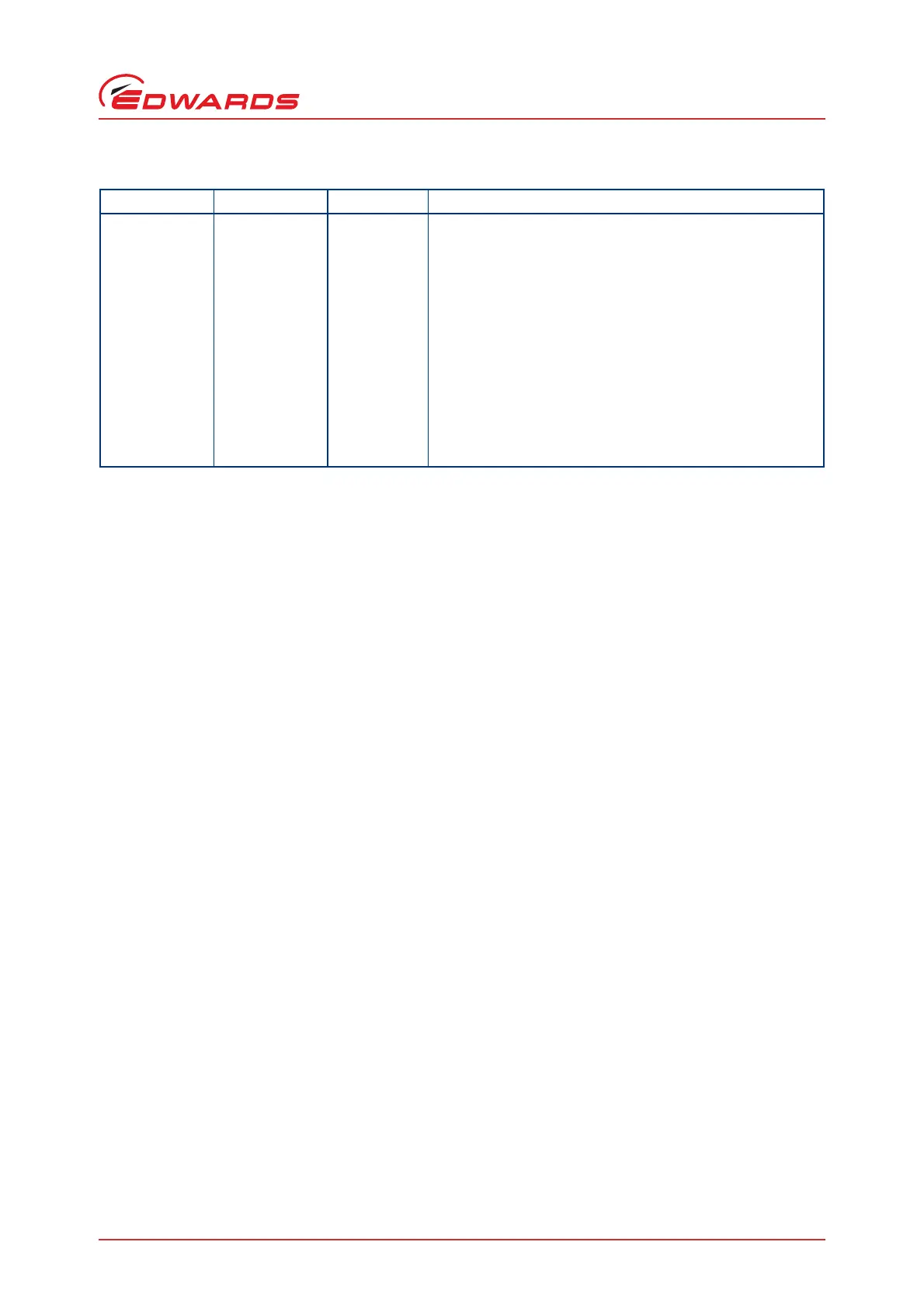
Contact Output
A1 - 9 & 10
T1 - 10 & 22
E73 - 6 & 14
L1 - 1 & 14
MCM - 9 & 10
General alarm The signal will be set if no alarm exists for any of the
configured parameters listed in the ‘alerts to tool’
configuration (object 136). The default parameters are:
EMS alarm from node object (1)
Dry pump current (3)
Dry pump power (4)
Dry pump thermistor (5)
Dry pump no current (11)
Exhaust pressure (39)
Dry pump motor temperature (55)
Dry pump body temperature (57)
Dry pump 4th stage temperature (70)
Dry pump low speed (184)
Dry pump drive (186)
Table 5 - Parallel Interface Outputs
Input Pins Function Use


 To Next Page