PD00E0XKNXFI00020100_HANDBOOK_EN.DOCX
PD00E0xKNX KNX PRESENCE DETECTORS RANGE Handbook
Eelectron SpA, Via Monteverdi 6,
I-20025 Legnano (MI), Italia
Tel: +39 0331.500802 Fax:+39 0331.564826
E-mail: info@eelectron.com Web:www.eelectron.com
C.F. e P.IVA 11666760159
Tribunale di Milano 359157-8760-07
CCIAA Milano 148549
COMFORT Object
COMFORT object (1 bit size) is visible only when
"Thermostat control mode" parameter is selected
with the value HVAC MODE.
When a telegram "1" is received thermostat goes in
COMFORT mode (it applies for both heating and
cooling)
On receipt of a telegram "0", thermostat returns to
the mode set by HVAC MODE object.
COMFORT mode can be set also with timing: after a
time set by a parameter thermostat returns in the
previous mode.
Time limited
Time unlimited
Object ENABLE HEATING/COOLING
This object is present only in HVAC Mode automatic.
If enabled, it allows you to enable or disable the
heating or cooling mode.
Allows you to select which mode you can enable /
disable
Stabilisce se dopo un download la modalità
selezionata nel parametro precedente è abilitata o
disabilitata.
Telegram to enable Cooling / Heating mode.
Object LOCK HEAT/COOL
This object is present only in automatic mode. If
enabled, it allows you to lock the heating or cooling
mode in the current state.
Telegram to block the mode.
WINDOW CONTACT Object
This object, if enabled, has higher priority than
HVAC MODE, SETPOINT MODE, COMFORT objects.
When a telegram is received ("0" or "1") on the
communication object WINDOW CONTACT
thermostat enters a power saving mode:
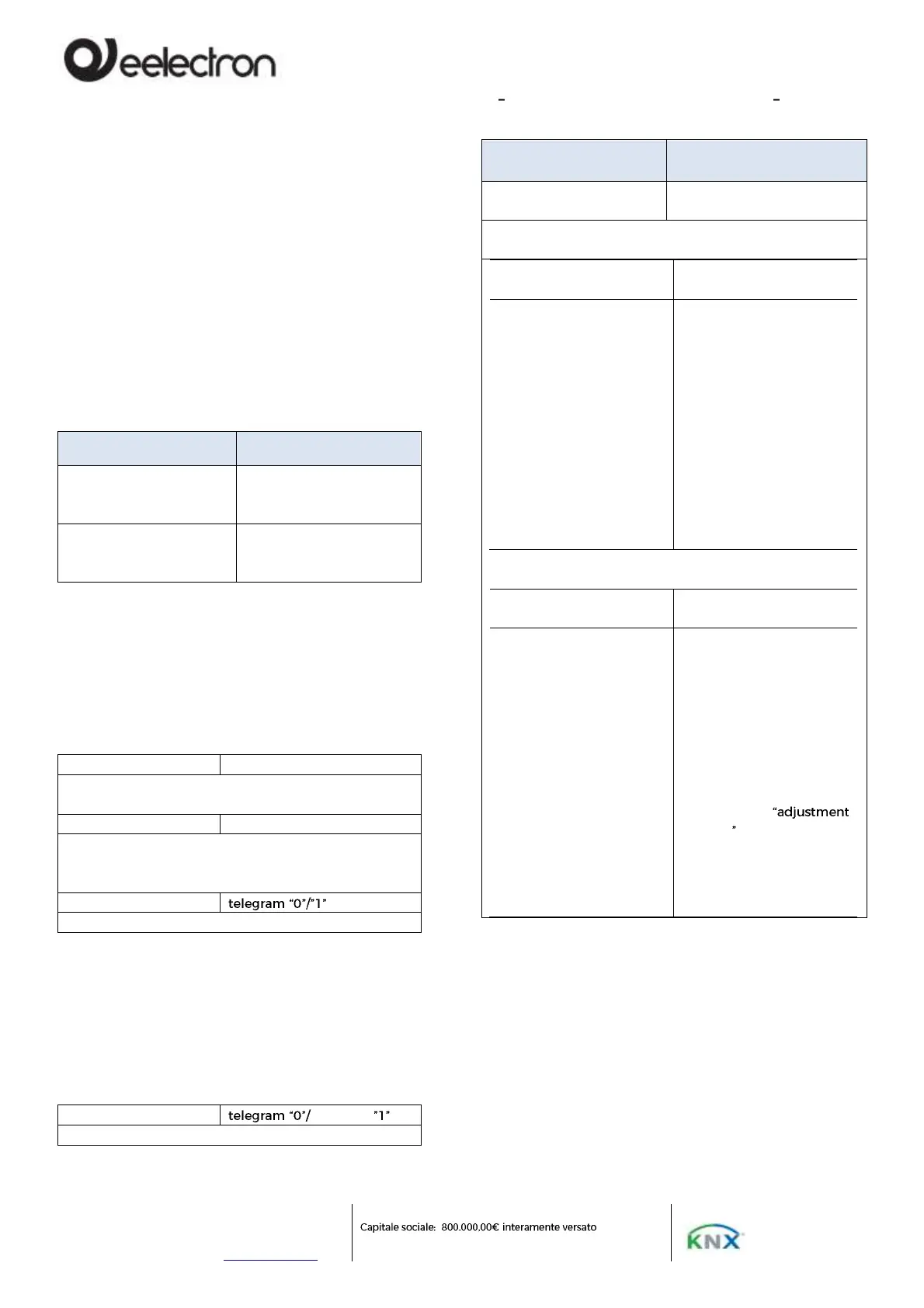
Action to execute for
setpoint
Modify Relative
Modify Absolute
2 bytes Setpoint objects
for mode
2 bytes Setpoint objects
for adjustment
Upon receipt of a new
setpoint on this object,
the user adjustment is
recalculated, always
taking into account the
limits set in the
thermostat.
If set in transmission,
these objects send their
actual value every time it
changes
In this object we can find
the current value of the
user adjustment set in the
thermostat.
In the event that we want
to reset the user's
override, simply send 0 on
that object.
If set in transmission, the
object will notify any
related user adjustment
on the bus
2 bytes Setpoint objects
for mode
2 bytes Setpoint objects
for adjustment
Upon receipt of a new
setpoint on this object,
the thermostat considers
it as a new base setpoint
(warining, this means that
the temperature limits
that can be set in the
thermostat are
recalculated), and the user
adjustment is reset
In this mode, the User
Adjustment object is used
to send a new current
setpoint (absolute value)
of the current mode to
the thermostat, always
taking into account the
limits set in the
thermostat with the
parameter
allowed
In transmission this object
will not send anything on
the bus



 To Next Page