22/32
7.2 OPERATION
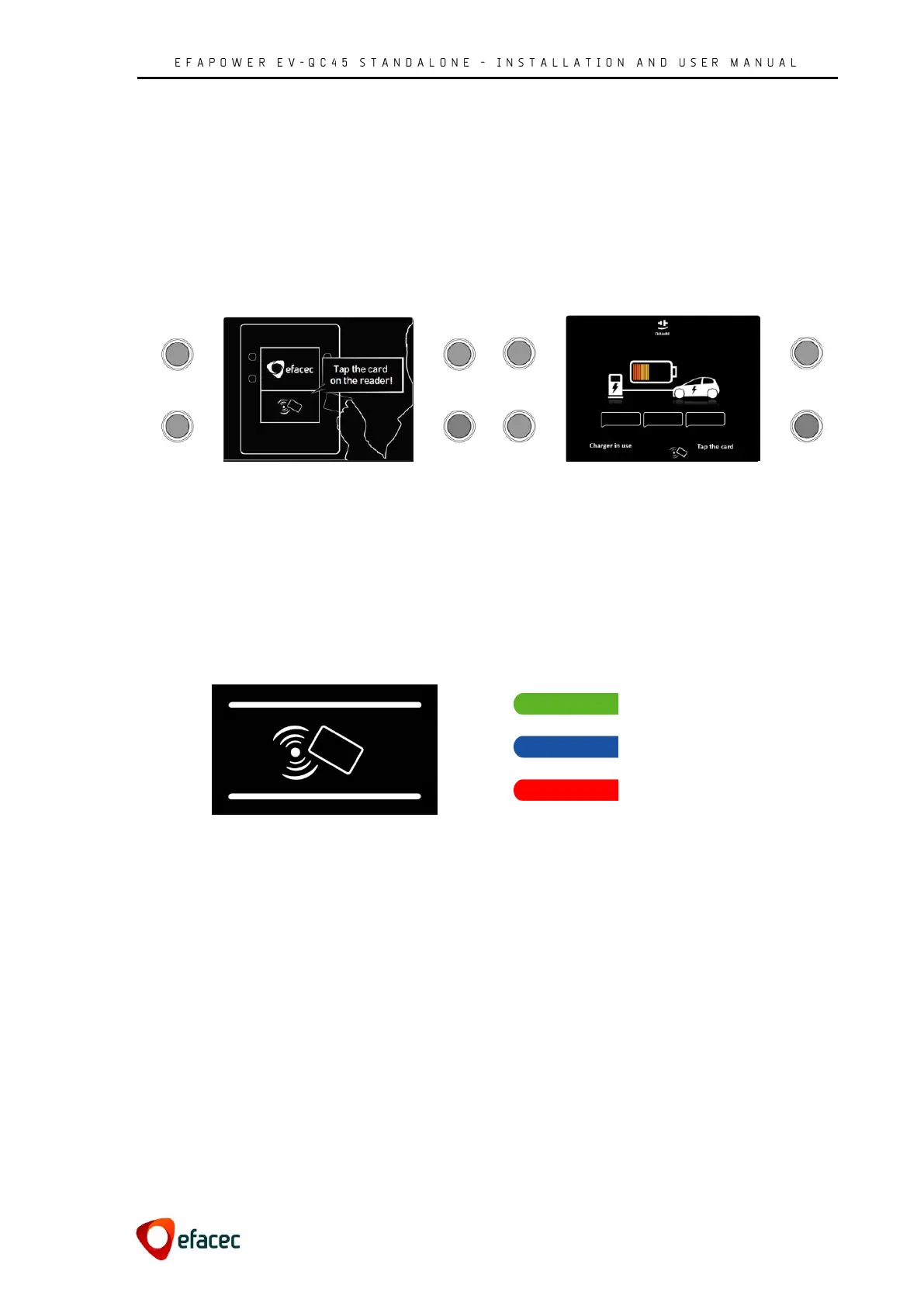
When a user starts an operation on the EFAPOWER EV-QC45, the HMI display will show one of the following
screen savers if:
- All output connections are idle or,
- The unit allows the charging of DC and AC .
. simultaneously and one is already charging
- The unit only allows one vehicle to charge at a
time, and a vehicle is currently charging
Figure 36 - Display Screen Saver 01
Figure 37 - Display Screen Saver 02
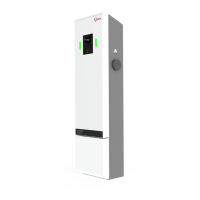
Below the display are the LEDs which signal the charging status. As explained in chapter 3:
the ribbon on the TOP refers to the stage of the AC output connection (if the unit does not have
output connection in this position, this ribbon does not exists)
the ribbon on the BOTTOM refers to the stage of the DC output connections
Definition of the three LED colors is represented in the image below:
Charging
Out of service
Figure 38 - LEDs ribbons and RFID
Figure 39 - EFAPOWER EV-QC45 Stages


 To Next Page