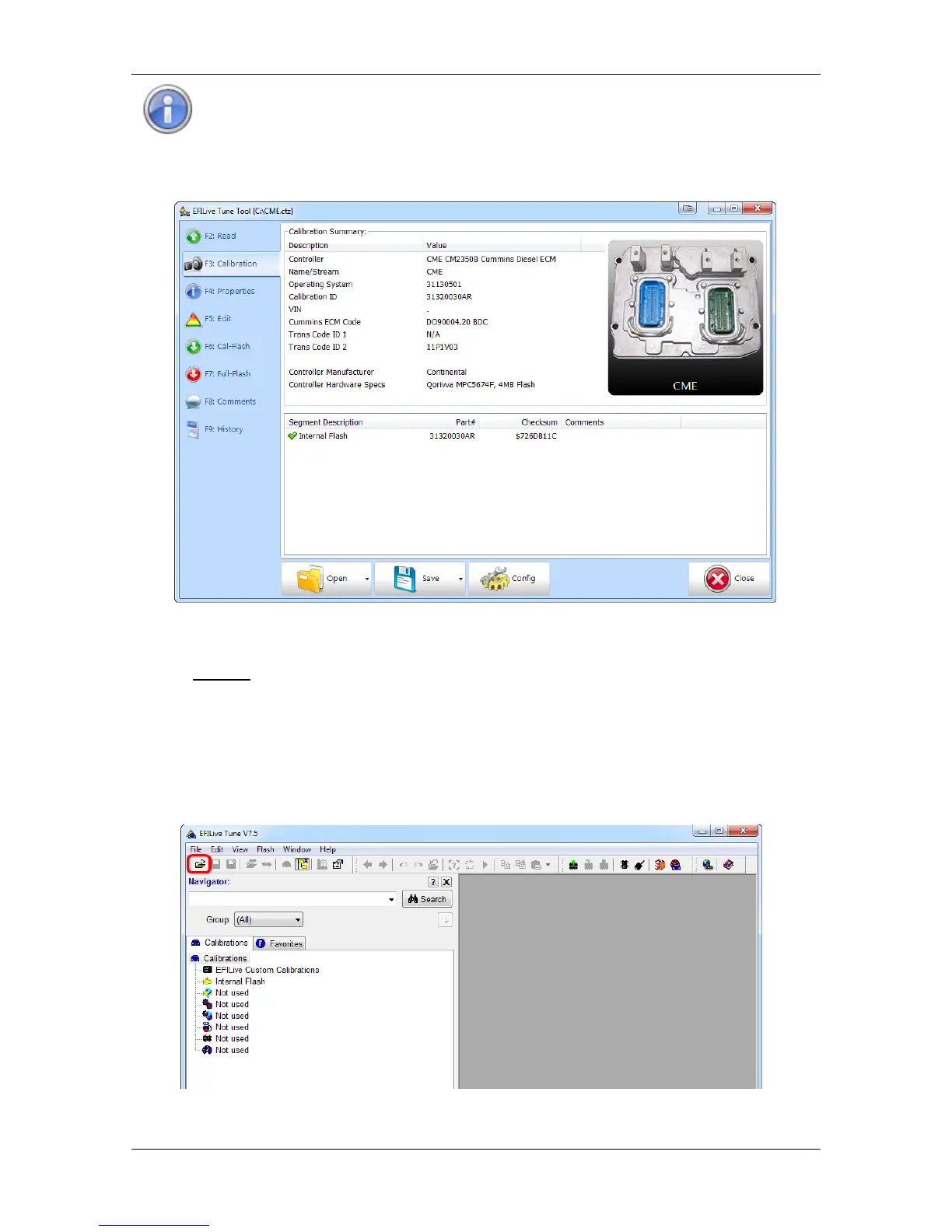
The two letter suffix in the Calibration ID indicates the tune revision
identifier, not a variation in Operating system.
Some Calibrations may be listed in the Cummins Flash Availability
document multiple times. If you cannot find a matching base file, check the
document for additional records of your Calibration ID.
4. Once you find a matching tune this can now become your base file should you
ever need to revert back to a stock tune.
You cannot save the tune already installed in the ECM, once you flash over
it, it is gone forever, so choose your base tune wisely.
Editing a Tune File
Follow the steps below to modify your Dodge Cummins ECM calibration.
1. Open the EFILive V7.5 Tune Tool application.
2. Click the File Open button.
3. Navigate to the location on your computer where the saved tune file you wish to
open is located. Then click on the tune file to select it, and click Open.


 To Next Page