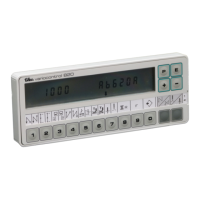
EFKA DA82GA3312
17
Changing the number of compensating stitches
If stitch counting and light barrier are to be On at the same time, the number of stitches for a seam with counting must be
programmed before the light barrier compensating stitches.
After programming the functions
Seam is entered;
the next seam is displayed.
The seam is entered by pressing key E or by heelback.
End of programming !
The first seam section to be executed
in the selected pattern is displayed.
After all seams have been programmed, each seam can be called again with the E key for checking.
Note
Several seam patterns cannot be programmed successively without interruption. Each pattern must be completed with
the P key; otherwise it gets lost.
Note
The patterns are permanently saved only after you have started sewing.
3.7.5 Detailed Example
A seam 1 with stitch counting and double start backtack, a seam 2 with stitch counting and a seam 3 with light barrier, end
backtack and thread trimmer are to be programmed under pattern number 4.
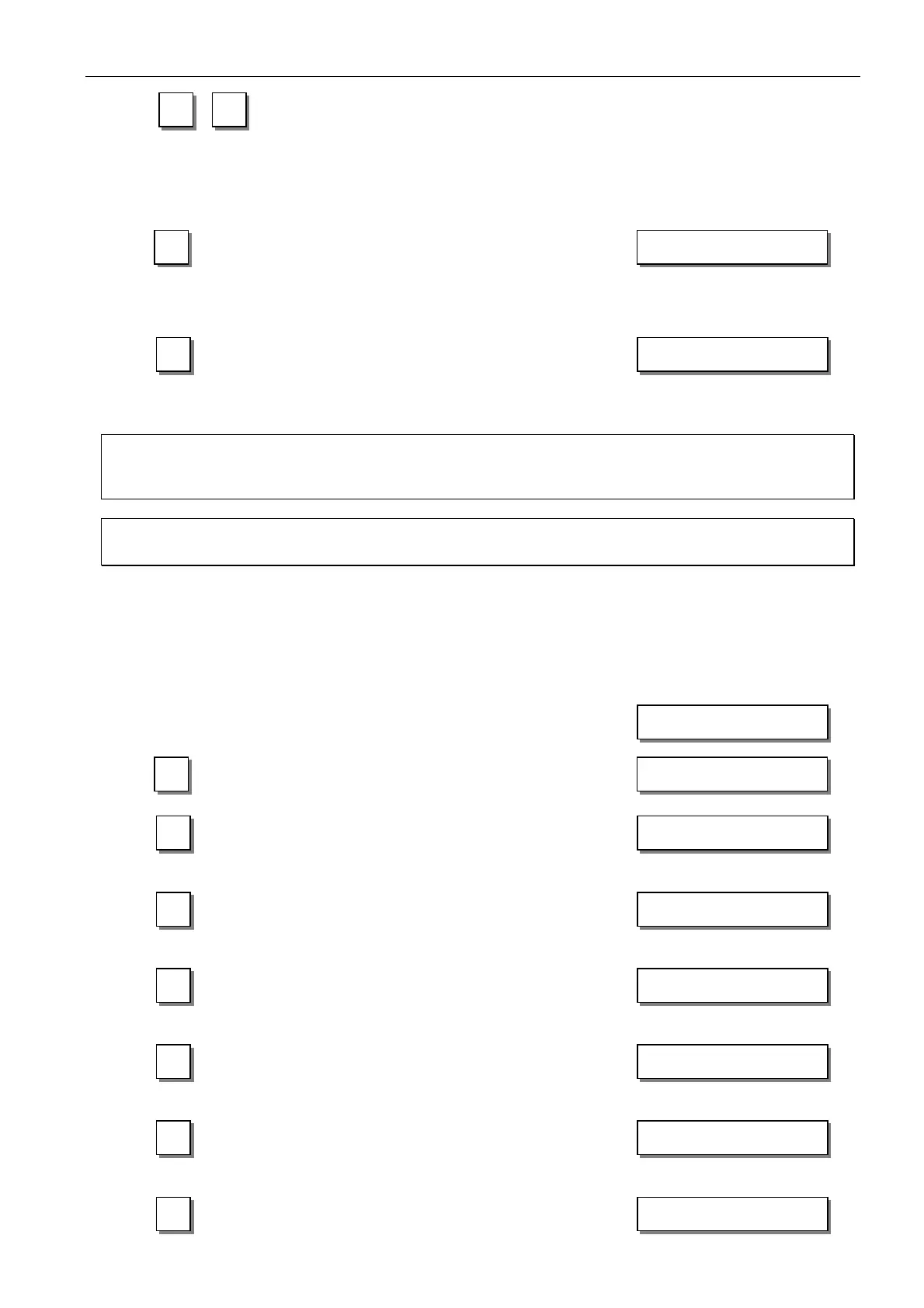
Display before programming
1
LC display is cleared
Display of a parameter
2
at the operator level
↓
↓↓
↓
Lefthand arrow above key 0 blinks.
3
Pattern 1, seam 1
↓
↓↓
↓
Lefthand arrow above key 0 blinks.
4
Pattern 2, seam 1
↓
↓↓
↓
Lefthand arrow above key 0 blinks.
5
Pattern 3, seam 1
↓
↓↓
↓
Lefthand arrow above key 0 blinks.
6
Pattern 4, seam 1
↓
↓↓
↓
Lefthand arrow above key 1 blinks.
7
Number of stitches for the start backtack
section backward is displayed. Vary the
number of stitches using the +/- key.
-
2 02 - - -
2 01 004 007
aaa bbb
0 1 01 - - -
0 2 01 - - -
XXXX
0 3 01 - - -
0 4 01 - - -
1 4 01 - - - 03



 To Next Page