⑥ My
:
View user information.
Account Registration and Activation
1. Register
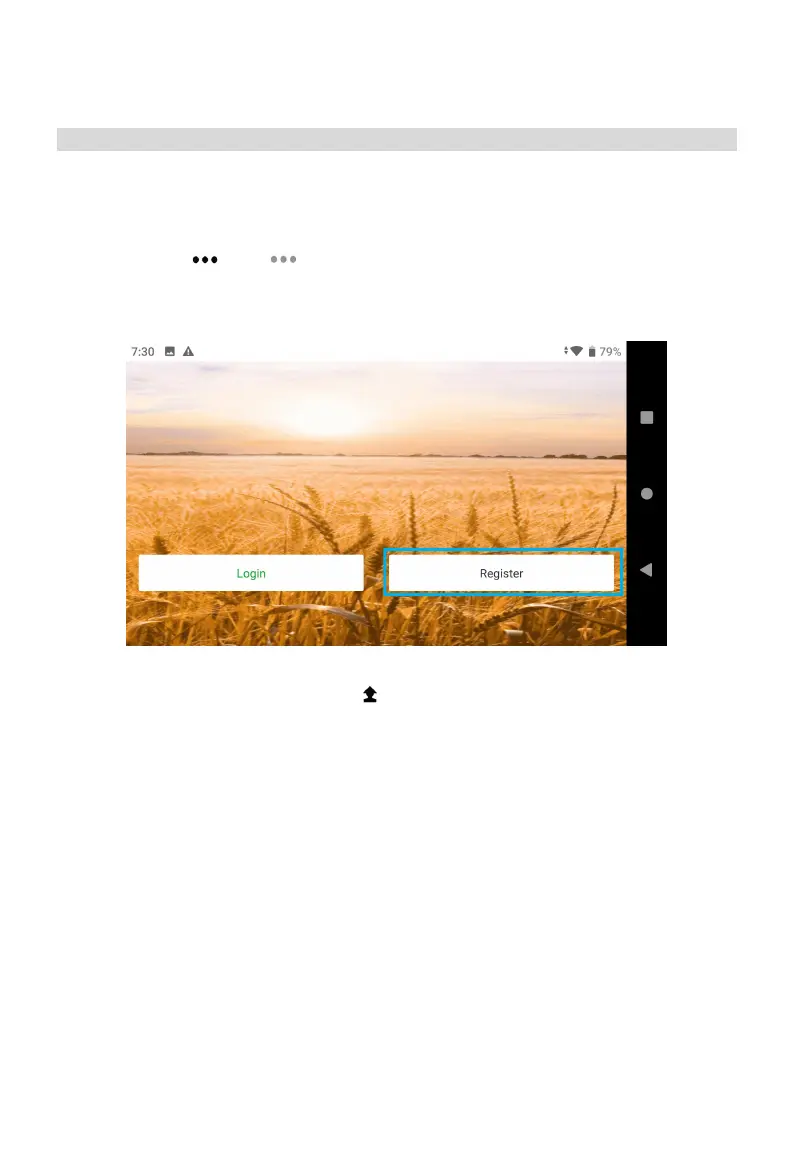
Open the latest Agri Assistant APP, click “Register”. If you have the manufacturer account, you
can directly enter the password to log in, and click “Connect”. If the connection fails, you can
directly click Start> Menu> About, select the remote control to “SIYI”, then return to the
home page, and connect again to succeed.
2. Verified
After logging in, select H12/MK15, click My > Verified, fill in the information and upload the
relevant certificates, wait for the verification, after verified, Click “Account Update” , upgrade to
the owner, manufacturer or seller according to the purchase agreement (Consult your direct
supplier for any doubt).



 To Next Page