② Switching between AB Route Operation Mode and Auto Operation Mode
③ Return to the Home Point
Slide the icon to the specified position according to the interface instructions.
④ FPV Camera View
Display the live view from the FPV camera. Tap to switch between the Map View and Camera
View.
⑤ Flight Telemetry and Operation Status
Altitude: Within 15m, it is the relative height of the altitude radar. Over 15m, it is the relative
height of the GPS.
Distance: Display the horizontal distance from the aircraft to the Home Point.
Speed: Display the flight speed of the aircraft.
Flow: Spray flow.
Area: Display the area values related to the task area.
Flow: Display the liquid flow rate from pump.
Weight: The weight of the liquid medicine in the tank.
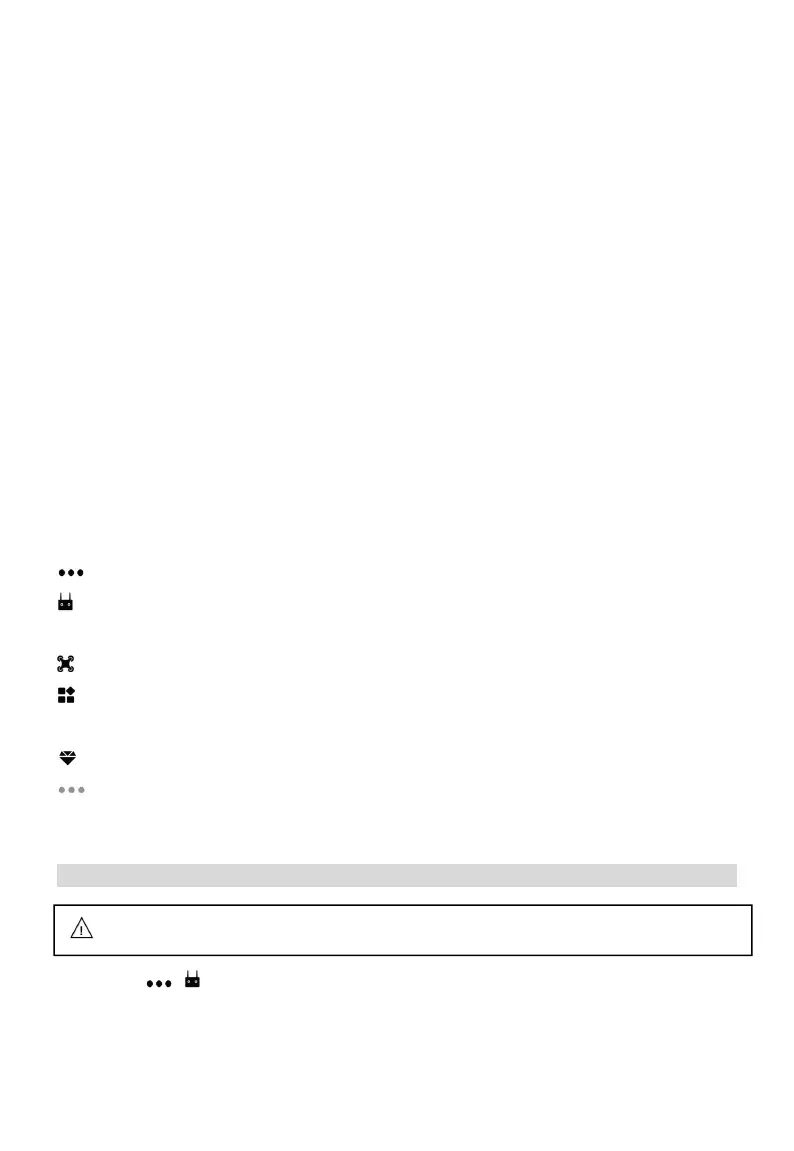
⑥ Setting
Tap menu to view and adjust the parameters of all other settings.
RC Settings: Include linking and calibrating, control stick mode and customizable buttons
setting, SUBS signal switching, failsafe setting.
Aircraft settings : Include the settings of sensor , battery, spray , and flight parameter .
Extra mode : Include smart battery, terrain following radar, J-RTK, obstacle avoidance module,
K-BOX, Dot device, spreading settings, seed manager, arm alarm, J-Box etc.
Advanced setting: Include Basic settings, Sensitivity, Spray, Radar etc.
About: Include FC, Flight time Map type, Remote control type, Main style etc.
Debugging Before Takeoff
RC Calibration
Click Start > > , slide to the bottom of the page, read first, then debug individual items, and
save. Click “RC calibration” to calibrate the left and right sticks in turn, and confirm that the stick
operation is normal.
Please make sure the aircraft is linked to the remote controller before debugging.



 To Next Page