9. BATTERY COMMUNICATIONS
Each EG4 Electronics
®
battery is designed with the end-user in mind, displaying as much information
as possible in the simplest manner. EG4 Electronics includes the option of connecting the battery to
PC software to monitor the module status. This enables users to monitor and comprehend the
battery’s performance and to troubleshoot any issues that may occur.
When a single battery is used, it will communicate directly with the system via the RS485 or CAN
port. The battery will connect via a properly pinned battery communications cable (included).
The communication cable from battery to battery is a standard CAT5 cable. If the battery to
inverter communication cable is not long enough to span the distance from inverter to master
battery, please refer to the Communication Cable Pinout Table in Section 9.2.
Make sure to install the communication cables into their respective ports! Improper installation
may lead to component damage!
EG4 recommends double checking all points of connection before introducing power to the
system to mitigate any potential issues.
9.1 MULTIPLE BATTERIES IN PARALLEL
1. Ensure all battery breakers and BMS are OFF.
2. Set the address code of each battery according to the DIP
Switch ID Table (see Section 9.2: DIP Switch ID Table), making
sure there are no duplicate addresses.
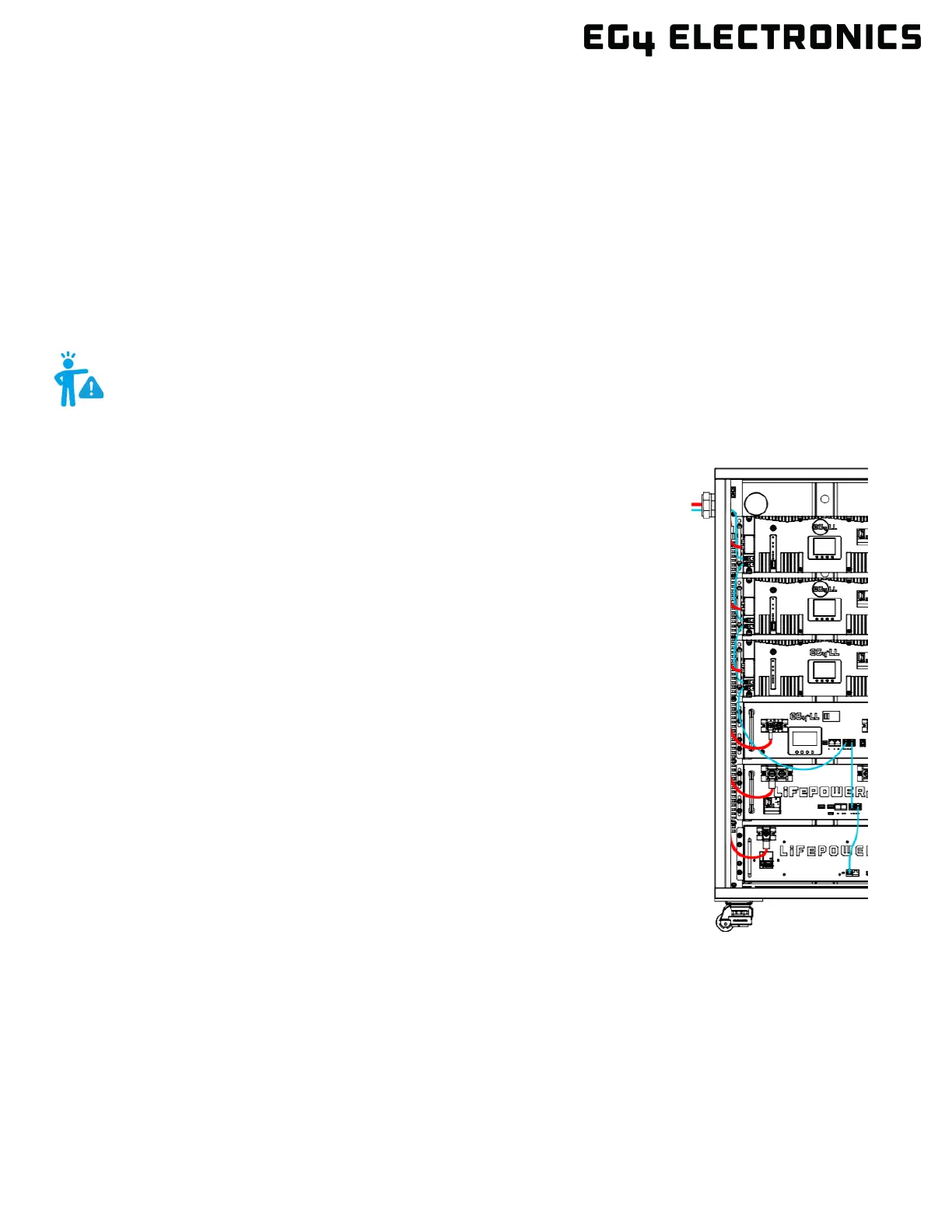
3. Establish communication between the batteries via the
“Battery-Comm” ports. Starting with the bottom battery and
working all the way to the top battery.
(See Section 8.3 for installation)
4. The battery with DIP Switch ID 1 (referred to as the host)
connects to the system via communication cable using the
RS485 or CAN port. (See image to the right)
5. Power on each battery breaker and BMS ON switch one at a
time beginning with the host battery.


 To Next Page