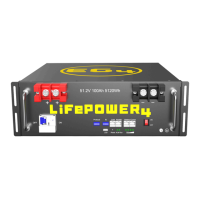
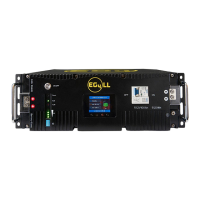
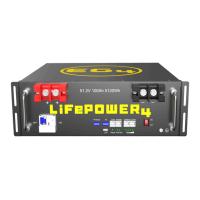
8. INSTALLING THE BATTERY
8.1 GENERAL INSTALLATION
Where ambient temperature is above 86°F (30°C), cable size must be increased according to
NEC 310. The 4 AWG cable included in the package is intended only for the connection
from the battery module to an EG4 battery rack busbar.
When adding or removing a battery from any rack, cabinet, or busbar, turn off ALL batteries,
and use a voltmeter to confirm there is no voltage present. This will prevent users from
encountering live (powered) busbars by accident.
Failure to do so can result in severe injury and/or death!
Tools Needed for Installation
The tools required may vary depending on the installation location. Typically, the following items are
needed to install the battery into an EG4
®
battery rack solution or general racking:
1. 10mm socket and ratchet
2. Phillips head screwdriver
3. Torque wrench
4. M8-1.0 terminal bolts (included in package)
Do not put EG4 batteries in series! The BMS and internal components are not designed
to handle this setup, which could cause the modules to fail leading to damage.
8.2 REQUIREMENTS FOR INSTALLATION
• Make sure the battery breaker is turned off during the installation process to avoid any
electrical hazards or damage to the batteries.
• Avoid exposing batteries to conductive materials, such as water, strong oxidizers, and strong
acids.
• Avoid putting batteries in direct sunlight or on extremely hot surfaces.
• Keep all flammable materials out of the working area.
• Use caution when handling batteries and/or battery-powered devices to avoid damaging the
battery casing or connections.
• Before using batteries, inspect them for signs of damage. Never use damaged or puffy
batteries. Please contact the distributor if a battery is received in this state or experiences
this issue.


 To Next Page