eircom advantage executive phone D3 user guide
12
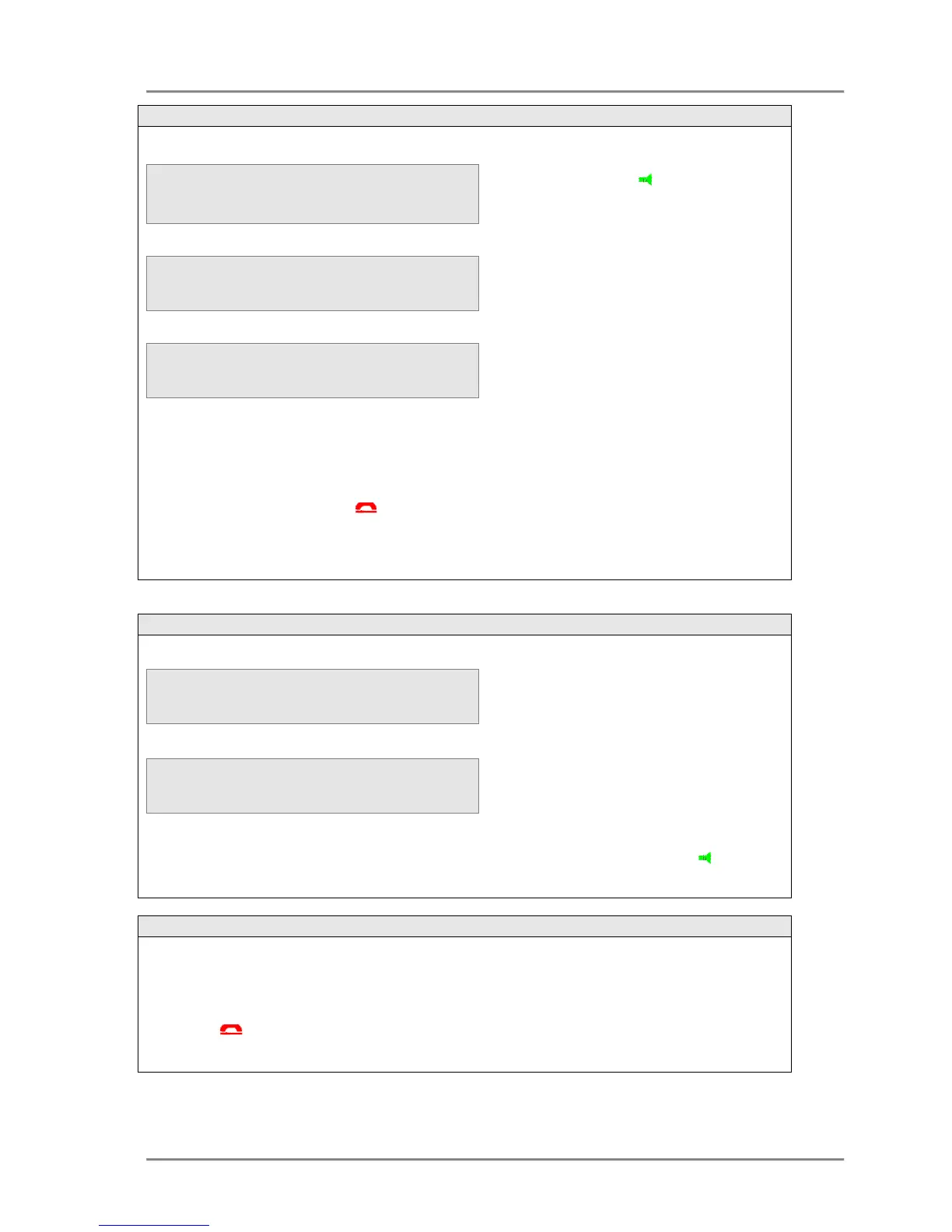
Making an external call using Off
Note: If the direct line seize feature is enabled, the user will hear external dial tone and the display
will indicate external dialling as soon as the extension goes off-hook.
Making an external call using a Line key
If one of the function keys has been programmed as a Line key, pressing this key will
automatically seize the line and switch on the handsfree facility (you can switch off handsfree
mode by lifting the handset). The required number can be dialled and the display will show the
status of the call. The call can be ended at any time by either replacing the handset, pressing the
ON HOOK key or <Endcall> key.
With the telephone idle,
or
press the SPEAKER key.
Internal dial tone will be heard and the
display will show Internal Dialling.
• Dial the line access digit, the line
access group or select a line using
the pre-programmed keys. The top
line of the display will then show
External Dialling.
• Dial the number – the digits will
appear on the display as they are
dialled. The user can cancel the
external call and return to internal
dialling by pressing <Cancel>.
With the telephone idle, to make an
external call simply dial the line
access digit or the line access group,
followed by the external number from
the keypad.
The number dialled will be shown on
the third line of the display. The user
can delete the last digit by pressing
the left mouse key <Delete>.
To initiate the call either press <
, pick up the handset or press the
The call can be ended at any time by:
• Pressing the <Endcall> key
• Replacing the handset
• Pressing the OH HOOK key.



 To Next Page