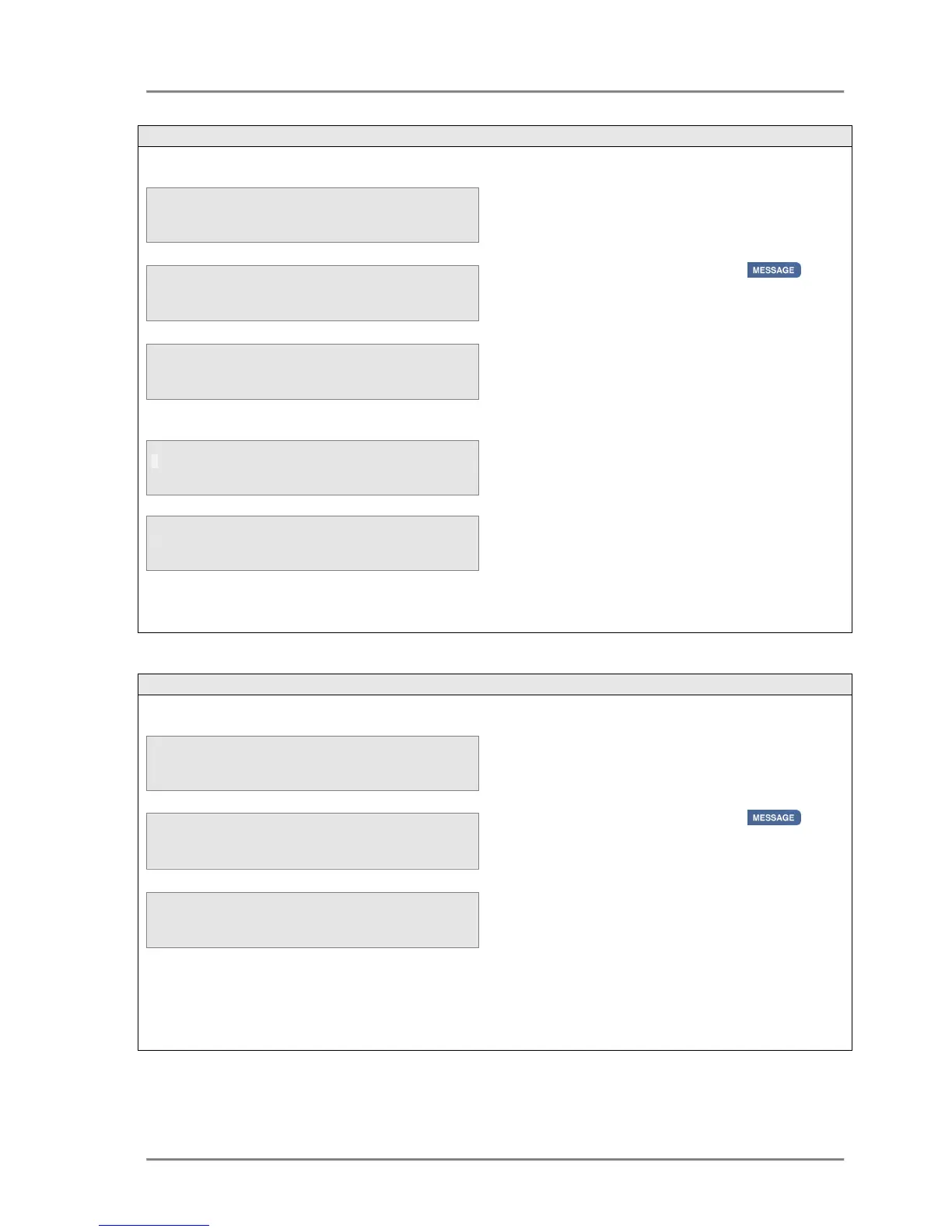
address book when the third line of the
display indicates that a call was missed ;
• Press the MESSAGE key .
• Use the
keys to select the required
entry from the missed call list.
• Press the <Select> key
• Press the Save option.
The display will prompt the user to enter the
name for the Personal Address book entry.
On entering the name and pressing the
<Accept> key the system will confirm that the
missed call entry has been stored in the
personal address book of that user.
Pressing the <Back> key will return the user to
the missed call list on the previous screen.
a missed call from the missed call
list when the third line of the display indicates
that a call was missed ;
• Press the MESSAGE key .
• Use the
keys to select the required
entry from the missed call list.
• Press the <Select> key
• Press the Delete option.
Selecting the Delete option will automatically
delete the entry and return the user to the
Missed Call List menu



 To Next Page