eircom advantage executive phone D3 user guide
29
an entry in the missed call list
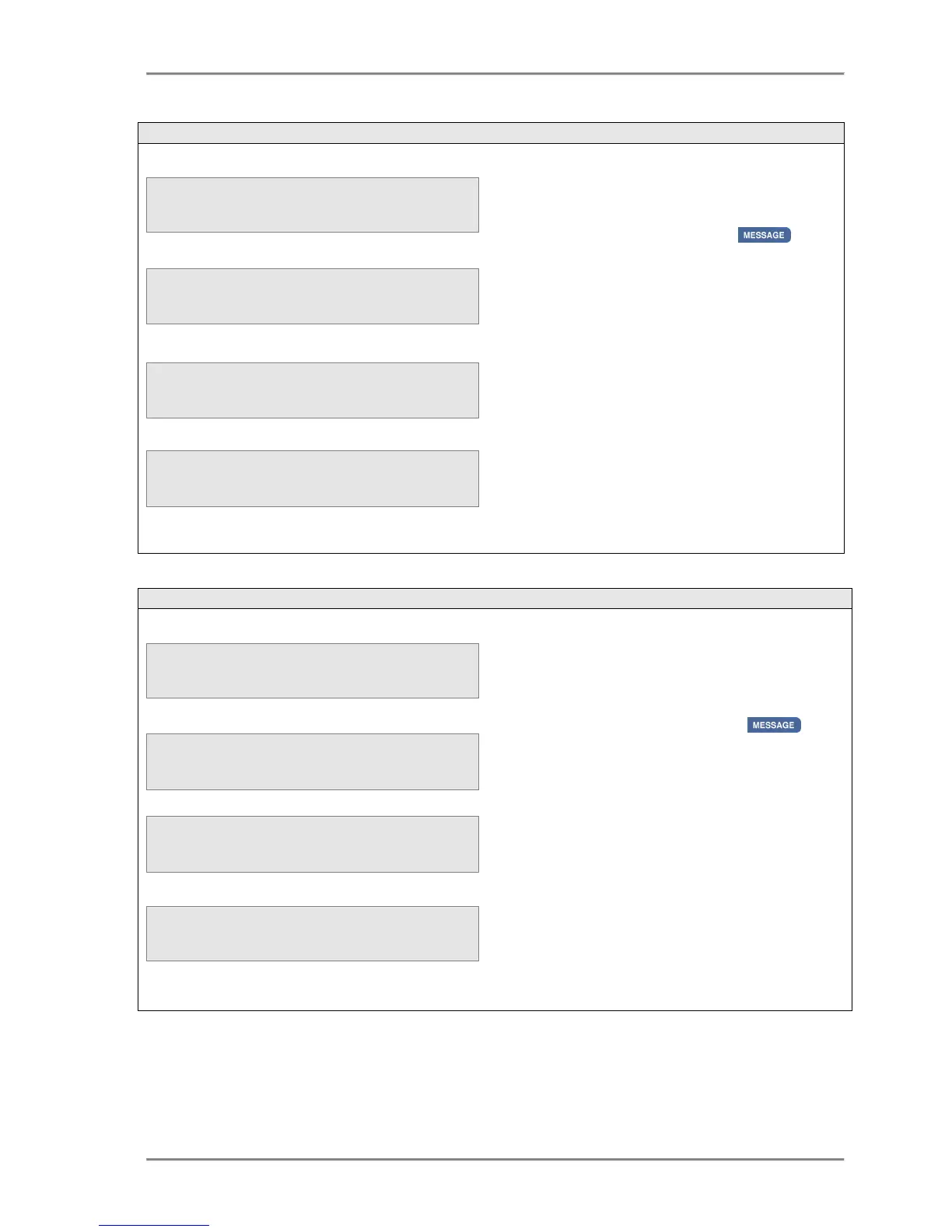
To view the time and date of the missed call
a missed call when the third line of
the display indicates that a call was missed ;
• Press the MESSAGE Key .
• Use the
keys to select the required
entry from the missed call list.
• Press the <Select> key
• Press the Call option.
The system will automatically access an external
line and make a call to the selected number.
Pressing the <Cancel> key will cancel the call
and return the phone to the Idle state.
To view the
of a missed call
when the third line of the display indicates that
a call was missed ;
• Press the MESSAGE key .
• Use the
keys to select the required
entry from the missed call list.
• Press the <Select> key
• Press the Time of Call option.
The system will display the missed party ID on
the top line of the display with the time and
date of that missed call on the second and third
lines respectively.
Pressing the <Back> key will return the user to
the missed call list on the previous screen.



 To Next Page