eircom advantage executive phone D3 user guide
14
Making an external call using the Redial Mouse Key
The executive system phone can store details of up to the last ten external numbers dialled from the
extension. Using the Redial Last Number feature allows the user to select a number from the list to
redial.
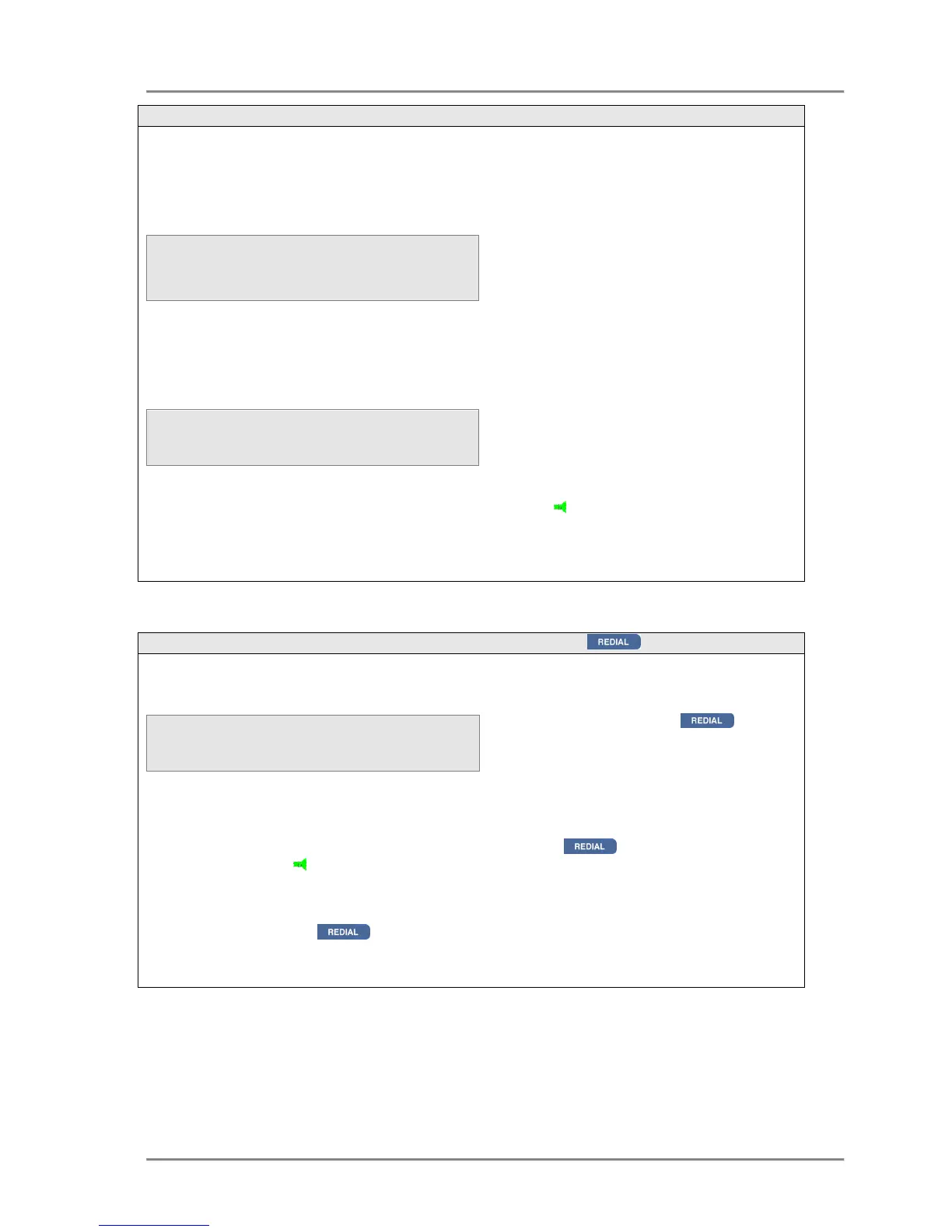
Making an external call using the REDIAL key
A call can be redialled as follows -
To redial the number the user can either, press the REDIAL key again, lift the handset,
press the SPEAKER key or press <Select> twice, the system will then automatically select a
line and redial the number.
Pressing the REDIAL
key
with the handset off-hook or with the handsfree mode activated
automatically selects a line and redials the last number.
D
numbers dialled appears on the display, starting with the last
number dialled.
To redial a number:
• At the idle display, press the
Up arrow key <↑
↑↑
↑> once,
<Redial> will then appear on
the display.
• Press the <Redial>key
• Move the cursor with the ↑
↑↑
↑↓
↓↓
↓
keys until it is alongside the
number to be redialled
• Press the <Select> key twice
or lift the handset to dial the
entry or press the SPEAKER
key
Note: The <Redial> key will only appear if at least one external call has been made from
the extension.
Press the REDIAL key
while the System Phone is idle, the
dialled number list will be shown
on the display
• Use the ↑
↑↑
↑↓
↓↓
↓ keys to select the
required number



 To Next Page