7
Chapter 1
Introduction
●
SelfCalibration function
• The built-in calibration sensor enables the monitor to calibrate itself by using SelfCalibration.
By setting the calibration targets and execution schedule in advance, the calibration sensor
automatically operates and regularly calibrates the monitor. This function can be used with
Color Management Software "ColorNavigator 6" or "ColorNavigator NX" to calibrate monitor
characteristics and generate color proles.
You can set the calibration targets and execution schedule by using software (ColorNavigator 6 or
ColorNavigator NX) or the monitor's Setting menu.
You can check for the result of the SelfCalibration adjustment by using the monitor's Color menu.
See “Chapter 3 SelfCalibration” (page 14)
Attention
Be careful of the following points when using the built-in calibration sensor.
Do not touch the built-in calibration sensor.
It may reduce the measurement accuracy of the built-in calibration sensor, or result in
injury or equipment damage.
Attention
• A high temperature or high humidity environment may affect the measurement accuracy of the built-in
calibration sensor.
Avoid storing or using the sensor where it may be exposed to direct sunlight.
• Since the measurement result for the built-in calibration sensor may be affected, ensure that the level of
ambient light that enters the receiver part of the built-in calibration sensor does not change signicantly
during measuring.
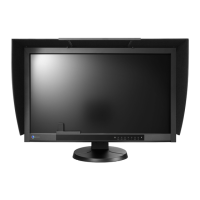
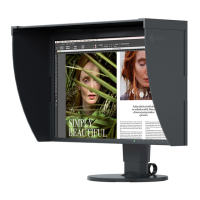
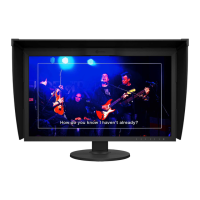
- The use of a monitor hood is recommended.
- While measuring, do not bring your face or any objects close to the monitor, do not look into the
sensor.
- Set the monitor in the environment so that external light does not enter the sensor directly.



 To Next Page