ACOM516 User Manual
Shenzhen Ejoin Technology Co.,Ltd. 6
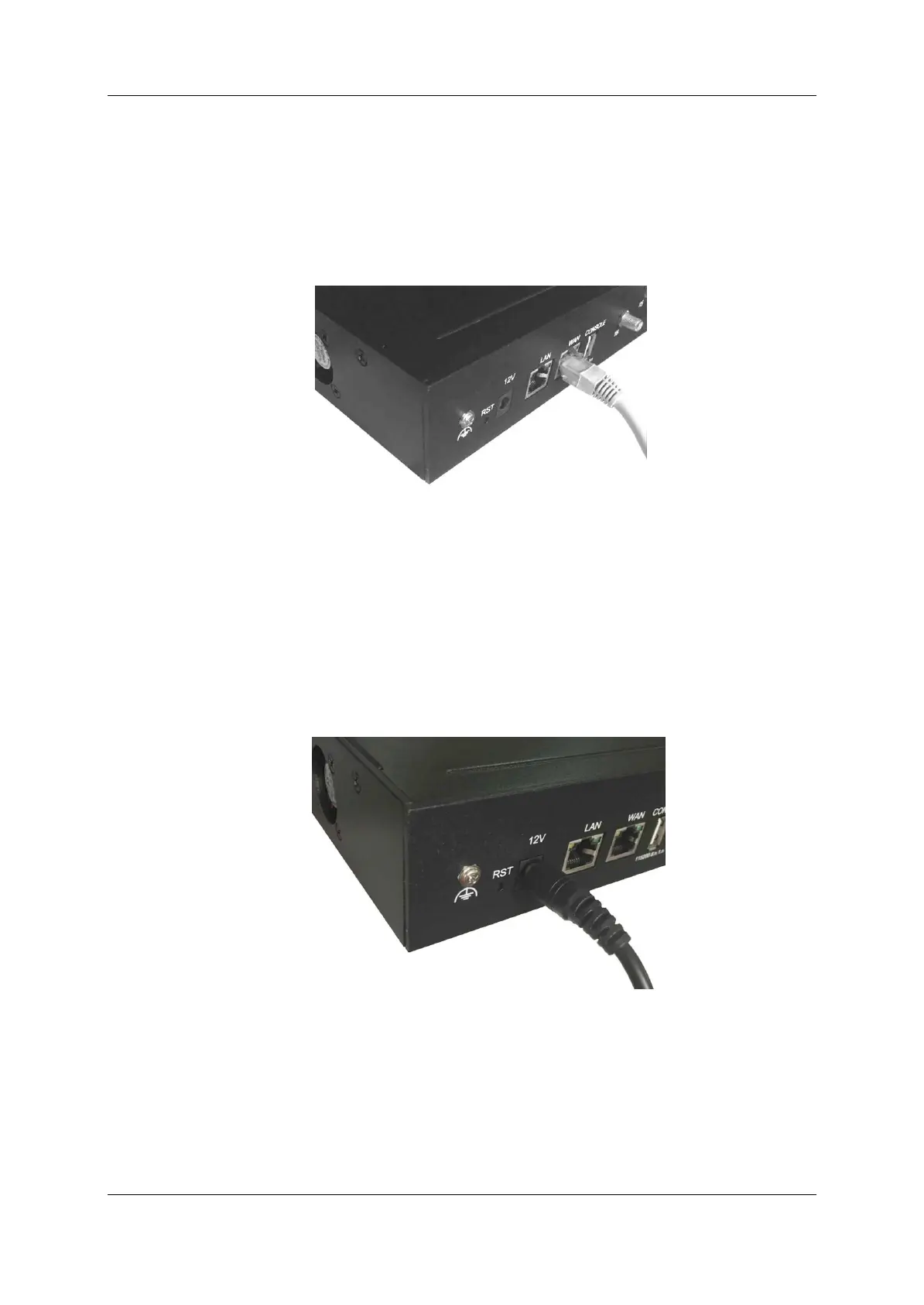
2.3 Network Connection
Plug Ethernet line into gateway WAN port, and then connect the other end
of the Ethernet line with switch or router. Note: Do not use LAN port, LAN port
is useless.
Figure 2.3-1 Network Connection
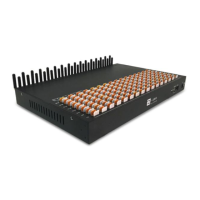
2.4 Power Connection
Connect the small end of the power cable to the power input on the back
panel, and plug the other end of the cable into a 220V power outlet.
Figure 2.4-1 Power Connection


 To Next Page