ACOM516 User Manual
Shenzhen Ejoin Technology Co.,Ltd. 8
Chapter Ⅲ Web Settings
3.1 Login
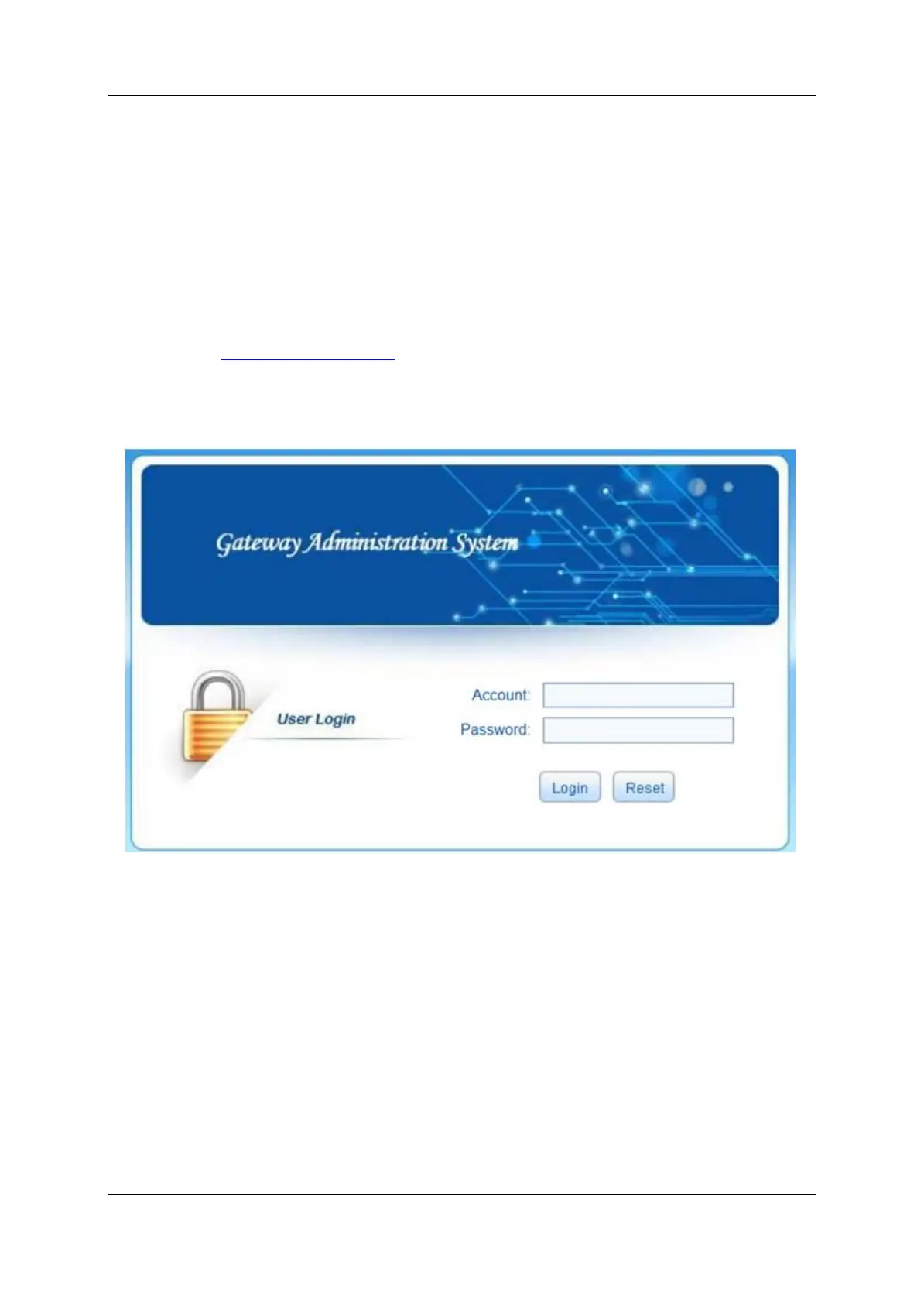
Open the web browser and type the IP address. If it is the first time you
login the gateway, please use the default settings below:
IP Address: http://192.168.1.67
Account: root
Password: root
Figure 3.1-1 Login web
3.2 Basic Settings
WAN Settings
There are three types of WAN port IP: Static, Dynamic and PPPoE.
(Default static IP is 192.168.1.67). You can also change the wan settings when
get a new device. If you want to access in this default IP, your local PC need a
same network segment 192.168.1.xxx.


 To Next Page