ELAD FDM-DUO User Manual - Rev. 2.3 - 06/2016
© 2016 ELAD S.r.l. All rights reserved. No part of this document may be reproduced, published, used, disclosed or disseminated in any form or
by any means, electronic, photocopying or otherwise, without prior written permission of ELAD S.r.l.
63
7 Software & Driver Installation
7.1 Software installation
7.1.1 First-time install in Windows 8 and Windows 7
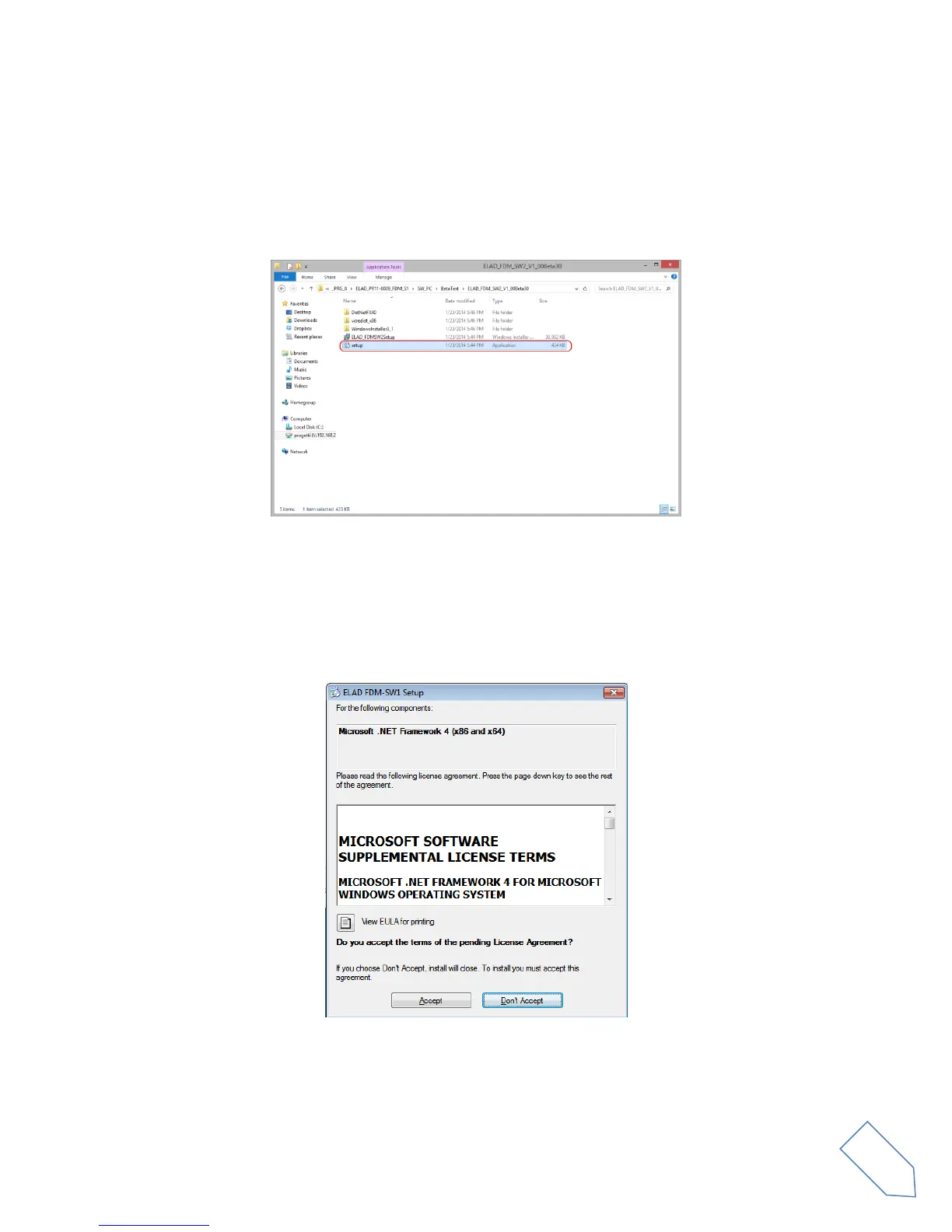
Double-click the file “setup.exe” in the provided USB stick.
The windows installer first installs the prerequisites:
Microsoft VC++ 2010 Runtime libraries
Microsoft .NET Framework 4.0 (Only for Windows 7)
and then the FDM-SW2 software.
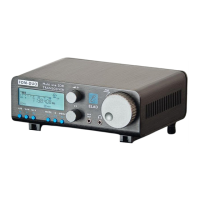
Click on “Accept” (Only for Windows 7)


 To Next Page