ELAD FDM-DUO User Manual - Rev. 2.3 - 06/2016
© 2016 ELAD S.r.l. All rights reserved. No part of this document may be reproduced, published, used, disclosed or disseminated in any form or
by any means, electronic, photocopying or otherwise, without prior written permission of ELAD S.r.l.
32
5.9 Settings Menu List
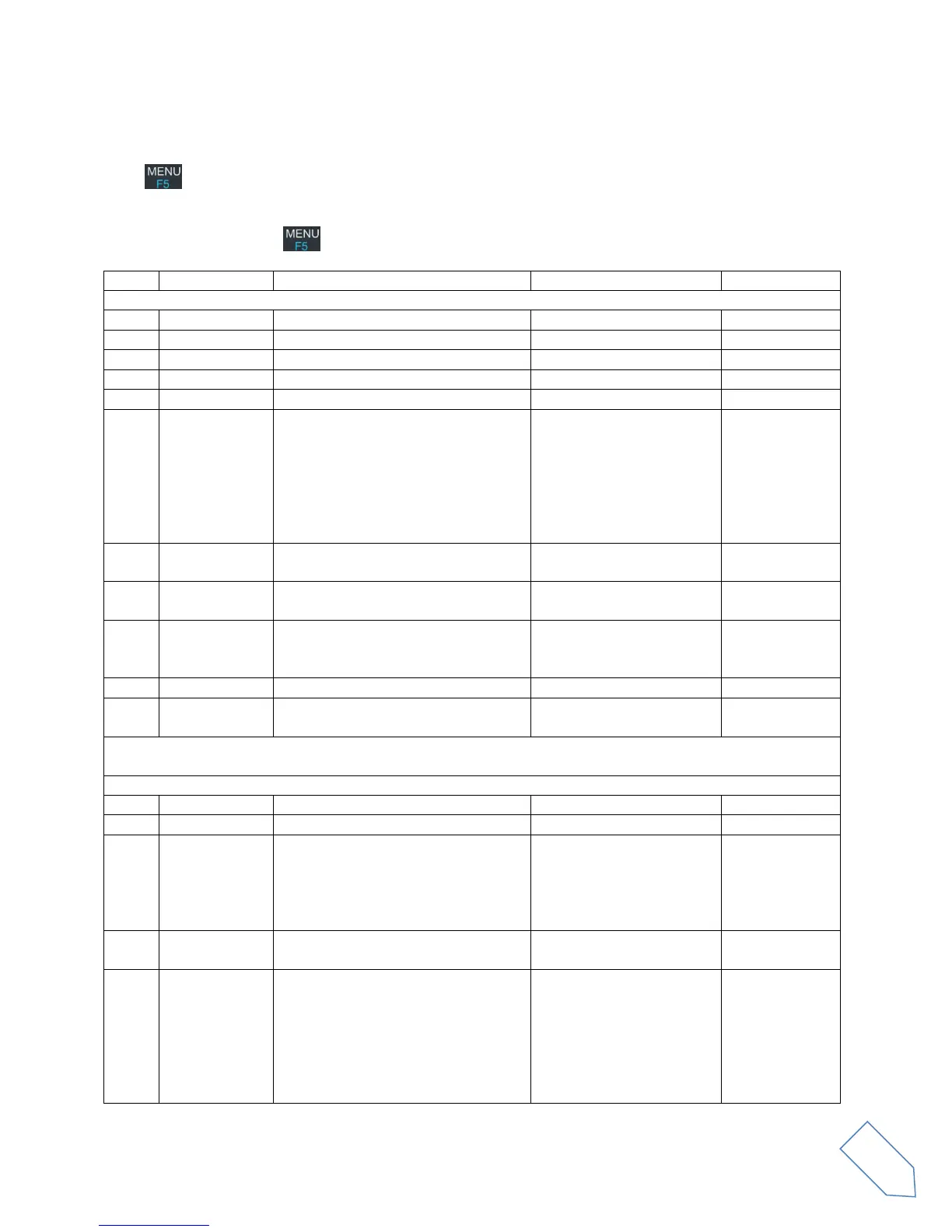
The following table describes the FDM-DUO settings menu list. To enter the settings menu mode, press
the key. Use E2 to select the menu, then apply a short pressure on E2 to display the current menu
setting, if you want to change the setting use the E2 knob and confirm the setting with a short pressure
on E2. In some menu you can also use the main knob to change the setting more quickly. To turn back or
exit the menu just press .
Receiver input attenuation
Receiver low pass filter status
Step selected for the “QuickStep”
mode
1Hz, 5Hz, 10Hz, 25Hz,
50Hz, 100Hz, 250Hz,
500Hz, 1kHz, 2kHz, 3kHz,
4.5kHz, 5kHz, 7.5kHz, 9kHz,
10kHz, 12.5kHz, 25kHz,
50kHz, 100kHz, 125kHz,
250kHz, 500kHz, 1MHz
Sets the mute status during CW
transmission
Sets the mute status during AM, FM
or SSB transmission
Sets the pre-selection filters bypass,
available only in reception in
remote/mixed mode and in split
Enables/disables the CW reverse
mode
Transmission input in AM, FM and
SSB. The TXIN setting is automatically
set to MIC if the PTT button is pressed
or USB if the CAT command TX is
received
Microphone, USB
soundcard, AUTO
Transmission output selection
PWR (ant. RTX) or 0dBm
(RFOUT)
Transmission power selection
0.3W, 0.5W, 1W, 1.2W,
1.5W, 2W, 3W, 4W, 5W or
max available


 To Next Page