ELAD FDM-DUO User Manual - Rev. 2.3 - 06/2016
© 2016 ELAD S.r.l. All rights reserved. No part of this document may be reproduced, published, used, disclosed or disseminated in any form or
by any means, electronic, photocopying or otherwise, without prior written permission of ELAD S.r.l.
87
7.2.3 USB sound card
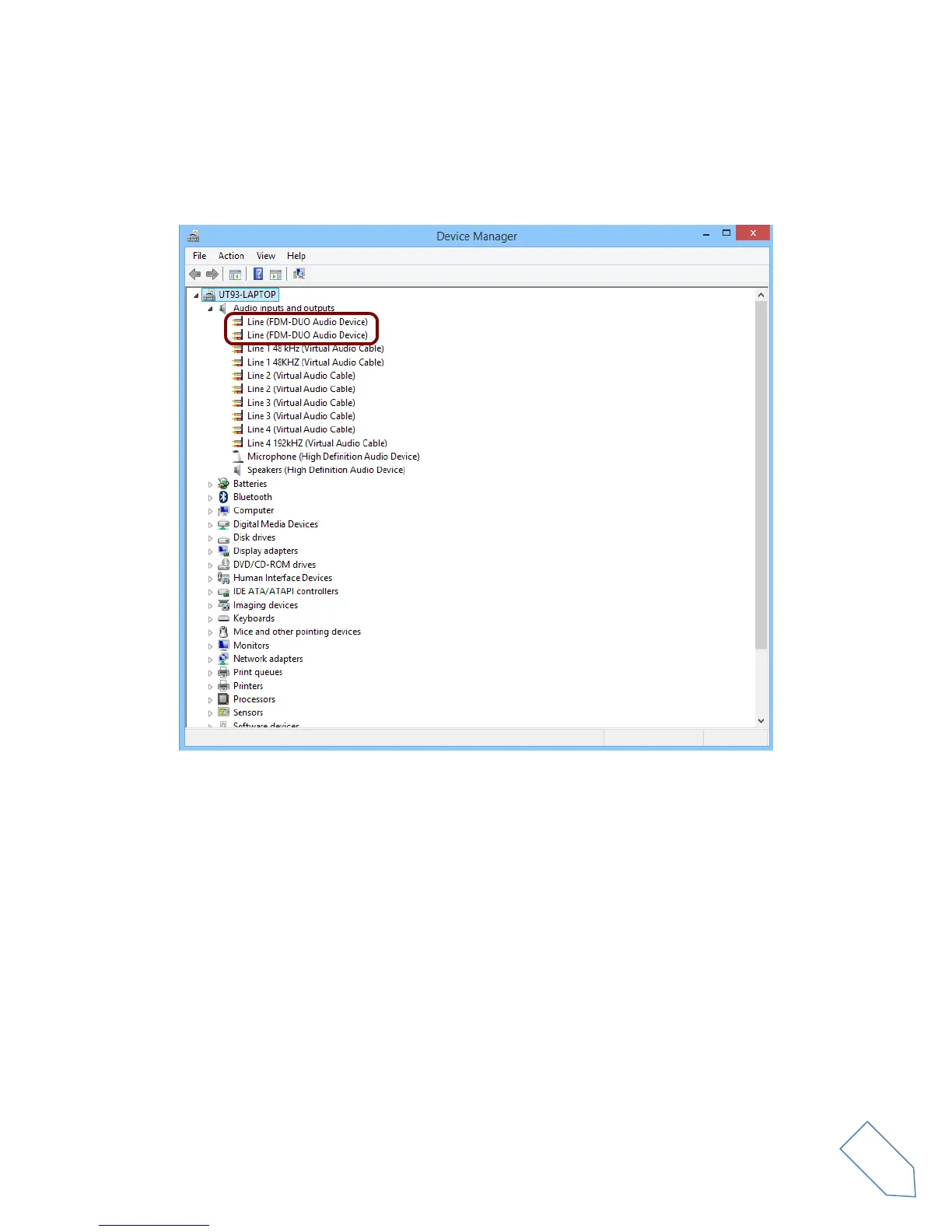
Connect the TX USB port of FDM-DUO to a USB 2.0 port of the PC and power on the device. Then open
the PC device manager. No driver installation is required for this device, just expand the node Audio
inputs and outputs and check the FDM-DUO audio device.


 To Next Page