ELAD FDM-DUO User Manual - Rev. 2.3 - 06/2016
© 2016 ELAD S.r.l. All rights reserved. No part of this document may be reproduced, published, used, disclosed or disseminated in any form or
by any means, electronic, photocopying or otherwise, without prior written permission of ELAD S.r.l.
86
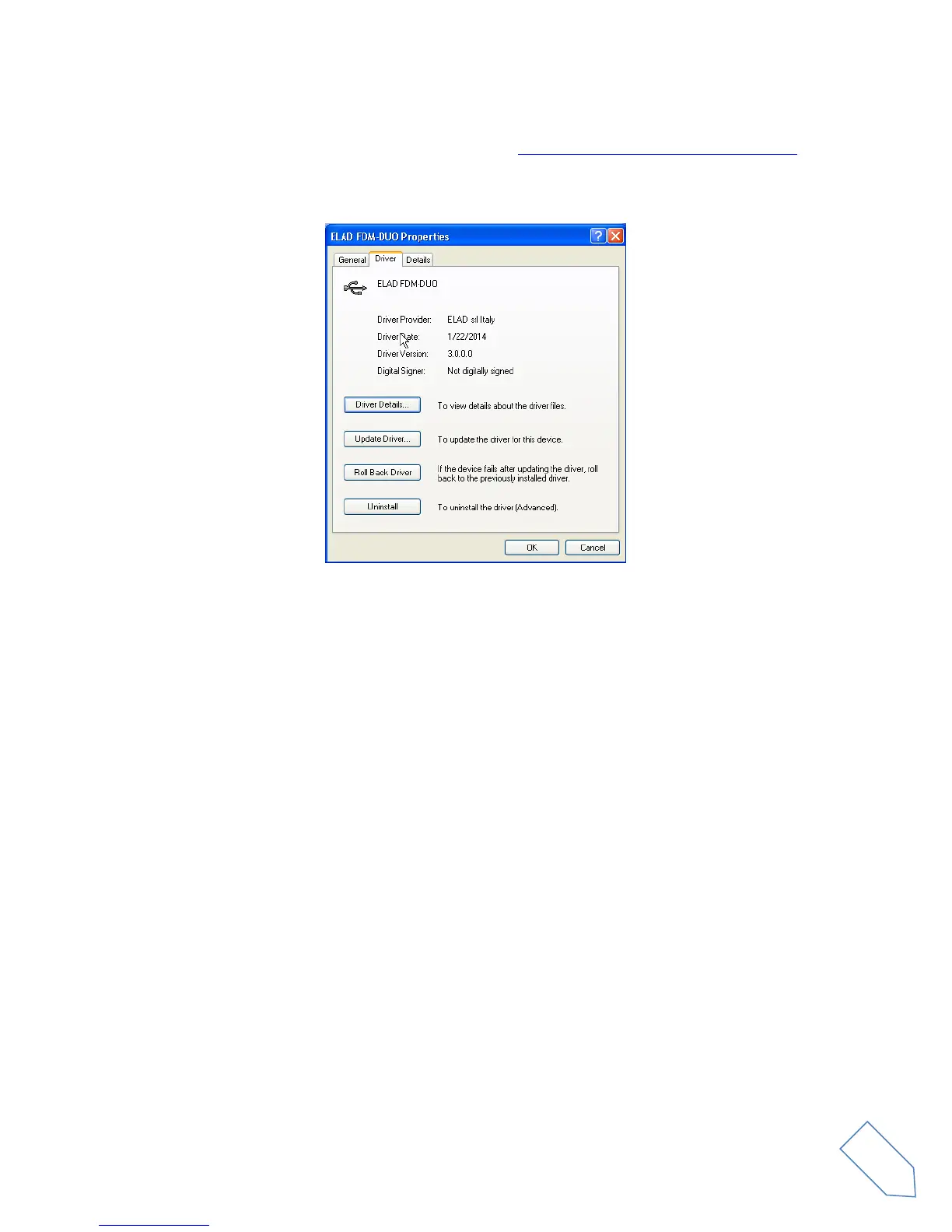
To verify that a correct update is done, enter “Device Manager” from Control Panel; under “ELAD
Samplers” list, select ELAD FDM-DUO driver (see chapter Driver installation verify in Windows Xp) right
click on it and choose “Properties”. Select “Driver” label to visualize the last driver version (an example is
depicted in figure below).


 To Next Page