ELAD FDM-DUO User Manual - Rev. 2.3 - 06/2016
© 2016 ELAD S.r.l. All rights reserved. No part of this document may be reproduced, published, used, disclosed or disseminated in any form or
by any means, electronic, photocopying or otherwise, without prior written permission of ELAD S.r.l.
85
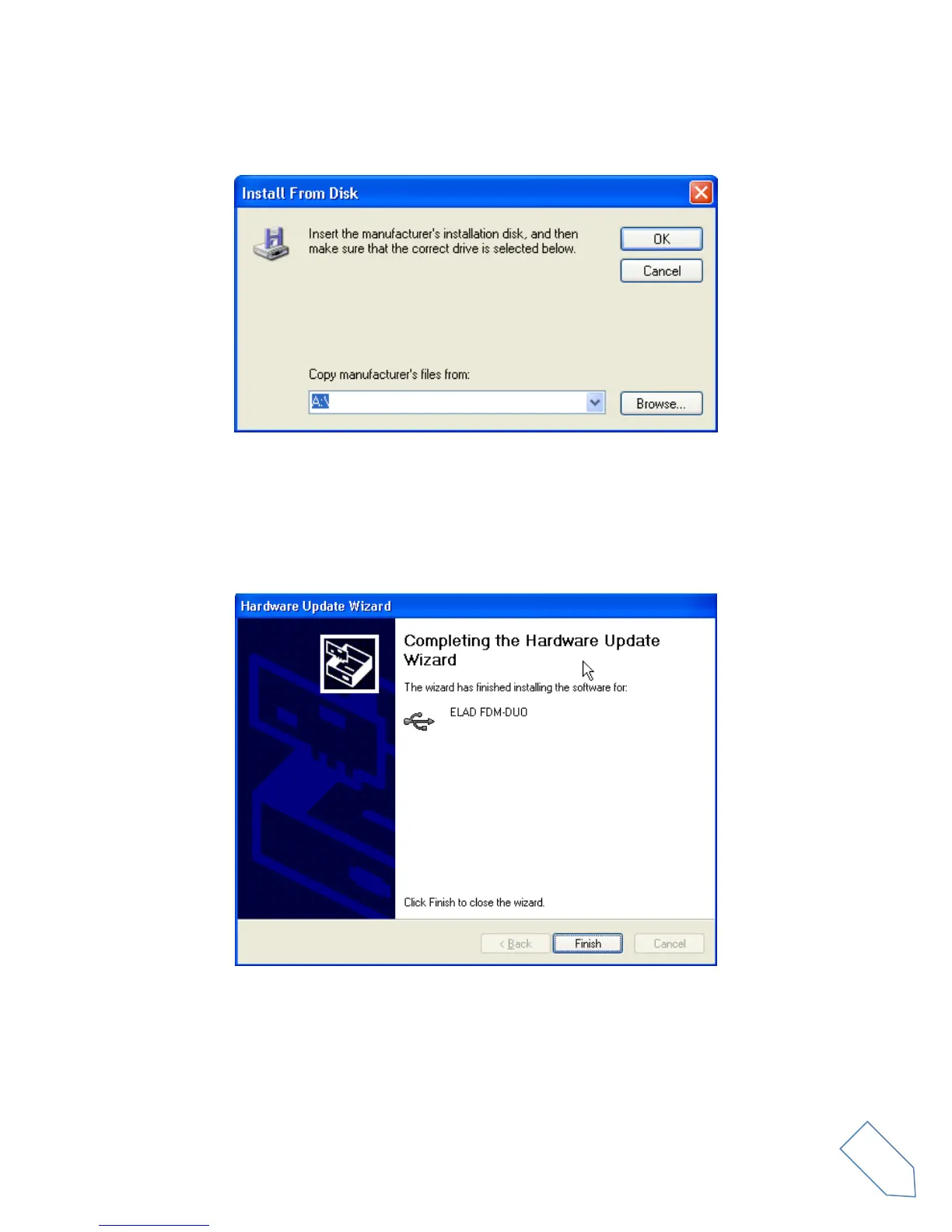
Click on “Browse” and search for the FDM-DUO driver update folder location; then open
winusb_fdmsampler.inf file, as depicted in figure. Click “OK” and then “Next”.
Now driver update starts: at next dialog box select “Continue Anyway” and ignore the warning.
Let the hardware update automatically completes and, at the procedure ending, click on “Finish”; then
disconnect e connect FDM-DUO device on the same USB socket.


 To Next Page