User Guide
Product: Evolis
A_Evolis Solution GB elancity
Page
/
Date: 03/01/2018
Confidential document, property of ELANCITY. All copies and transfers are unauthorized without prior consent.
Factory Settings:
Position
20 mph 30 mph 50 mph 60 mph 70 mph
Minimum speed
displayed
9 mph 9 mph 9 mph 9 mph 9 mph
Color change 21 mph 31 mph 51 mph 61 mph 71 mph
Amber Zone * 2 mph 2 mph 2 mph 2 mph 2 mph
Flash threshold 26 mph 36 mph 56 mph 66 mph 76 mph
Maximum speed
displayed
31 mph 41 mph 61 mph 71 mph 81 mph
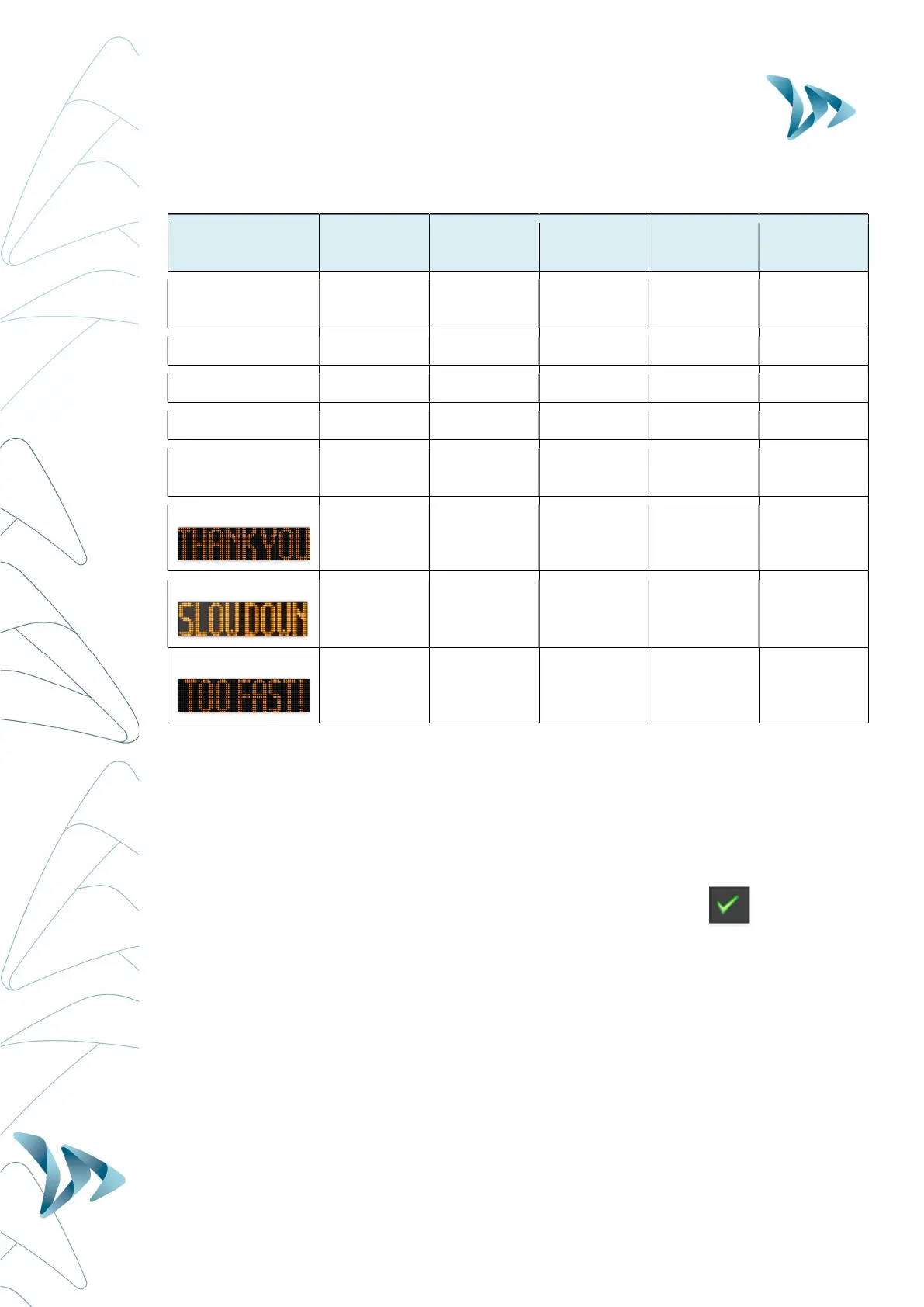
Message n°1
From 9 to
20 mph
From 9 to
30 mph
From 9 to
50 mph
From 9 to
60 mph
From 9 to
70 mph
Message n°2
From 21 to
30 mph
From 31 to
40 mph
From 51 to
60 mph
From 61 to
70 mph
From 71 to
80 mph
Message n°3
From 31
mph
From 41
mph
From 61
mph
From 71
mph
From 81
mph
Before looking at how to re-program your device (change the text messages, modify speed
thresholds etc…) later on in this manual, try this fairly simple manipulation that will allow
you to see how the Evolis works under the factory settings.
Set the dial to the desired speed limit setting (20, 30, 50, 60, or 70).
Then on the Evocom software, select the green tick symbol to launch a display that will
allow you to see your selected settings on the radar screen.


 To Next Page