User Guide
Product: Evolis
A_Evolis Solution GB elancity
Page
/
Date: 03/01/2018
Confidential document, property of ELANCITY. All copies and transfers are unauthorized without prior consent.
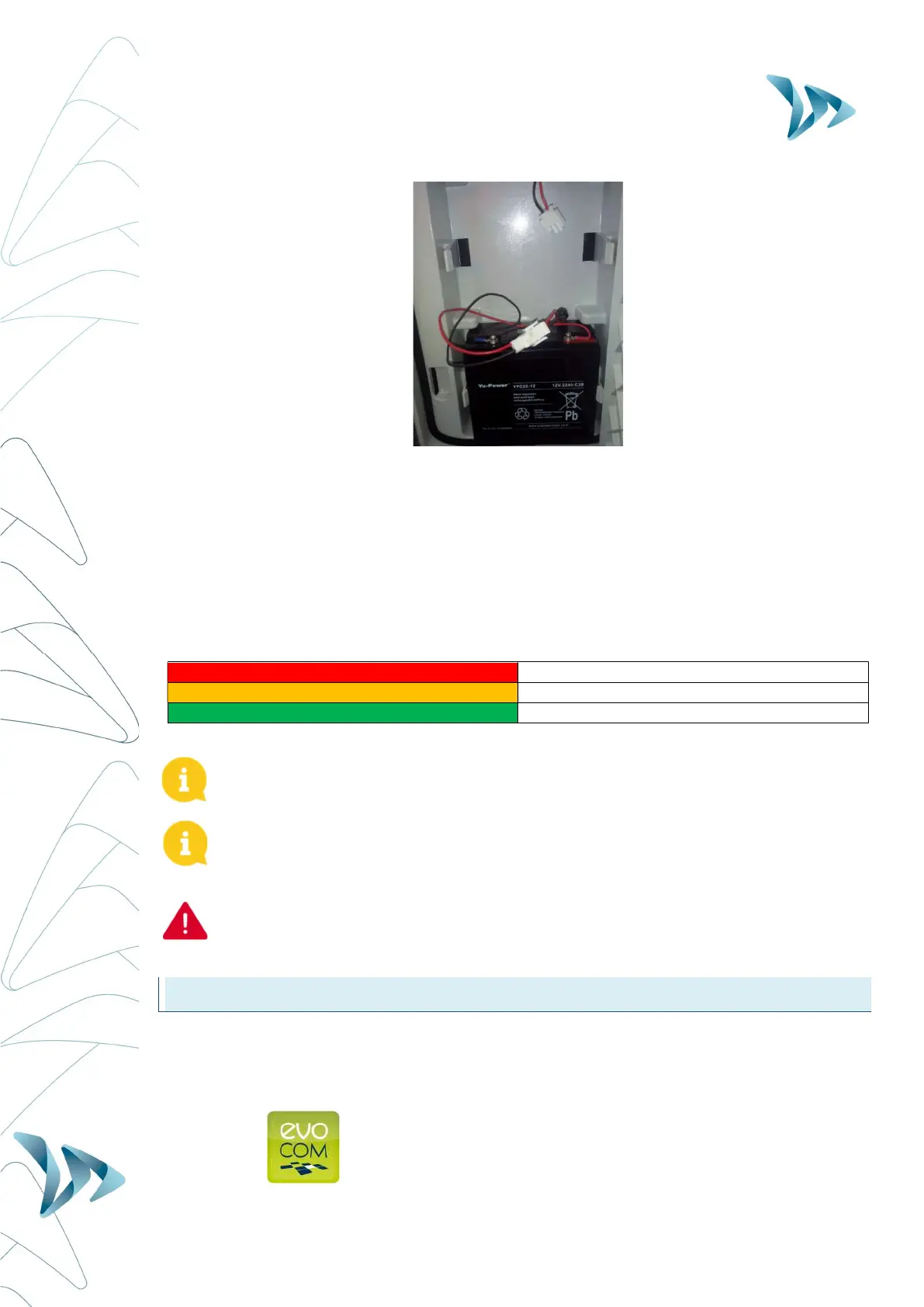
Power autonomy – One sole battery will generally provide sufficient power for 3 to 8 days
dependent on traffic flow. The radar will indicate low-battery by showing a tri-colored square
on the bottom right corner of the speed display. When you see this display (or before), the
batteries should be replaced with the two charged batteries.
Elan City batteries discharged to 11.1V require approximately 5 hours to charge. The charging
time may vary depending on the remaining battery charge and the conditions under which the
charge is made. The batteries can be charged at any time (i.e. there is no requirement to wait
until it is ‘flat’.
Battery charger light RED Signifies the start of the charge
Battery charger light ORANGE Signifies that charging is underway
Battery charger light GREEN Signifies that the battery is fully charged
A charged battery will gradually discharge even when not in use. Remember to
charge the battery before use using the provided battery charger.
Remember to remove the batteries before moving, installing or de-installing the radar
sign. Removing the batteries significantly reduces the weight of the device as well as
the risk of stress related cracking.
Use of batteries, chargers or other accessories not provided by Elan City will
invalidate the Warranty.
6 MANAGING YOUR EVOLIS RADAR SPEED SIGN
Evocom : The Evocom software allows you to set-up and program your radar sign.
Above, in section 4.2 you’ll have seen how to install the software and effect your first test.
When you open Evocom, the default opening page will display a summary of the available
statistics.


 To Next Page