User Guide
Product: Evolis
A_Evolis Solution GB elancity
Page
/
Date: 03/01/2018
Confidential document, property of ELANCITY. All copies and transfers are unauthorized without prior consent.
SPY MODE:
This option allows the radar to continue collecting traffic data as usual, but the motorist will
only see a blank radar screen. This allows you to test the radar’s efficiency by comparing the
traffic statistics recorded when the radar is ON against those when it is (seemingly) OFF.
STATISTICS:
Allows you to enable/disable the two-way traffic data recording.
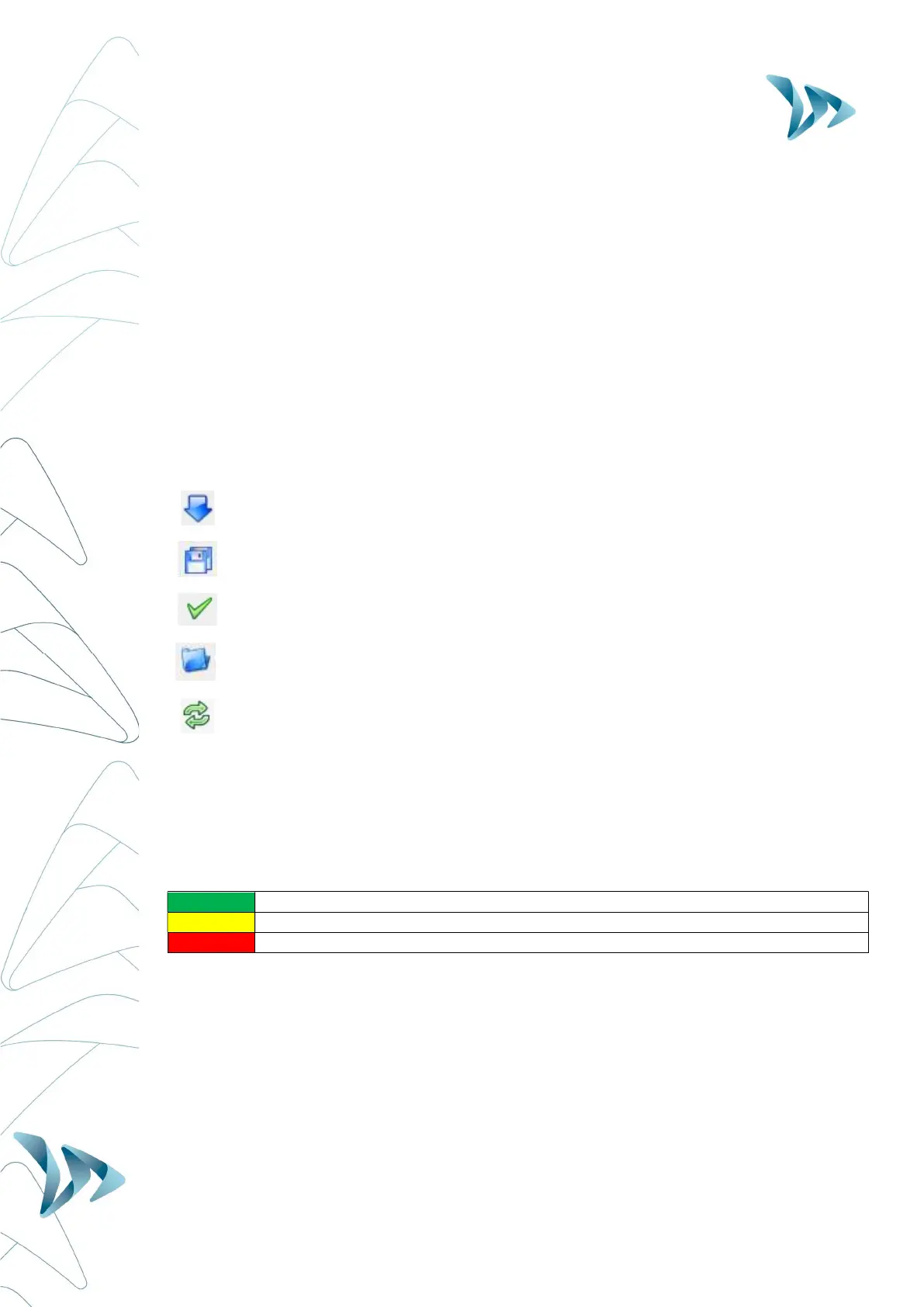
6.1 ICONS
SEND the new settings to the Evolis radar.
SAVE the setting for future use (speed settings only)
SEE your new settings displayed on the Evolis radar screen
OPEN a previously saved setting
RELOAD the parameters of a previously recorded setting into the Evolis radar
6.2 THREE-COLOUR DISPLAY :
The Evolis radar can display up to 3 colours: (Note : The factory setting uses two colours
only for the speed display: green and red.).
GREEN
for speeds
the speed limit
AMBER
for speeds
the speed limit
RED
for speeds
the speed limit
* Amber activation: To activate additional amber colour follow the directions below:
Ensure the control dial is set to ‘SP’
Go to Settings, select the check box “three-color display (green/amber/red).”


 To Next Page