R
17
If a delayed start time is set, is displayed during this time period.
Logging starts after the delayed start time, is displayed and readings are taken at the set interval.
To return to the Batch menu, press Esc.
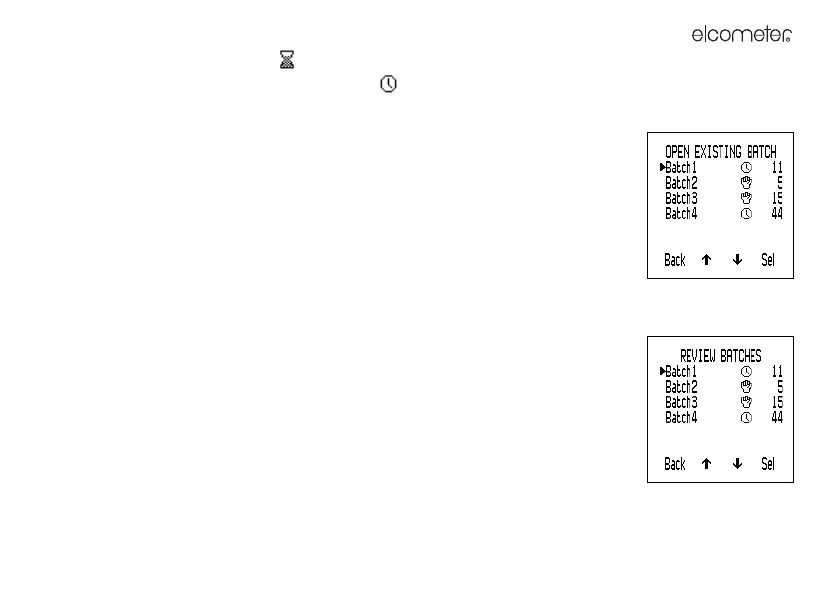
Open Existing Batch: Opens an existing batch ready to input more data by manual
or interval logging.
The Open Existing Batch menu is displayed. The batch number, batch type and
number of readings of each batch in gauge memory is listed.
To select a batch, scroll to the batch and press Sel.
If the batch is a manual logging batch, measuring starts and you can Save or
Hold>Save the readings.
If the batch is an interval logging batch, to start logging, press Start. Logging starts
immediately (even if the existing batch had a delayed start).
Review Batches: Opens an existing batch and shows the readings and statistics on
the display.
The Review Batches menu is displayed. The batch number, batch type and number
of readings of each batch in gauge memory is listed.
To select a batch, scroll to the appropriate batch and press Sel.



 To Next Page