R
16
5 BATCHING [T]
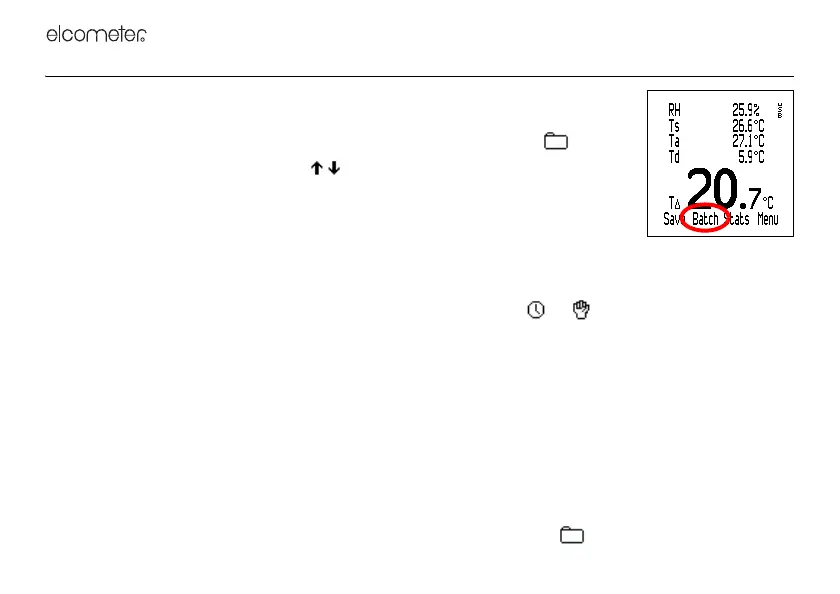
This section describes the functions available by pressing Batch from the reading
screen.
Note: When a batch is already open, the Batch softkey is replaced by .
To access or initiate a function, scroll to the required function and press Sel. To
return immediately to the reading screen at any stage, press and hold Back/Esc.
Exit Batching: Exits batching and returns to the reading screen.
New Batch: Creates a new empty batch ready for data input by manual or interval
logging.
The New Batch menu is displayed. The batch number and batch type are displayed.
To toggle the batch type (interval logging or manual logging), press or .
To set limits for the batch, press Limits (see “Set Limits” on page 23).
When you have set batch type and limits, press Ok.
• If the batch type is set to manual logging, the batch is created and the gauge starts measuring. To
save a value into the batch, press Save or Hold>Save - see page 26.
• If the batch type is set to interval logging, the Set Interval menu is displayed. The interval between
readings, Approximate number of Readings and Approximate number of Days are displayed. To adjust
the interval, scroll to the required value (1 second to 24 hours) and then press Ok.
The Set Delayed Start menu is displayed. To adjust the delayed start time, scroll to the required value
(Off, 1 minute to 60 minutes) and then press Ok.
To initiate logging, press Start (or to return to the Batch menu, press ).



 To Next Page