R
22
• the parameter icon flashes (even if it has been deselected to be shown on the display)
• an alarm symbol is displayed next to the parameter.
• if the readings are being logged into batch memory [T] a reading which exceeds a high limit is marked
by and a reading which exceeds a low limit is marked by .
When the value of the parameter returns within limits the alarm status is cleared automatically.
The volume level of the alarm is determined by the Beep Volume setting (Menu>Setup>Beep Volume).
8 THE MENU
This section describes the functions, gauge settings and gauge information available
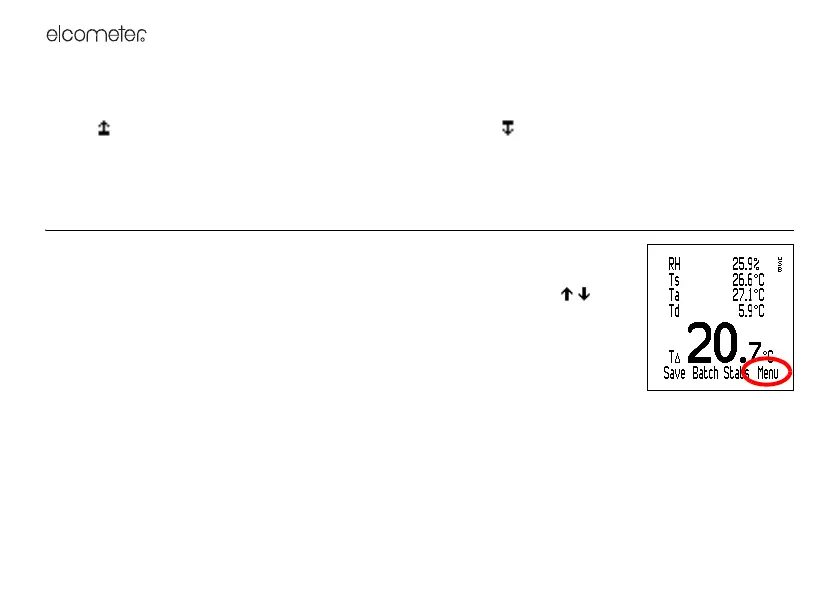
by pressing Menu from the reading screen.
To access or initiate a function, gauge setting or gauge information, scroll to the
required function and press Sel. To return immediately to the reading screen at any
stage, press and hold Back/Esc.
Delete Last Reading: Deletes the last reading taken.
Display shows Are You Sure? and gauge beeps 3 times.
Press Yes to delete or No to decline.
Backlight: Toggles the display backlight on/off.
Thermometer Mode: Toggles gauge thermometer mode on/off.
When Thermometer Mode is toggled ‘on’ the gauge only measures and displays the external probe
temperature (Te) via an external temperature probe - all other functions are disabled. If an external



 To Next Page