www.elcometer.com
nl-9
R
9 & (vervolg)KENMERKEN FUNCTIES DIGITALE DRUKMETER
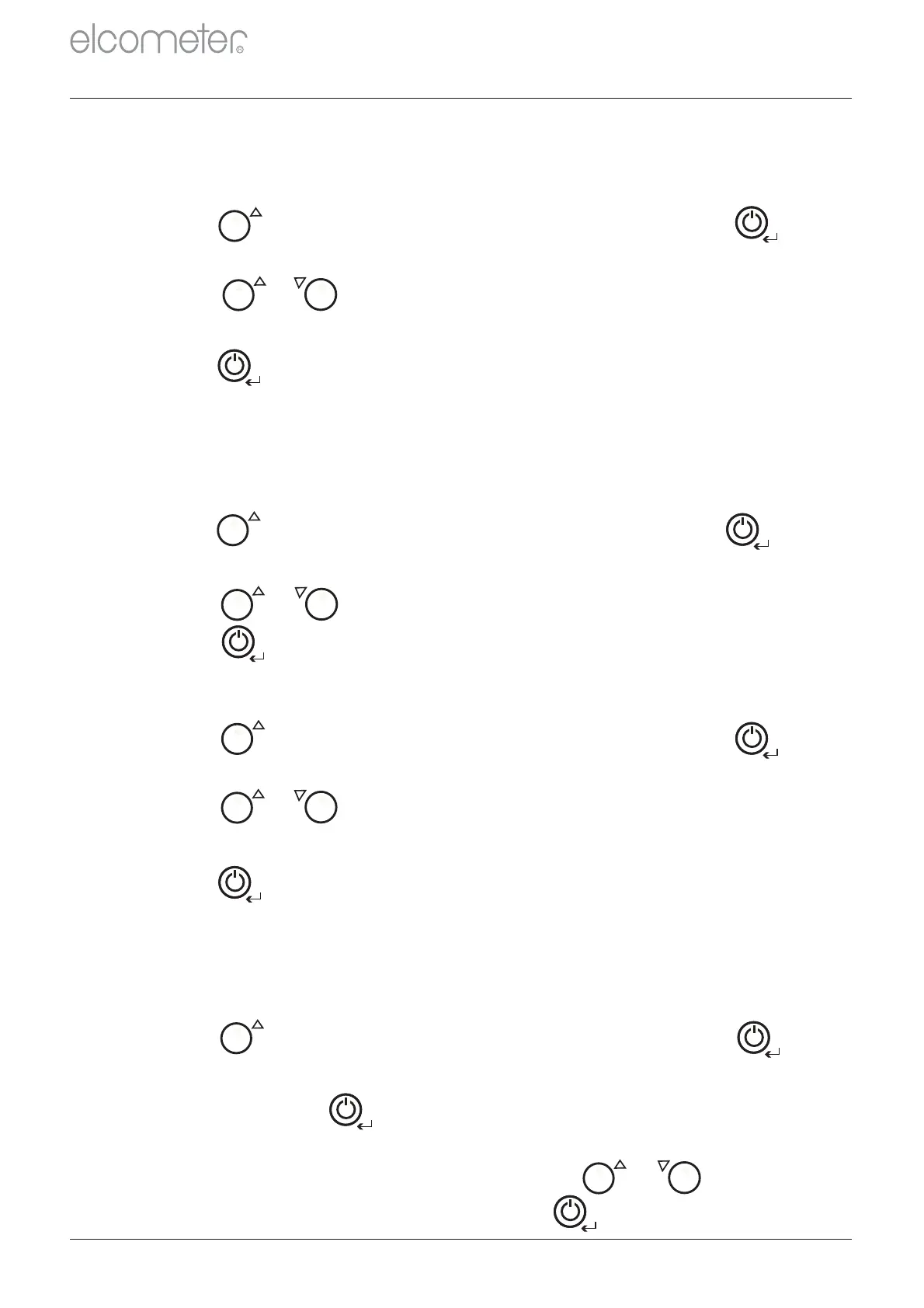
1 Druk op totdat word getoond gevolgd door om te
selecteren.
RESET
De meter kan metingen tonen in a (megapascal) of (pond per
vierkante inch).
MP PSI
De meter heeft een resetfunctie waarmee u kunt terugkeren naar de
originele fabrieksinstellingen.
3 Druk op om de gewenste eenheid te selecteren.
AUTOMATISCHE UITSCHAKELFUNCTIE: De meter heeft een
timerfunctie die u kunt instellen om automatisch na 1, 5 of 20 minuten
inactiviteit de meter uit te schakelen. De standaardinstelling is .GEEN
2 Druk nogmaals op om de reset te bevestigen. De meter zal
opnieuw instellen en uitschakelen.
2 Druk op of om te schakelen tussen de opties , 1GEEN
MIN MIN MIN, 5 , 20 .
9.5 DE METER RESETTEN
1 Druk op totdat word getoond gevolgd door om te
selecteren.
UNITS
3 Om de resetactie te annuleren drukt u op of om te
schakelen naar ‘ ’ gevolgd door ter bevestiging.CANCL
1 Druk op totdat word getoond gevolgd door om te
selecteren.
DOLLY
3 Druk op om de gewenste instelling te selecteren.
9.4 DE DOLLYMAAT INSTELLEN
2 Druk op of om te schakelen tussen de opties 20 ,
14.2 , 50 .
MM
MM MM
1 Druk op totdat word getoond gevolgd door om te
selecteren.
TIMER
2 Druk op of om te schakelen tussen en .MPA PSI
3 Druk op om de gewenste instelling te selecteren.
9.3 MAATEENHEID KIEZEN
MENU
MAX
MENU
MAX
MENU
MENU
MAX
MENU
MENU
MENU
MAX
MENU


 To Next Page