www.elcometer.com
en-8
R
8 AFTER TEST
Note: Failure to release the ‘Max Hold’ and zero the gauge before each adhesion test
will result in an invalid adhesion measure.
1 Fully unwind the crank handle and coarse adjustment screw
(anti-clockwise) to decrease the pressure to zero.
2 Pull up the quick connect coupling to release the dolly.
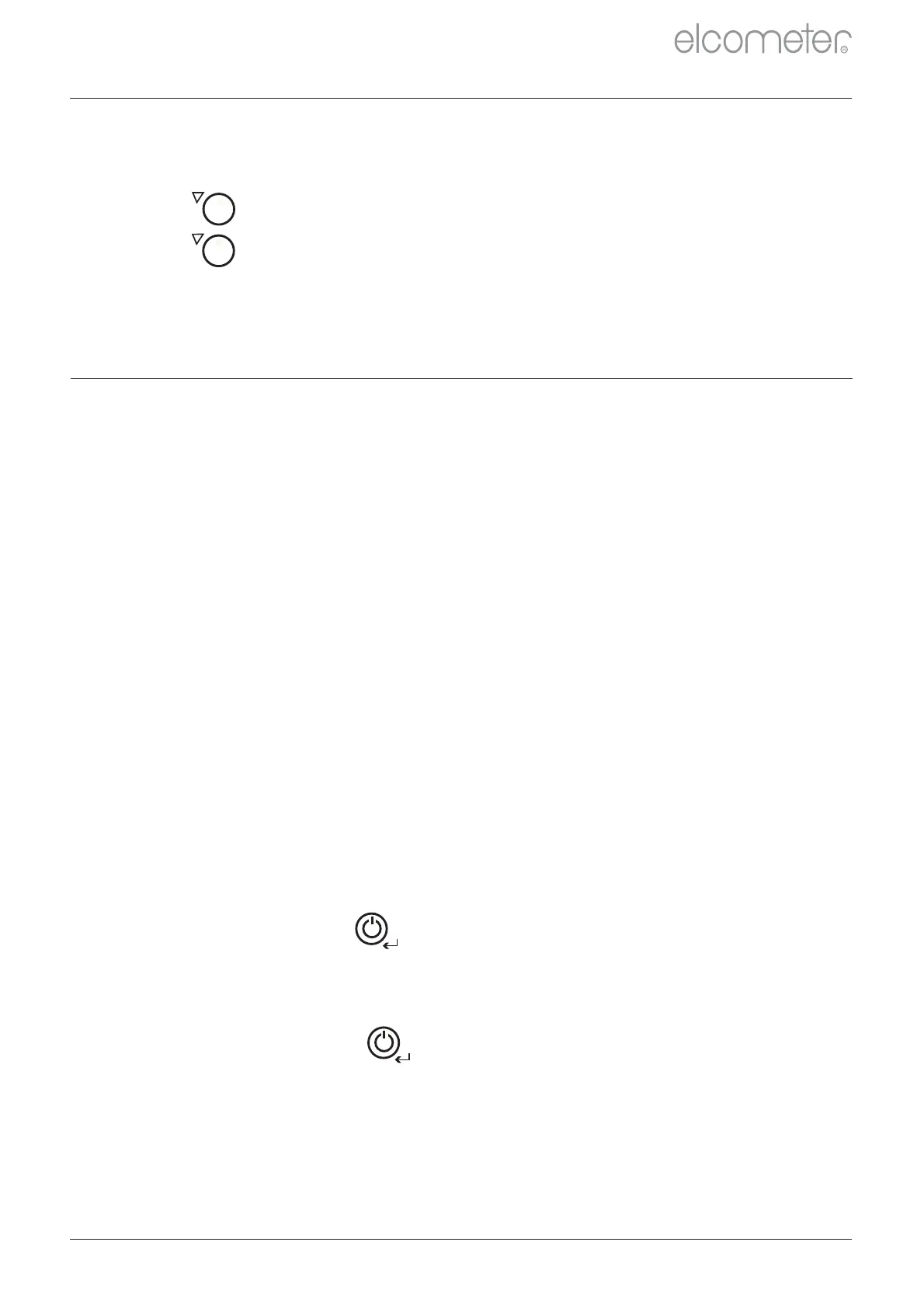
3 Press to release the ‘Max Hold’.
4 Press again to zero the gauge and reset ‘Max Hold’.
MAX
MAX
9&DIGITAL PRESSURE GAUGE FEATURES FUNCTIONS
1 Peel the protective rubber boot forward to expose the battery
compartment cover at the rear of the gauge.
9.1 FITTING THE BATTERIES
2 Rotate the battery compartment cover anti-clockwise to the
‘unlock’ position.
9.2 SWITCHING THE GAUGE ON AND OFF
5 Replace protective rubber boot taking care not to damage the
front panel of the display.
3 Identify correct polarity and fit 2 x alkaline dry batteries.AA
4 Replace battery compartment cover and rotate clockwise to the
‘lock’ position.
The battery symbol at the bottom right hand side of the display
indicates the battery condition.
Note: Batteries must be disposed of carefully to avoid environmental contamination.
Please consult your local Environmental Authority for information on disposal in
your region. Do not dispose of any batteries in fire.
TO SWITCH OFF: Press and hold for a second. The gauge will
switch off when the button is released.
TO SWITCH ON: Press . The gauge displays the version of
software fitted (e.g. 1.04.03 IDENT) followed by the MIN and MAX
range in MPa.
Note: When the digital pressure gauge is switched off, “OFF” is permanently
displayed.


 To Next Page