5. Setting The Temperature
When the radiator is on press the
OK Mode
button.
Stop at COMFORT (☼
) mode.
Use the
+
and
–
buttons to select the desired temperature for comfort. Comfort
temperature is generally regarded to be between 18 and 21 degrees for most people.
Remember, the lower you have it, the lower your bills will be.
Each radiator in different rooms can be different temperatures. Your Living room could be
19 for instance, and the bedroom 16.
You don’t need to turn the temperature up when it’s colder outside. The radiator will heat up
to the set temperature regardless.
Once the Comfort ( ) temperature is set, press the
OK Mode
button once to set the
ECONOMY ( ) temperature.
We recommend the ECONOMY (
☾
) temperature to be 3.5 degrees lower than the
comfort temperature.
This difference is set into the radiator. For example, if your comfort temperature is 19
degrees, you can only set the economy temperature to a maximum of 15.5. If you try to go
above this, it will default back to 7 degrees.
The difference of 3.5 degrees is the optimum for achieving the best running cost.
6. Energy Saving Functions
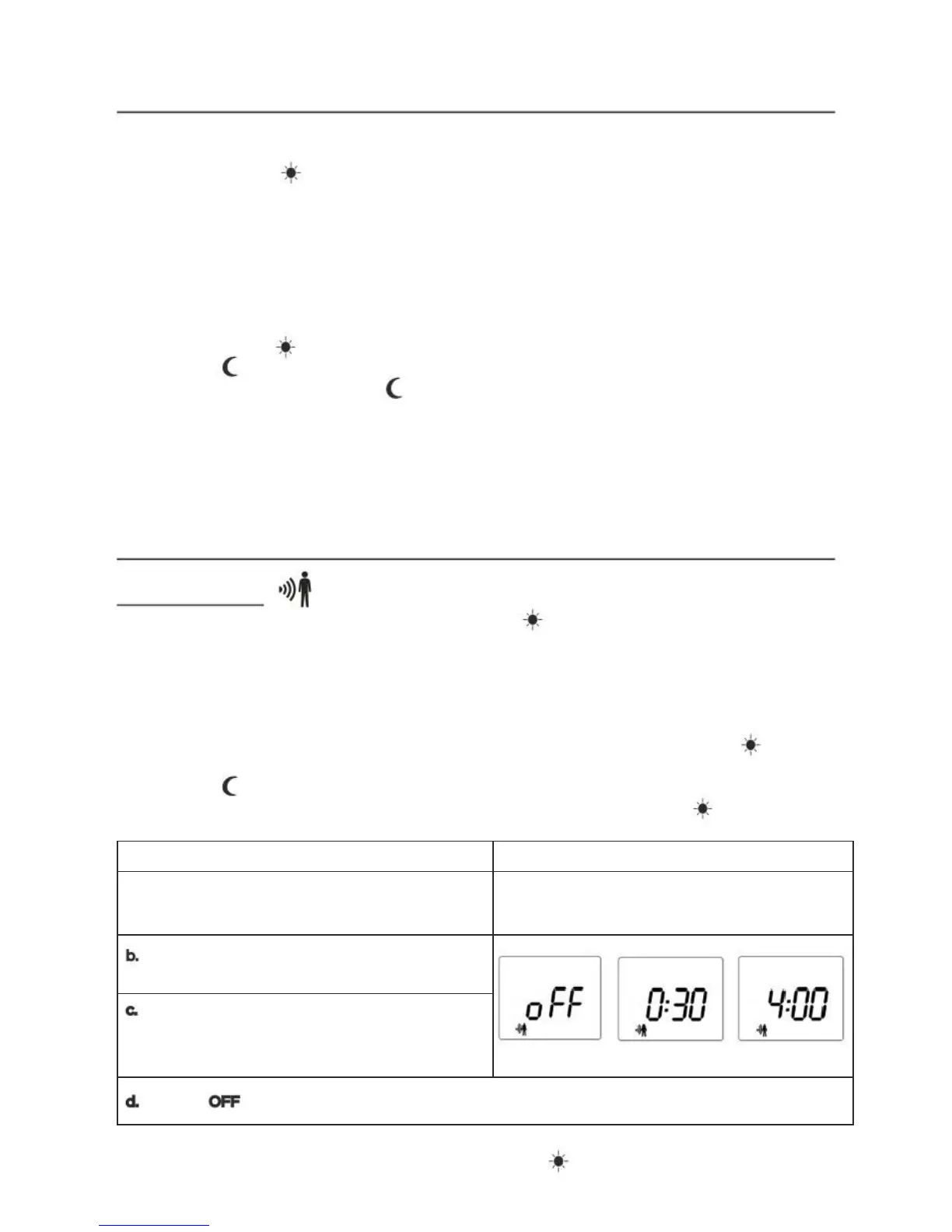
6.1. Motion sensor
Note: This function is only available in COMFORT ( ) mode (not in programming
modes PRO/PRO 1/PRO 2/PRO 3).
The radiator is equipped with a motion sensor that detects presence in the room. When
this function is on, the radiator will reduce its temperature over a configurable time of
absence.
You can set the time of absence from 10 minutes to 4 hours. When half this time
has passed with no motion detected, the radiator will reduce the COMFORT (
)
temperature by 1.5 degrees. When all of the time has passed, the radiator changes to
ECONOMY ( ) mode.
If at any time motion is detected, the radiator will return to COMFORT (
) mode.



 To Next Page