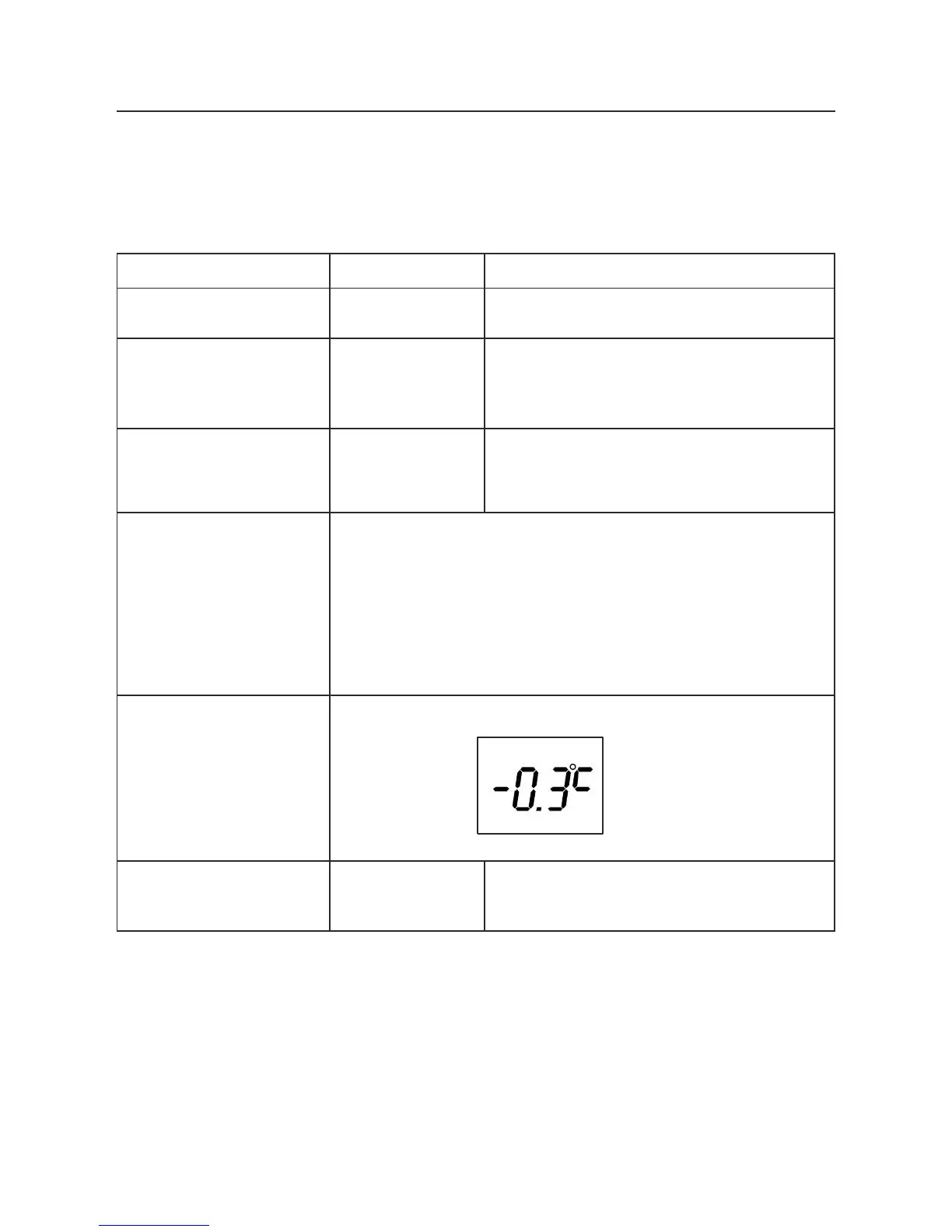
8. Temperature Offset
If the user wishes to set his value to be as close as possible to the room’s real
stabilized ambient temperature, measured using a suitable measuring device, and that
the measured temperature is not, for example, that of a cold draught passing over the
temperature probe (badly fitting window), an «offset» value can be manually applied.
Screen --:-- or hour : minutes
b. Repeat action 7a, 7b,
8b, 9b to pass through
previous setting menus,
1x Long Press
MODE and 2x
Short Press
MODE
c. Go to the offset set-
ting menu
The previous offset value is displayed
(0.0°C if not previously set: factory
setting).
d. Calculate the new
offset value
Measured temperature - Displayed set value = offset value to
be entered
>Example:
22°C room temperature (measured using a thermometer)
compared to the thermostat setting (displayed) of 20°C
The offset value is 22 - 20 = +2°C
The user should enter +2°C in the offset menu
Press the + and - buttons; offset adjusted by steps of 0.1°C
Press (short
press) the MODE
or OFF button
Screen --:-- or hour : minutes
Please note, the manufacturer recommends that you keep at 0.0



 To Next Page