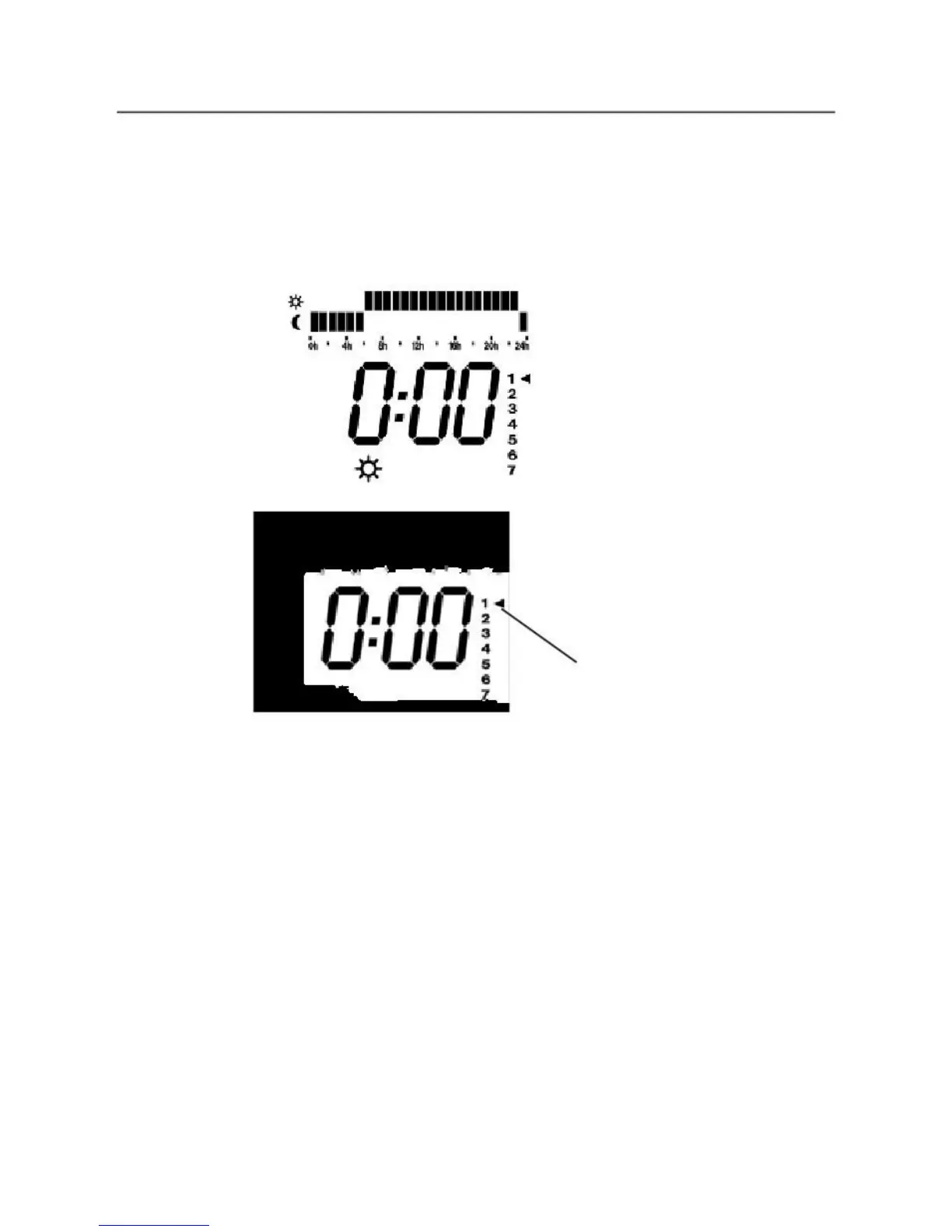
1. Setting The Time
When switched on the screen will flash. Press any button and the screen will stop
flashing. Press the
ON
button to switch the radiator off so the screen looks like this
-- : --
Press and hold the
ON
button for approx. 7 seconds until the screen changes to:
Press
ON
button once more and this screen will appear:
FLASHING
This is the clock setting screen
1-7 down the right hand side are the days of the week (1=Monday, 2 = Tuesday etc.)
Use
+
and
–
buttons to select day of week. (1=Monday, 2=Tuesday etc.). Press
OK
Hour will now flash. Use
+
and
–
to correct hour. Please note it is a 24 hour clock. Press
OK
to set.
Minutes will now flash. Use
+
and
–
to correct minutes. Press
OK
to set.
The
1-7 day markers will disappear.
The time is now set and appears on screen with the colon between the hours and
minutes flashing.
Please note when the time is on the screen as here the radiator is switched off (S tandby).



 To Next Page