4.3 Heat up indicator
If you turn on the heating function,
appears. The bars show that the temperature
in the oven increases or decreases.
When the oven is at the set temperature, the
bars go off the display.
5. BEFORE FIRST USE
WARNING!
Refer to Safety chapters.
5.1 Initial Cleaning
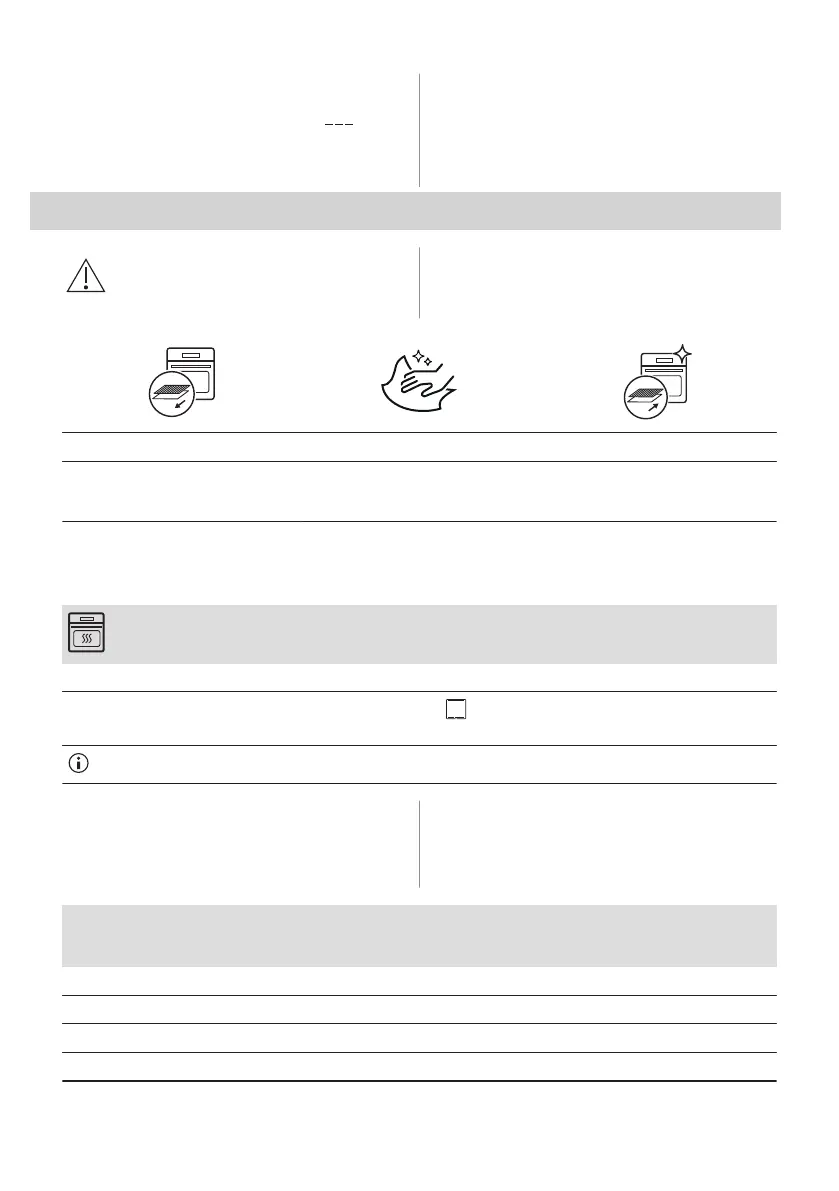
Step 1 Step 2 Step 3
Remove all accessories and remov‐
able shelf supports from the oven.
Clean the oven and the accessories
with a soft cloth, warm water and a
mild detergent.
Place the accessories and the re‐
movable shelf supports in the oven.
5.2 Initial preheating
Preheat the empty oven before the first use.
Step 1 Remove all accessories and removable shelf supports from the oven.
Step 2
Set the maximum temperature for the function: .
Let the oven operate for 1 h.
The oven can emit an odour and smoke during preheating. Make sure that the room is ventilated.
5.3 Setting the water hardness
When you connect the oven to the mains you
have to set the water hardness level.
The table below shows the water hardness
range (dH) with the corresponding Calcium
deposit and the quality of the water.
Water hardness Calcium deposit
(mmol/l)
Calcium deposit
(mg/l)
Water classifi‐
cation
Class dH
1 0 - 7 0 - 1.3 0 - 50 Soft
2 7 - 14 1.3 - 2.5 50 - 100 Moderately hard
3 14 - 21 2.5 - 3.8 100 - 150 Hard
4 over 21 over 3.8 over 150 Very hard
10 ENGLISH



 To Next Page